Playing Valheim gives you a glimpse into the Viking lifestyle and also their mythology. Being the tenth world in the branch of the Yggdrasil. You start in the Meadows biome, a peaceful area covered in grass, hills, rivers, and lots of different types of trees. The further you venture out of here, the more hostile the world turns towards you. But all the best resources and items are found outside the Meadows. Since your item carry limit is 300, which can be upgraded to 450 once you meet Haldor in the Black Forest biome. So let’s look at how to destroy items in Valheim and get rid of them.
How to Destroy And Delete Items in Valheim
There is no option in Valheim to destroy or delete an item as of now unless you use Valheim Console Commands. You can drop an item if your inventory is full or you can Split Item Stacks rather than dropping an item and being sorry about it later. Splitting an item stack is the best way to divide the resources with your teammates when a resource is necessary for building or crafting something important. Here we have a detailed guide on How to Split Item Stacks. If you don’t want an item anymore, then you can drop it in water. You can also drop all the unwanted items in the open ground and use F5 to bring up the command window. Make sure to enable console commands by reading this article here. Type in “devcommands” then followed by “removedrops” to delete and destroy all dropped items. This will successfully get rid of it.
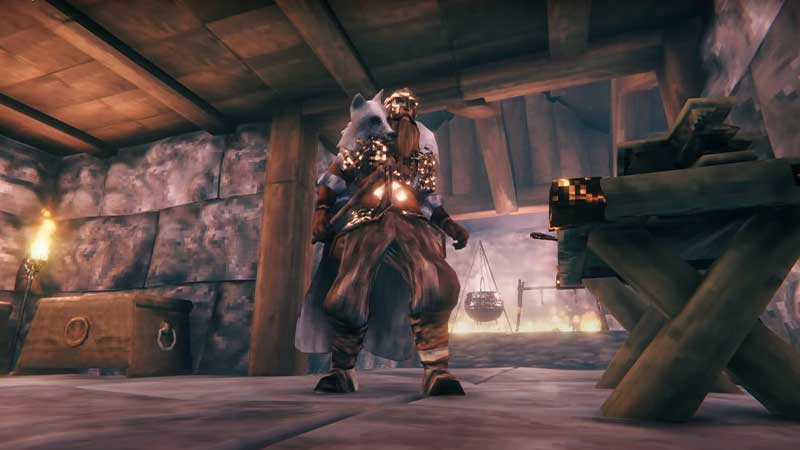
So till the developers give us an option to remove an item from the inventory, your best bet is to either split the item stack, drop it in water, or use console commands to destroy the item instantly. We will be updating this page if we find any other way to destroy an item, or when this feature is added to the game as an option.
You can use this method to delete and remove any item. This includes tools and weapons like pickaxes, axes, hammers, swords, shields, arrows, knife and spears. You can also drop resources like iron, copper, silver ores, and all food items.
That’s all about how to destroy and delete items in Valheim and get rid of them. While you’re here, check out more tips & tricks that will help you level up your gameplay in our Valheim guides like:
- How to Get Core Wood
- How to Build and Upgrade Forge
- Where to Find Fine Wood
- Valheim Dragon Egg – All You Need to Know
- Where to Find Ancient Seeds
- Where to Get Surtling Cores
- How to Obtain Carrot Seeds
- How to Get Copper Ore and Tin
For more details do not forget to visit our Valheim Wiki Guide for cheats, boss fights, rare resource locations, etc.