
Since Stardew Valley has received the new 1.6 update, players have been looking forward to try out all the items that have been recently added. With functional equipment like the Farm Computer, you will also need other tools that will help you take care of the tasks you have to complete around your farm.
As a result, many players have been using the Wood Sign, Stone Sign, and Dark Sign to label or highlight certain aspects of a particular area. The only downside of this is that you can only display images.
However, players can now take advantage of the new item, Text Sign in Stardew Valley, and instead of pictures, they can type in any message they want. If you want to learn more about this feature and how you can get this handy tool, here’s everything you need to know.
How to Craft Text Sign in Stardew Valley 1.6
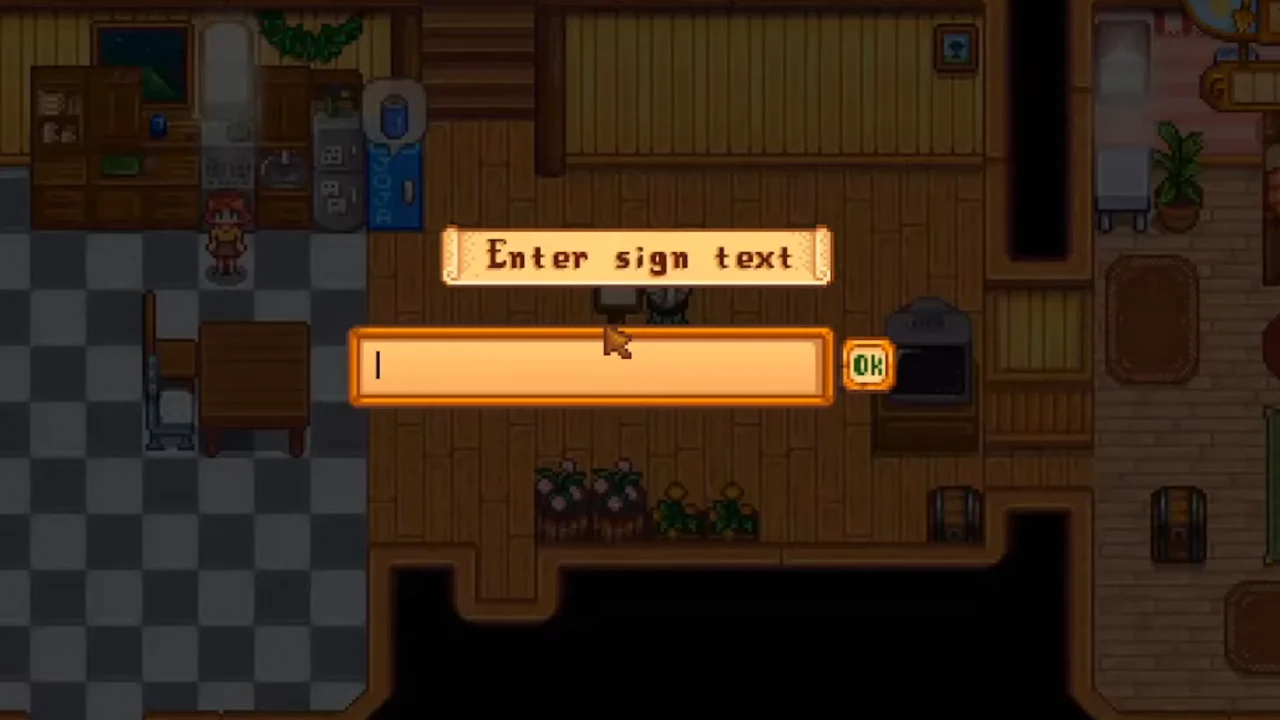
Unlike other equipment like the Dehydrator, you will not need to spend any Gold to purchase the Text Sign recipe, as you can find this tool under the ‘Crafting‘ section in your inventory.
However, since this is a craftable item, you will have to first collect the ingredients to build this Sign. Although this recipe only consists of one ingredient, you will have to gather 25x Wood to begin this crafting process.
Luckily, Wood is one of the most common resources in SDV. You can get this material by chopping trees and branches with an Axe. Additionally, it can also be purchased from Robin’s Carpentry Shop and can sometimes also be found in Fishing Treasure Chests.
Once you have collected a sufficient amount of Wood, you can craft the Text Sign in Stardew Valley. Once created, write down any custom message you want and use it to highlight or label any area.
Additionally, whenever you pass by this Sign, the text you typed in will be displayed as a speech bubble. You can also customize the message anytime you want.
We have covered everything you need to know about getting the Text Sign. Don’t forget to check out how you can get the Meowmere, Copper Pan, Pine Tar, and Sonar Bobber, all available here on Gamer Tweak.











