
Home > Starfield > Starfield Power Cell Locations

Where To Find Power Cells In Starfield (Locations)

Published Date :

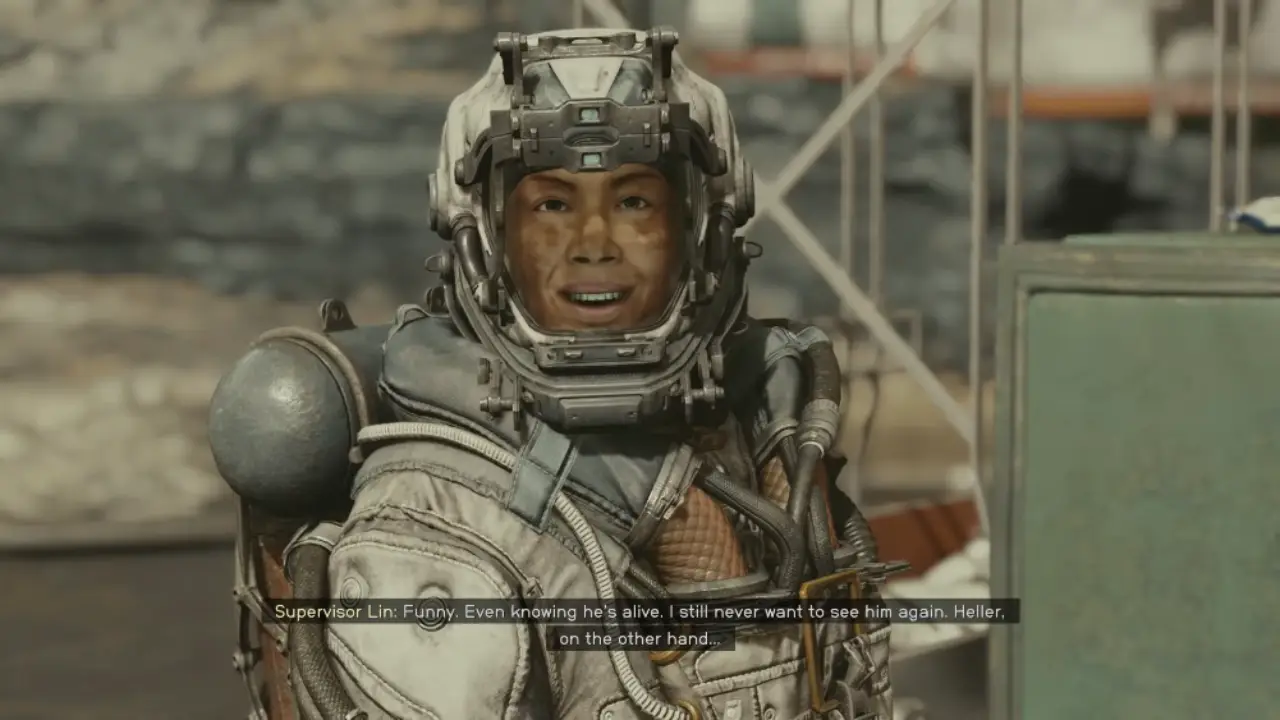
During the Back to Vectera quest, you will embark on a mission to rescue Barrett, who has been captured by pirates on Vectera. When you reach the Argos Extractors Mining Outpost, Supervisor Lin reveals you’re Barrett’s only hope of rescue. However, to locate him, you will need to repair a communications computer, which requires Power Cells to bring it back online. We’ll tell you the locations of all three Power Cells in Starfield.

Emergency Power Cell Locations in Starfield
Where To Find Power Cells In Starfield

To make progress in the Back to Vectera quest, you’ll need to access an important audio log stored on a computer. However, the computer has no power. Your HUD interface reveals three objectives – find and install Power Cells into the outlets near the computer terminal to restore power.

The Power Cells are scattered around the various sections of the mining station. Take time to thoroughly explore side areas, as extra Power Cells may have already been collected during previous missions. With the station in disarray, the Cells could be tucked away in hard-to-reach spots.

Here are the locations where you will find the three emergency Power Cells:

  • Talk to Supervisor Lin at her location to request a Power Cell from her supplies.
  • Search the robot standing next to Lin.
  • Interacting with the Medbench terminal at Infirmary.

What Happens After Power Cells Are Installed?

Once three Power Cells are installed, power will be restored to the computer. Play the audio log to uncover clues about Barrett’s whereabouts and continue your search to complete the mission. Thoroughly comb each area to find additional clues or supplies before moving on.

That’s all on Power Cell locations in Starfield. While you are here you should also check out our other guides on how to get the Mantis shipadd workbenches to ships, and save Barrett. Also, be sure to visit our Starfield section.

  • GTA 6 Players in Australia May Need Age Verification Due to New Online Safety Rules

    GTA 6 Players in Australia May Need Age Verification Due to New Online Safety Rules

    Published Date :

    Australian players could have an extra requirement to meet before accessing Grand Theft Auto VI’s online features. Under the country’s updated online safety regulations, games classified as R18+ may need to verify that players are adults instead of relying on a simple age confirmation (as per news.com.au). If GTA 6 falls under those requirements, Rockstar… Read More

  • Tactical Swat Simulator Codes (July 2026)

    Tactical Swat Simulator Codes (July 2026)

    Published Date :

    This action-packed game is all about completing objectives, clearing the area, and stopping hostile suspects, and while you’re at it, you can earn plenty of cash. Luckily, Tactical SWAT Simulator codes also give you free Cash that can be put toward new gear and upgrades, helping you strengthen your loadout before heading back into the… Read More

  • Roblox Chameleon Codes (July 2026)

    Roblox Chameleon Codes (July 2026)

    Published Date :

    Meccha Chameleon’s virality is bringing similar games to Roblox, and this one’s called Chameleon! Blending into your surroundings is the key to staying hidden, but unlocking new cosmetics and customization options makes every match even more enjoyable. Roblox Chameleon codes give you free Coins that you can spend on new skins and other in-game items,… Read More

  • Reclone Codes (July 2026)

    Reclone Codes (July 2026)

    Published Date :

    Reclone is a sci-fi stealth horror game where you get on a research spaceship and survive the dangers that lurk. This means, you need all the boosts you can get which is exactly what Reclone codes provide! If you’re running short of Tokens or cash, make sure to redeem them quickly so that you have… Read More








