
Outriders stands out from other co-ops role-playing third-person video games thanks to its special RPG system. Players can customize their arms and armor by selecting from a variety of upgrades that improve their gear and unlock some amazing synergies. The majority of gameplay mechanisms are focused on using the right skill at the right way at the right time. You have plenty of skill sets for all four classes and their abilities are mentioned in the game along with the skill description. Many skills in Outriders mention “marked opponent,” which many players are unfamiliar with. So today let’s look at what is a marked enemy and how to mark enemies in Outriders.
What is a Marked Enemy?
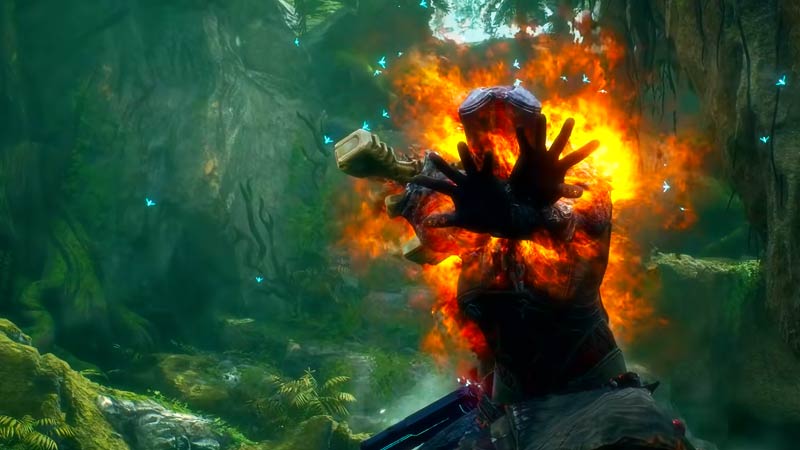
Marked enemies are the enemies whom you choose to deal damage with your kills. Many skills require you you kill the marked enemy before the skill effect wears off. For now let’s understand this by looking into Pyromancer’s Thermal Bomb, which says “Select an enemy to Burn, Interrupt, and deal damage to. If killed while still afflicted by the skill, the enemy will explode, dealing damage within a large radius (reach~=35m)“. This requires you to kill the marked enemy before the skill effect on them wears off to get additional huge AOE damage. So in short, marked enemies are those who you cast your spell on at any given time.
How to Mark Enemies in Outriders?
When an opponent is struck by one of your skills in Outriders, they are instantly automatically marked. This is very important as killing enemies is the only way to heal in Outriders. Any kill in close quarters restores the Trickster’s health and grants him a shield. The Devastator recovers in the same manner as the Trickster does by defeating opponents in close quarters, but instead of obtaining a shield, the Devastator simply adds more HP to their enormous bar. Finally, the Technomancer regains some HP for each shot they fire, effectively draining health from opponents.
That’s everything you need to know about what is marking and how to mark enemies in Outriders. While you are here, also check out more tips & tricks in our Outriders Guides, like:
- How to Beat Captain Reiner – Boss in Payback Side Mission
- Outriders: Class Tier List Ranked
- Outriders: Pyromancer Best Build
- How to Fast Travel in Outriders
- How to Delete Your Character in Outriders
- Outriders: How to Play Offline











