The Boost Pack not working in Starfield can be an annoying issue for the players wanting to fly their Jet Packs. As a Boost pack or Jet pack is the only medium to transport, this issue is a trouble while exploring the planets or traveling the surface. You can not only use this tool to transport but also have an edge over your opponents during combat. But as players try to use their found Jet pack, they cannot use it even with the right controls. Don’t worry, we have compiled some workarounds or solutions to resolve the Boost Pack or Jet Pack not working issue.
Fix Starfield Boost Pack Not Working Issue (Jet Pack)

If you are facing the Jet Pack or Boost Pack not working in Starfield, it can either be an issue from your end or the dev’s end. Before going through any workarounds, ensure that you have unlocked the Boost Pack Training skill Rank 1 from the Tech Tree. You need to spend only one skill point to unlock the first rank. For the players that selected Soldier background, this perk will be automatically unlocked from the start.
But if the Boost Pack issues persist, there might be other reasons. So, here are all the workarounds or fixes to resolve the Jet Pack or Boost Pack not working issue:
Get an Actual Boost Pack
This might be the case for many players who haven’t equipped an actual Boost Pack or Jet Pack. Such backpacks don’t have a Booster functionality.
- To resolve this issue, loot or find an actual Boost Pack.
- When you equip a Boost Pack, it states Basic Boost Pack.
- Then, double-jump and press the Y (Xbox) or Space (PC) button to use it.
However, if the Boost pack not working issues in Starfield persist, try out our next workaround.
Load a Previous Save
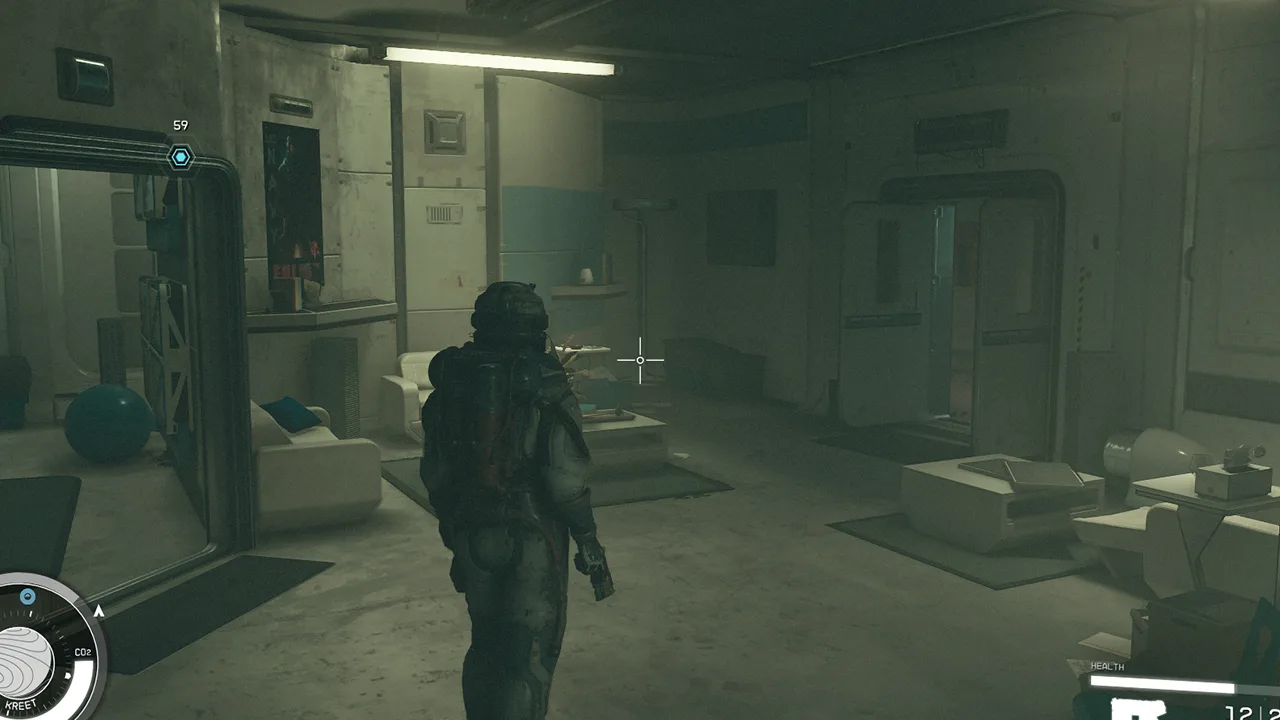
You can try this workaround if your current Boost Pack was functioning properly earlier.
- In that case, your game might be bugged or affected by a glitch.
- You can resolve this issue by loading a saved file where you didn’t have this issue.
- Once you load the previously saved file, try using the Boost Pack.
Hopefully, loading a previous save would resolve the Jet Pack issues for you.
Contact Bethesda Support
Lastly, if none of the workarounds or fixes work out, we recommend contacting Bethesda Support. Over there, head to the in-game support option and describe your issue to submit a ticket. Wait for some time until the devs revert you with a suitable workaround or solution.
That’s all about how to fix the Starfield Boost Pack not working issue. If you found this guide helpful, check out our guides to find out how to fix slow walking, fix the Shielded Cargo not working issue, and explore more Starfield Guides right here on Gamer Tweak.