Is Armored Core 6 crashing at launch on PC, upon loading after the main menu, or midway during your playthrough? There could be many reasons behind it – could be related to corrupted files, GPU drivers or something else altogether. In this troubleshooting guide, take a look at all the potential causes, solutions, and how to prevent AC6 crashes, lag, freezing, and black screen issues in the future.
Armored Core 6 Crashing At Launch PC
If Armored Core 6 is crashing at startup on your PC, you need to first check if your PC’s specs match the system requirements (minimum) mentioned by the developers on the official page.
Check System Requirements
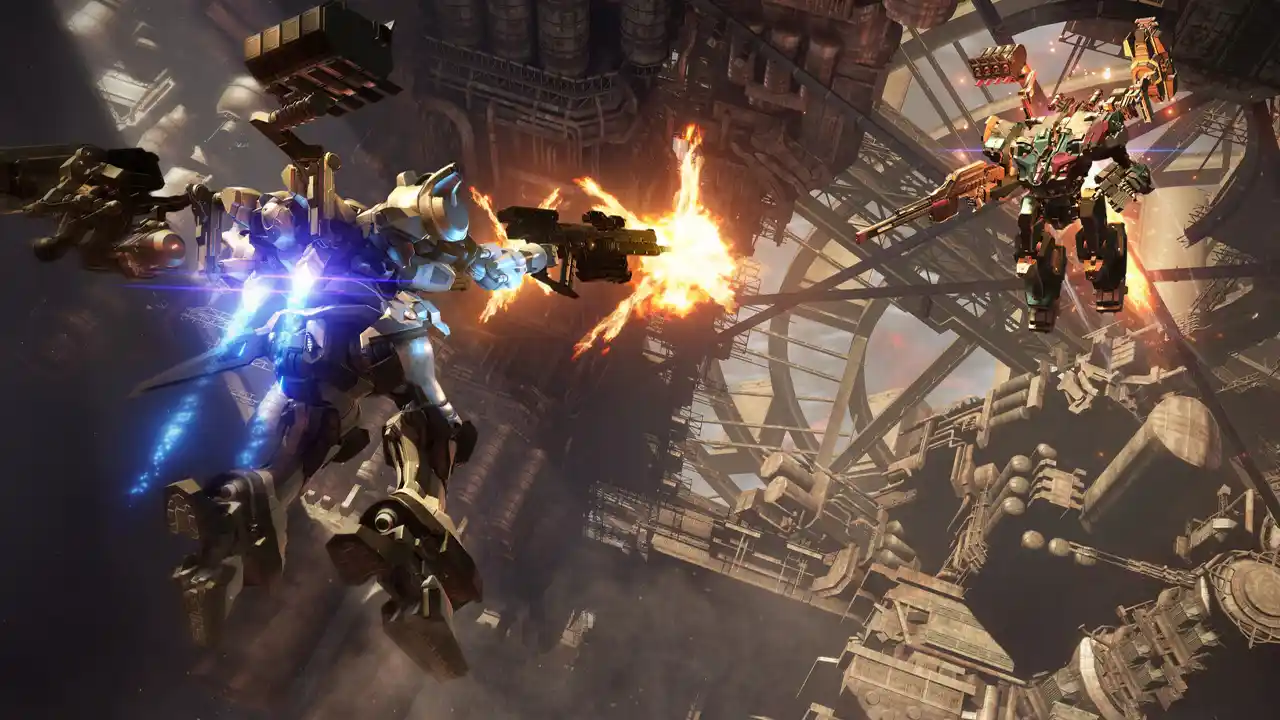
Here are the minimum and recommended system requirements for AC6:
MINIMUM:
- Requires a 64-bit processor and operating system
- OS: Windows 10
- Processor: Intel Core i7-4790K | Intel Core i5-8400 or AMD Ryzen 7 1800X | AMD Ryzen 5 2600
- Memory: 12 GB RAM
- Graphics: NVIDIA GeForce GTX 1650, 4 GB or AMD Radeon RX 480, 4 GB
- DirectX: Version 12
- Storage: 60 GB available space
- Sound Card: Windows Compatible Audio Device
RECOMMENDED:
- Requires a 64-bit processor and operating system
- OS: Windows 10/11
- Processor: Intel Core i7-7700 | Intel Core i5-10400 or AMD Ryzen 7 2700X | AMD Ryzen 5 3600
- Memory: 12 GB RAM
- Graphics: NVIDIA GeForce GTX 1060, 6GB or AMD Radeon RX 590, 8GB or Intel Arc A750, 8GB
- DirectX: Version 12
- Storage: 60 GB available space
- Sound Card: Windows Compatible Audio Device
Update your GPU Drivers
If your GPU drivers are outdated, AC6 won’t launch seamlessly on your PC. So make sure to visit the official manufacturer’s website and download the latest drivers.
Verify Steam Game Files
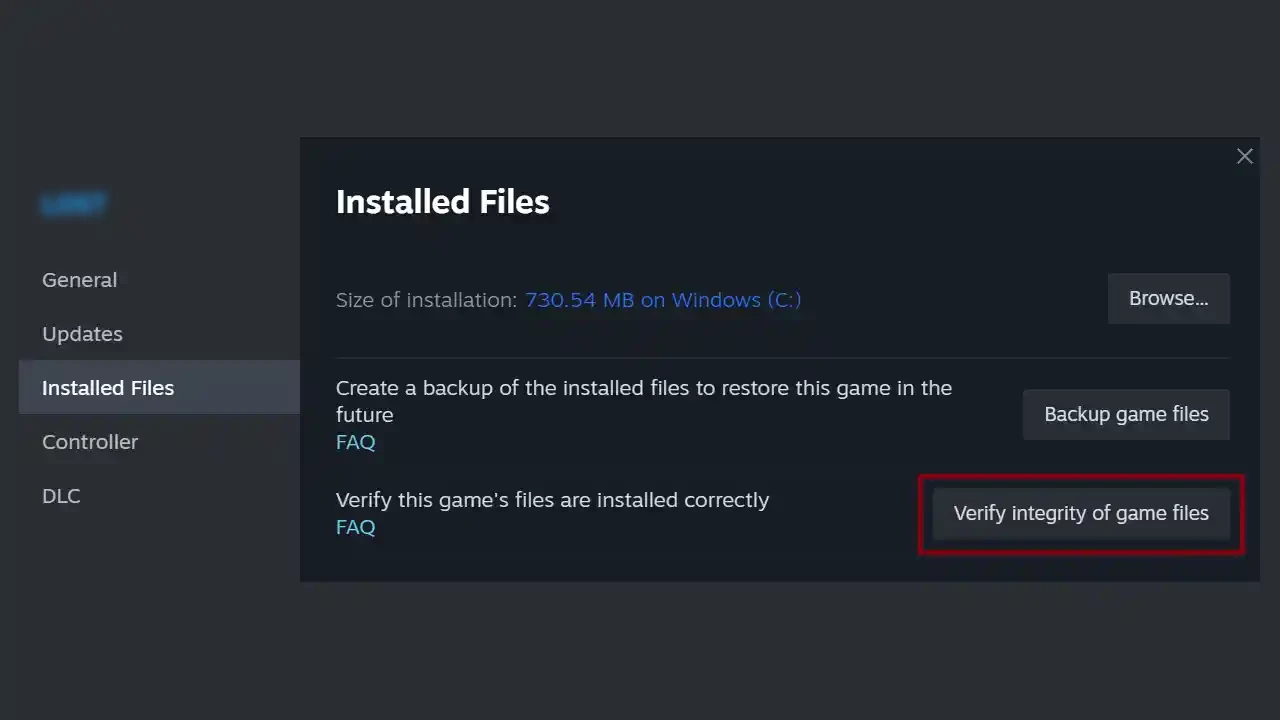
When a game doesn’t launch and crashes at startup, there could be corrupted files or incomplete files if the download was interrupted in some way. You can verify Steam game files and resolve this issue:
- Start Steam.
- Find the game in your library.
- Right-click on the game and click on Properties.
- Find the Local Files tab.
- Click on Verify Integrity of Game Files.
- After the process is done, reload the game.
Update DirectX and install Visual C++ Package files
AC6 requires DirectX version 12 and may keep crashing if you are using DX11 – you can download DirectX 12 from the official Microsoft site here. If you are getting a VC-related dll error, you can head to the links above to get the latest versions of the files.
Run Armored Core 6 as Admin
Right-click on the .exe file and select the option to Run as an Administrator to ensure that the game has all the necessary permissions to launch.
Turn off Antivirus, Firewall, and Other Background Processes
Make sure there are no other programs running in the background and the PC is dedicating resources to launching and running AC6. Sometimes, your Antivirus program, Firewall settings, and overlay apps could also interfere with the launch so turn them off temporarily and check if Armored Core 6 still crashes.
Overheating issues can also cause game crashes, lag, freezing, and more issues, so make sure your PC is not overclocked while you are attempting to play AC6.
Update the Game
If it’s a bug that’s identified and fixed by the devs, they will patch it out. So update the game and check whether Armored Core 6 is still crashing or not.
Restart your PC
This familiar advice still comes in handy in most cases. If Armored Core 6 is not launching and crashing at startup on your PC, restart your PC and check if a fresh start fixes the problem on its own.
Change the Graphics Settings
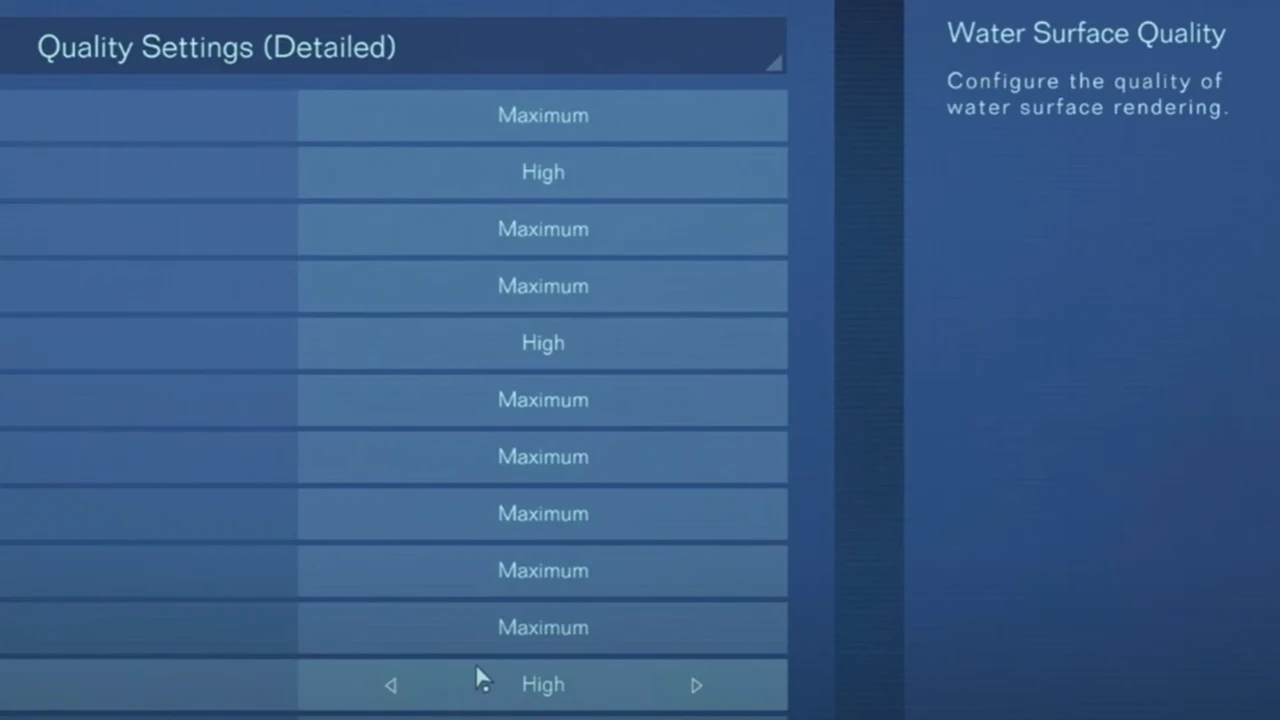
In case the highest graphics settings are causing the crashes, change them to lower settings and check again. Also check if changing from Fullscreen to Windows and Borderless makes any difference.
Reinstall AC6 to Fix Crashing
If verifying game files and other fixes mentioned above don’t work out for you, uninstall the game and reinstall it. But if you face black screen issues even after that, and the system specs are not a problem, you can contact AC6 from here for further assistance.
Once you get the game up and running smoothly, be sure to check out our guides on the best core expansions, how to input share ID codes (decals), how to boost kick, and how to beat the tough first boss in AC6.