Crafting Bench in LEGO Fortnite is the earliest utility station that players will get their hands on once they land in their survival crafting adventure. It is easily one of the most essential stations that helps you craft different weapons and equipment in the game. While players can make do with most of their first playthrough with a Common Crafting Bench, upgrading it further will help you craft even more recipes.
Since survival is key in a world made purely of LEGO bricks, better equipment and weapons are essential as you progress through the campaign. However, you will realize soon enough that upgrading the Crafting Bench in LEGO Fortnite, comes at the cost of foraging even more resources.
However, you must also keep upgrading it to move along further. So if you want to craft various items to help you get through the survival aspect of the game, then here is everything you need to know.
How to Build a Crafting Bench in LEGO Fortnite
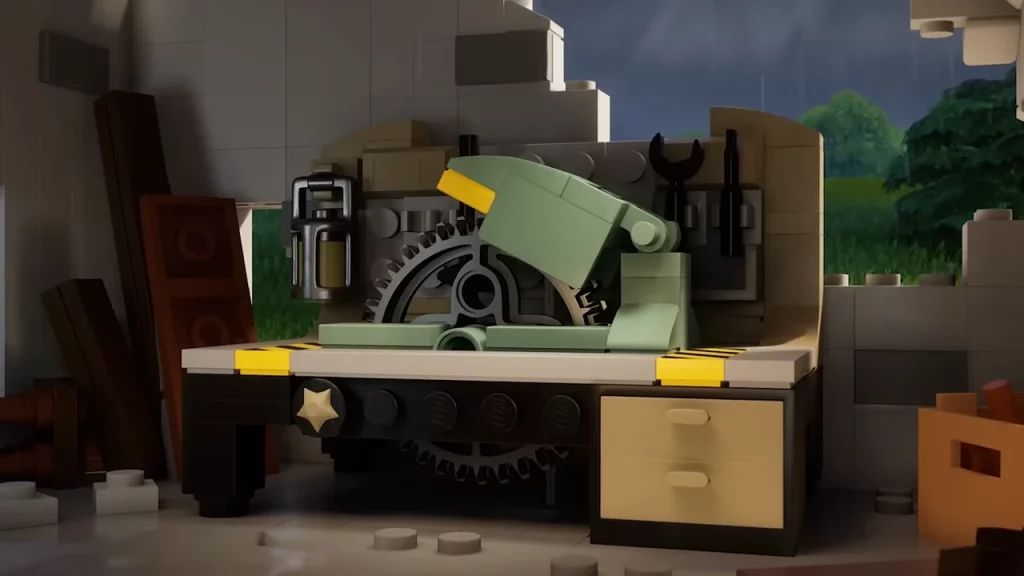
To build yourself the Crafting Bench in LEGO Fortnite, you will have first to set up the Campfire. Once you set up the Campfire, the Crafting Bench recipe will be unlocked in the process. After that, you will have to venture out in search of some resources to craft the recipe. Here are the ingredients required to build the Common Crafting Bench in the game:
- x3 Wood
- x5 Granite
You will come across both the resources pretty much easily at the start of your campaign and in the grassland biome itself. Once you have enough resources, enter the build menu in LEGO Fortnite and craft the Crafting Bench. To craft other items, you will first need the specific resources after which you can simply interact with the bench.
How to Upgrade the Crafting Bench in LEGO Fortnite
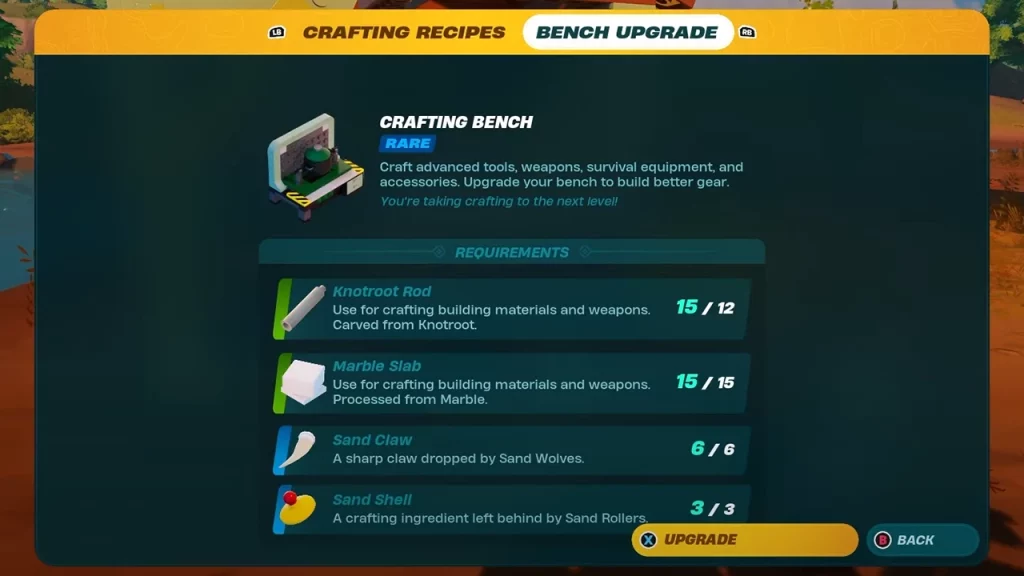
There are three more rarities of Crafting Bench that players can upgrade in LEGO Fortnite. Here are the ingredients required to craft all the upgrades as you progress further down the line:
- Uncommon Crafting Bench – x8 Plank and x3 Shells.
- Rare Crafting Bench – x12 Knotroot Rod, x15 Marble Slab, x6 Sand Claw, and x3 Sand Shells.
- Epic Crafting Bench – x15 Copper Bar, x25 Obsidian Slab, and x1 Brute Scale.
To upgrade the Crafting Bench in LEGO Fortnite, you will need to interact with it and open up the bench menu. Once done, head towards the Bench Upgrades section and simply upgrade the bench with the right resources. With that being said, you will first need to harvest the ingredients accordingly to unlock the recipe and fully upgrade the bench.
How to Move a Maxed Crafting Bench in LEGO Fortnite
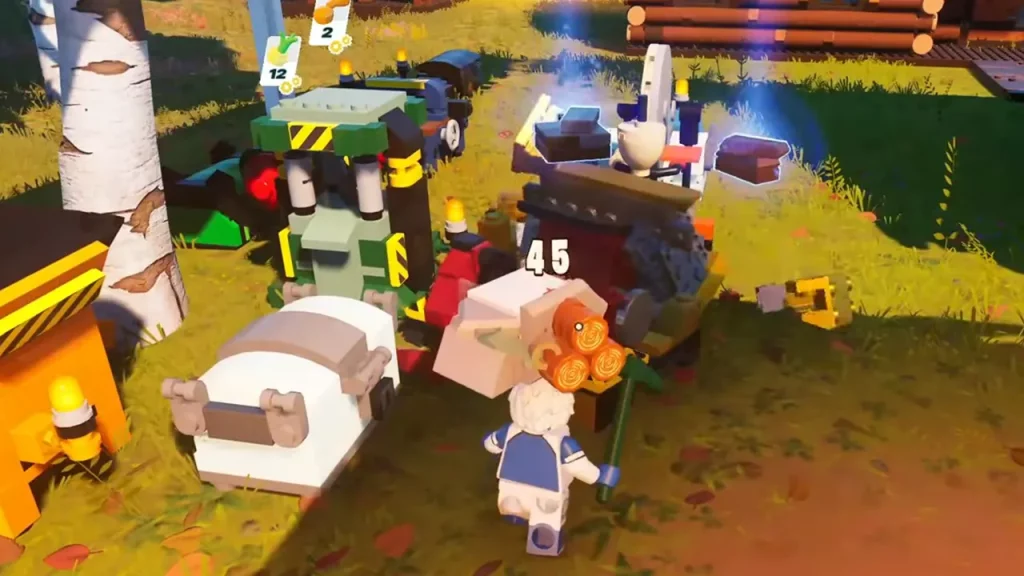
While playing LEGO Fortnite, you might soon realize that there is no way to move the already-placed utility stations anywhere around. And things can get quite difficult if you don’t place important stations like the Crafting Bench in the right spot.
And since you might have it on the max level already, you don’t want to start over. In such cases, you can move the upgraded crafting bench by breaking it down in LEGO Fortnite. Once you break it down, you will get back all the resources you put towards building and upgrading it.
However, make sure that you empty up your inventory first, to get all the resources. After breaking it down, you can simply interact with the build menu and place the crafting table. With all the resources at your disposal, you will also be able to upgrade it immediately in LEGO Fortnite.
That’s everything covered in this guide. We would recommend you check out the list of all the crafting recipes for LEGO Fortnite. And if you find this guide helpful, make sure you go through our dedicated Fortnite section, right here on Gamer Tweak.