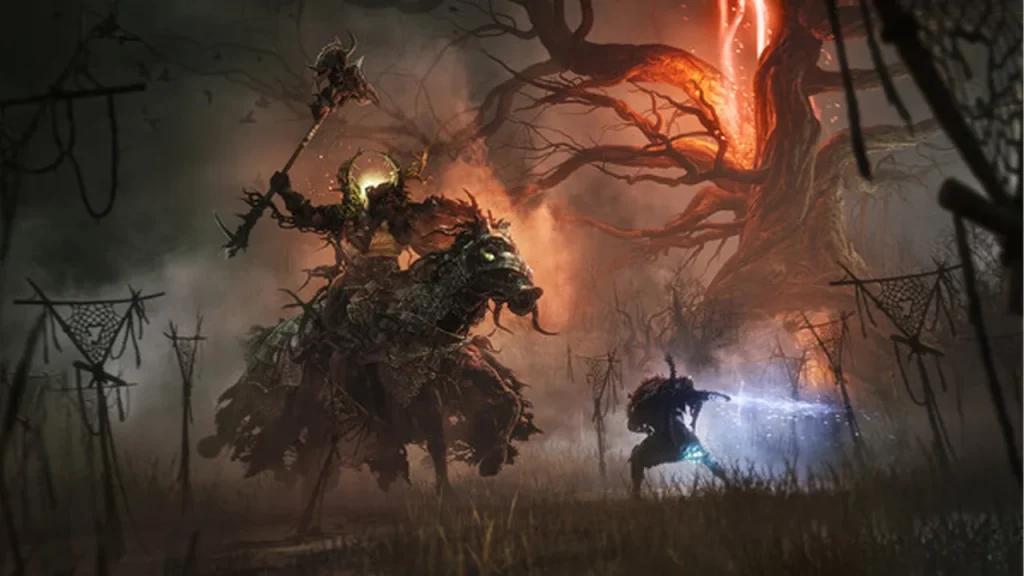
Lords of the Fallen is a heavy resource-demanding game, due to the nature of the game and the in-game elements. Developed with Unreal Engine 5 that game takes the old version to the next level as far as visuals are concerned. That comes at the cost of heavy requirements in terms of hardware and processing power and some unexpected bugs.
All of these have led to a fair share of problems as well that are subject to the performance like Lords of the Fallen crashing, laggy, and low FPS. This has been experienced by a lot of players. If you are one of them, continue reading this guide to know how you can fix it using a few methods.
How to Fix Lords of the Fallen Crashing, Lag, & Low FPS Issues
HEXWORKS
To clear the doubt about the minimum requirement of the game, some users with more than recommended hardware specs have reported experiencing this issue. We can try a few setting tweaks to get it running to some extent. We likely have to wait for the dev to release fix patches with some sort of optimization.
Enable DLSS
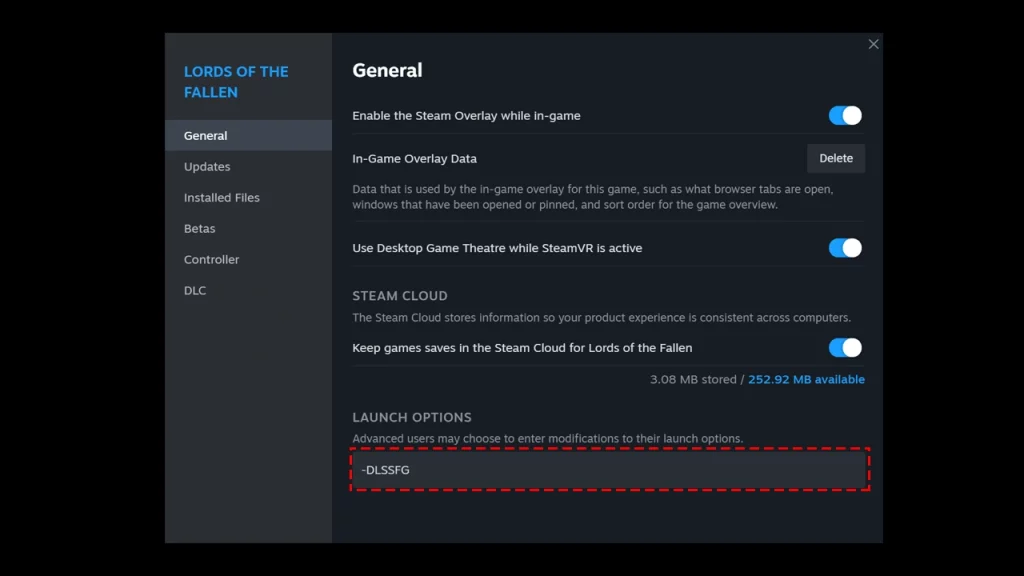
- Head to Steam on your PC.
- Click on Library then select the game Lords of the Fallen.
- Now click on the setting cog located to the right of the screen and select properties.
- Now in the general menu, go to the launch options.
- Here, enter this “-DLSSFG”
If you already have it enabled for the game, you can disable it and check if that way works for you not.
Update Graphics Driver
Make sure you have the latest version of the Graphics driver installed on your device. Drivers are the communication link between the game and the GPU.
- You can head to the device manager by searching in Windows search.
- Then, from the list, double-click on the Display Adaptors option.
- In the drop-down menu, right-click the GPU and then click on Update driver.
Auto Set Graphical option
From the in-game settings, head to the Graphical settings tab and click on the Auto-Set option to enable it. This will most likely resolve the Lords of the Fallen crashing and lagging problem.
If you get the option you should install the game to an SSD that will significantly improve the performance and get you away from crashes in the game.
That’s everything you need to know about to fix Lords of the Fallen crashing, lagging, and Low FPS problems.
If you find this guide helpful, you can head to our Lords of the Fallen dedicated section for more guides. Also, here are some direct links to articles we would recommend you visit.
- Best Graphics Settings For Lords Of The Fallen (Max HDR)
- Lords Of The Fallen: How To Improve Performance (Xbox, PS & PC)
- How To Increase Ammo Capacity In Lords Of The Fallen
- Lords Of The Fallen: How To Play With Friends – Coop & PvP Multiplayer