
Among the many bugs, one of the most visually annoying one in Baldur’s Gate 3 is the Exclamation Mark stuck on your Companion and players need a fix. Usually, you will get this mark when they want to talk to you. Simply clicking on them should start a conversation. Once you are done talking it should go away. But for many players even exhausting all dialogues is of no use. It just doesn’t happen to disappear. So here is how you can fix the Exclamation point on Wyll or Shadowheart in BG3.
How to Fix Companion Exclamation Mark in Baldur’s Gate 3
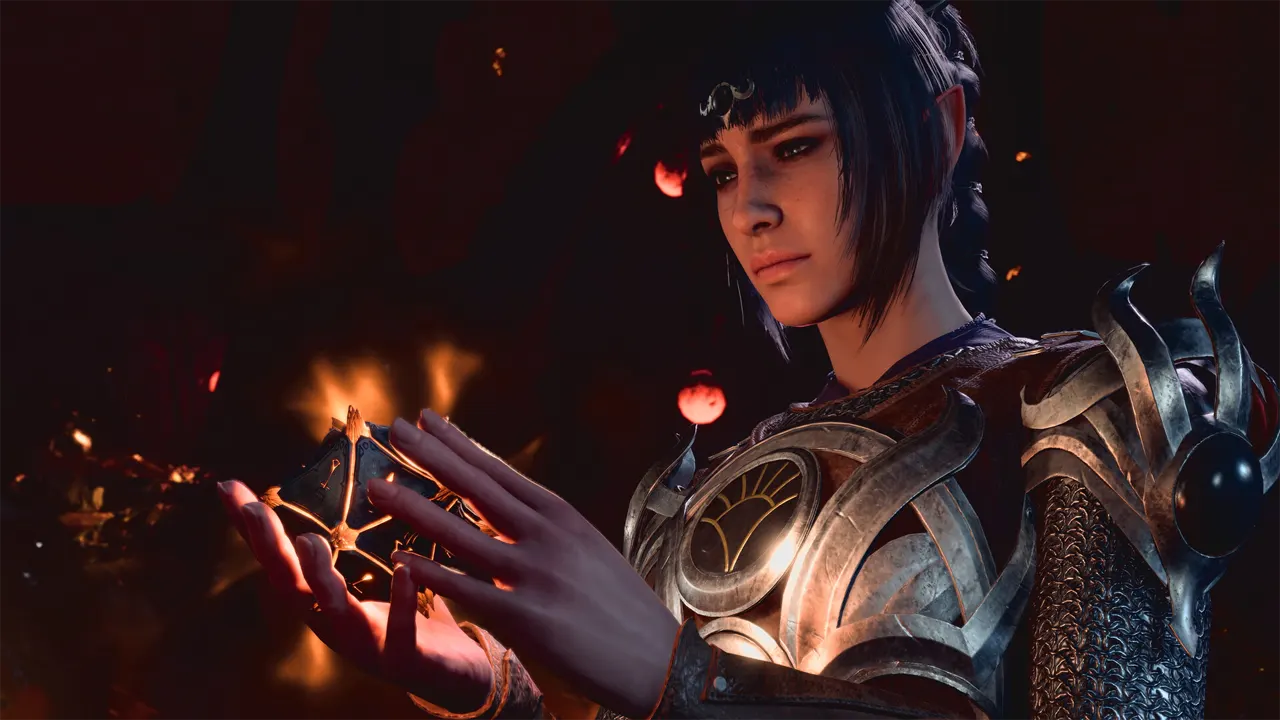
To fix this issue you can do two things:
- Take long rest: Talk to the companion with the exclamation mark and after the dialogues use long rest. The next morning it should go away.
- Wait: Another thing that you can try, which isn’t exactly a fix but something you will probably do is just to play the game and wait for it to go away on its own.
Do remember that these fixes aren’t permanent sadly, and they can come back again in the future. So it will only be fixed for good when the developers resolve it and release an update addressing it.
The good thing is, it is just a visual bug, so if you are worried about it affecting your story progression then worry not, it doesn’t have any impact on your quests. Another thing you can try is to disable mods and play the game. Some mods might conflict with the game and cause this problem. If that seems to solve it then you should probably remove the mods for the rest of your playthrough.
Regardless as it is still an issue, here is how you can solve it for specific party members.
Wyll Exclamation Point Fix BG3
According to Reddit user u/SyphilisPanda this error occurs after you read the note on the skeleton. You can check their comment here. So if you haven’t progressed a lot and can reload, then you should load your save before you read that note. The exclamation point should not be on Wyll now. Aside from that you can also try using long rest trick on him to see if that helps.
Shadowheart Exclamation Mark Stuck Fix BG3
The long rest method seems to be working for Shadowheart. Thanks to Steam user Agarwaen for confirming this fix. You can check out the thread here. Make sure you don’t just use the long rest, talk to her before you end the day. The next morning the mark should go away.
With that, you should now be able to fix and remove the stuck exclamation points from your companions in BG3. For more such fixes for this game check out our guides on can’t change gender and Adamantine Forge Stuck.











