
Space Marine 2 is a game set in a grim, dark future and this aesthetic is reflected in its lighting and color scheme. While the default lighting in the world of Warhammer 40K is meant to be foreboding, many aren’t impressed by the dark grey or washed-out colors and want to tweak settings to make it look even more breathtaking. Here are the best brightness settings in Space Marine 2 that you can use to improve the look and feel of the graphics. And yes, you can make these changes even if you’ve already started playing the game.
Best Brightness Settings for Space Marine 2
Here’s a recommendation from the community that you can try out for brighter and more vibrant visuals in WH40K Space Marine 2.
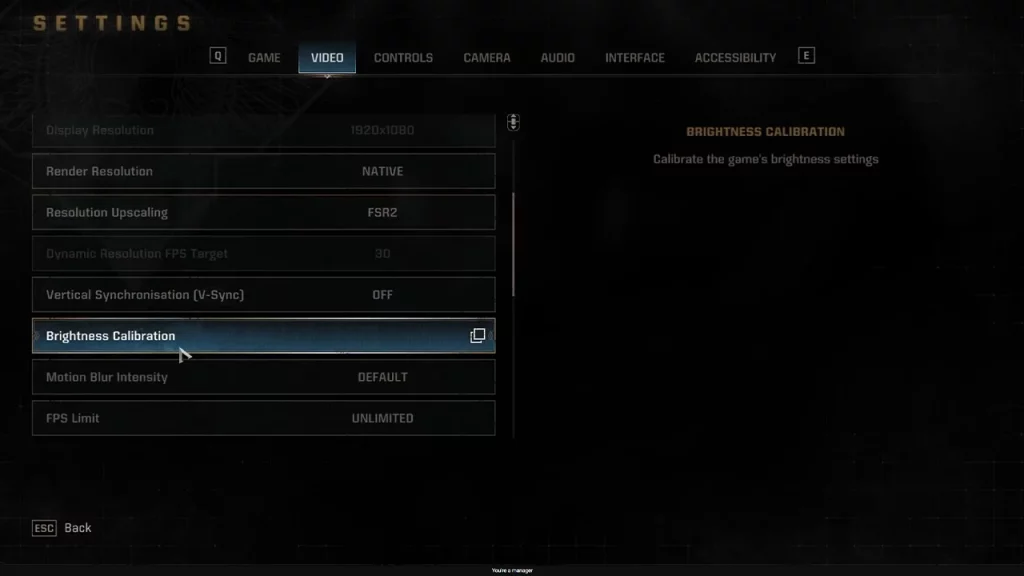
- Go to the game settings and click on the Video tab.
- Scroll to Brightness Calibration.
- Change the first slider to 0.6. This is the Min Brightness.
- The second slider goes to the max 2.5, which is the Max Brightness.
- The third Slider of Brightness stays default at 1.
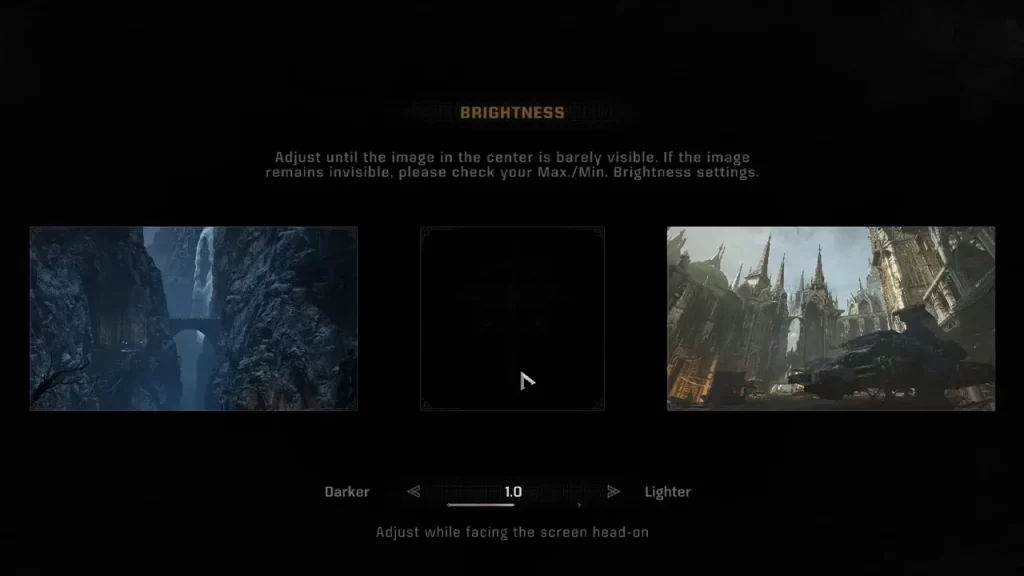
So, if you’ve wanted to change the amount of darkness or grey in the game’s colors, the first slider change should help with that. Since Raytracing / HDR are not supported, you will see limited contrast, reduced color gamut, and standard dynamic range, but you can try the setting mentioned above to see improved visual quality.
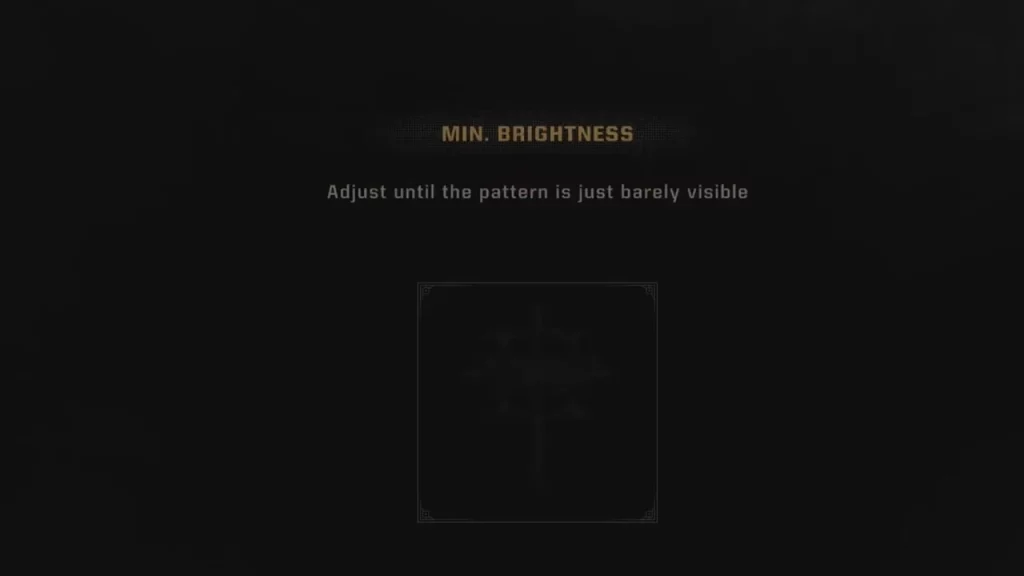
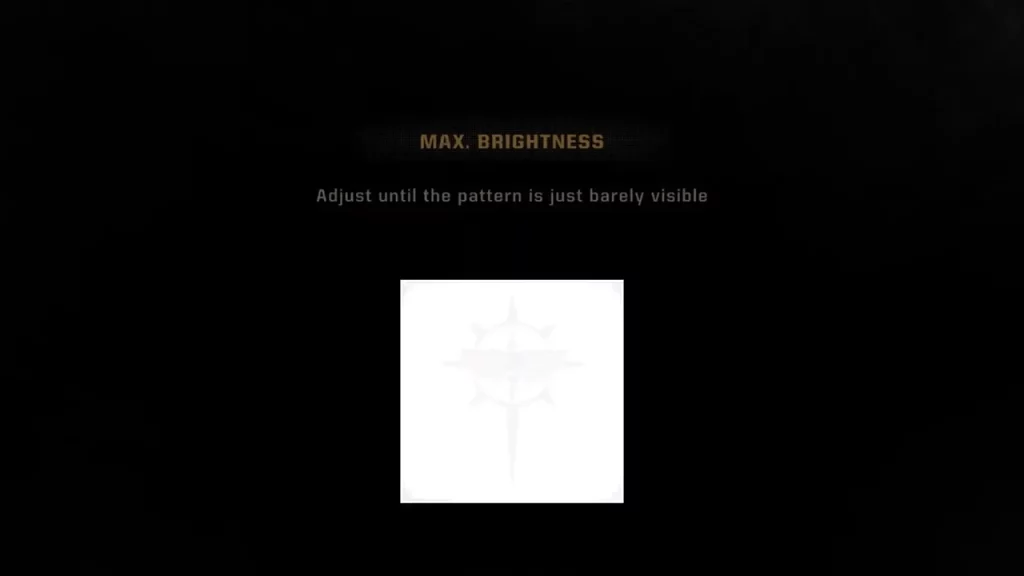
Note that RTX HDR works with Space Marine 2 and can improve the image quality quite a bit.
You can also turn on Auto HDR for a more detailed and immersive gaming experience on your Windows PC.
- Select the Start button, then enter settings. Select Settings > System > Display.
- If you have multiple displays, choose your HDR-capable display at the top.
- Turn on Use HDR, then select More options (>).
- Enable Auto HDR.
So, that was how you could change and improve the brightness settings in Warhammer 40K Space Marine 2 for a better visual experience.
Aside from brightness/lighting issues, players are also encountering blurry textures which can be an annoying combo in a game like this one – here’s a workaround that can help you with that. If you also come across freezing during cutscenes, or get stuck on the Loading Resources screen in the game, check out everything you can do from your end.











