
Home > Watch Dogs Legion > How to Change Character Appearance in Watch Dogs Legion

Watch Dogs Legion: How To Change Character Appearance

Updated Date :

Watch Dogs Legion’s USP is that it allows you to recruit and play as anyone across the London City. It is obvious that you might not like the looks of all the members you recruit for DedSec. But that’s nothing to worry about as you can easily change character appearance in Watch Dogs Legion.

Having said that, it is also important to let you know that you cannot change the physical attributes such as height, hair, and face of a character leaving you with the option of customizing outfits and a few other options. In this guide, we will discuss how to customize a character’s appearance in Watch Dogs Legion.

How to Change Character Appearance in Watch Dogs Legion

To change character appearance, you will have to first purchase clothing from the stores scattered throughout the map. The stores will be marked with a t-shirt icon on the map. simply head there and go straight into the shop.

You will find tons of options to pick from; hence choose wisely. Once you have got the clothes that best suit your character purchase them with in-game currency. This will add the clothes you just purchased to the wardrobe.
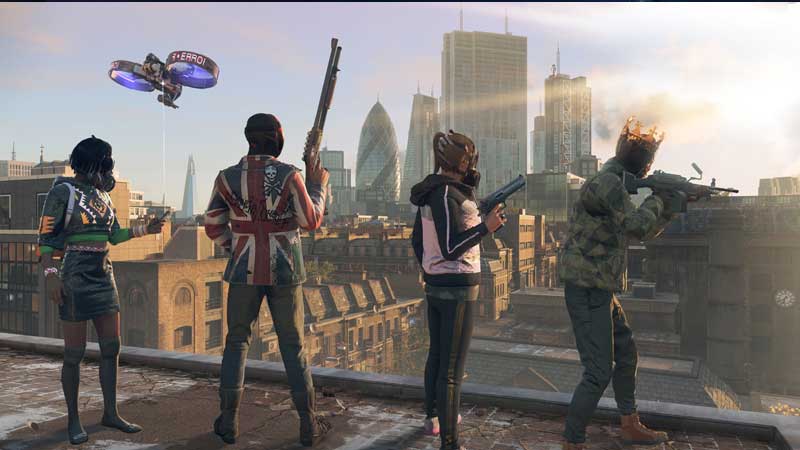
how to customize character appearance in watch dogs legion

Once the clothes are purchased, press R1 while in the shop to open the wardrobe screen. This screen will display all the clothes that you own. Now, scroll to the outfit you want the character to wear and press X/A to use it. This will change your character’s clothing.

You can change the outfits for any character in the game. Similarly, you can also change other accessories such as masks to provide a certain level of customization to your characters.

That’s everything you need to know about how to change character appearance in Watch Dogs Legion. Before getting started with the game, make sure to read our Watch Dogs Legion beginner’s guide. It will also help if you read our gun combat and melee combat guide. These guides will help you excel in every battle you come across while saving London City.


  • GTA 6 Stephen Root Role Finally Confirmed

    GTA 6 Stephen Root Role Finally Confirmed

    Published Date :

    GTA 6 finally has its first publicly confirmed actor. Stephen Root has confirmed that he is part of Rockstar’s upcoming game, putting an end to months of speculation surrounding one of the characters seen in its trailers. He confirmed his involvement during an interview with the Associated Press at the BAFTA TV Tea Party in… Read More

  • Larp Your Character Codes (September 2026)

    Larp Your Character Codes (September 2026)

    Published Date :

    Larp Your Character is a simulator game where you play character-based minigames to earn money, buy upgrades, and unlock new characters through crates. You can also rebirth for permanent boosts, trade duplicate characters for titles, and compete with other players on leaderboards. If you also want some free boosts while you’re at it, you need… Read More

  • Drive-Thru Empire Codes (September 2026)

    Drive-Thru Empire Codes (September 2026)

    Published Date :

    In Drive-Thru Empire, you build and expand a fast-food drive-thru business. You can roll to collect rare cars, and server high-tier cars to earn more money as your empire grows. Codes can give you bonus Cash and temporary Luck boosts to help with your progress and so, don’t miss out on this list of all… Read More

  • GTA 6 Respawn Mechanics: How Death & Arrests Work Differently

    GTA 6 Respawn Mechanics: How Death & Arrests Work Differently

    Published Date :

    GTA 6 is reportedly changing what happens when Jason or Lucia dies or gets busted. You may not have to deal with respawning at a hospital every single time. Now, Rockstar could be setting up a faster system that drops you right back near where you fell. Here is how death, arrests, and your equipment… Read More







