Once you know how to use a Transfer container in Starfield, transporting resources from outposts to ships is the easiest. While setting up your outposts, you can also carry these resources on foot using the extractors. In the case of the planets with low O2 atmosphere, transferring resources to your ships or outposts can be a bit of a hassle. As you use this container, you can transport resources without stepping out of the cockpit. But as players are reportedly facing issues, they wonder if it’s a bug or an in-game issue. Don’t worry, check out our guide to find out how to fix the Transfer Container not working issue along with its uses.
How to Use the Transfer Container in Starfield
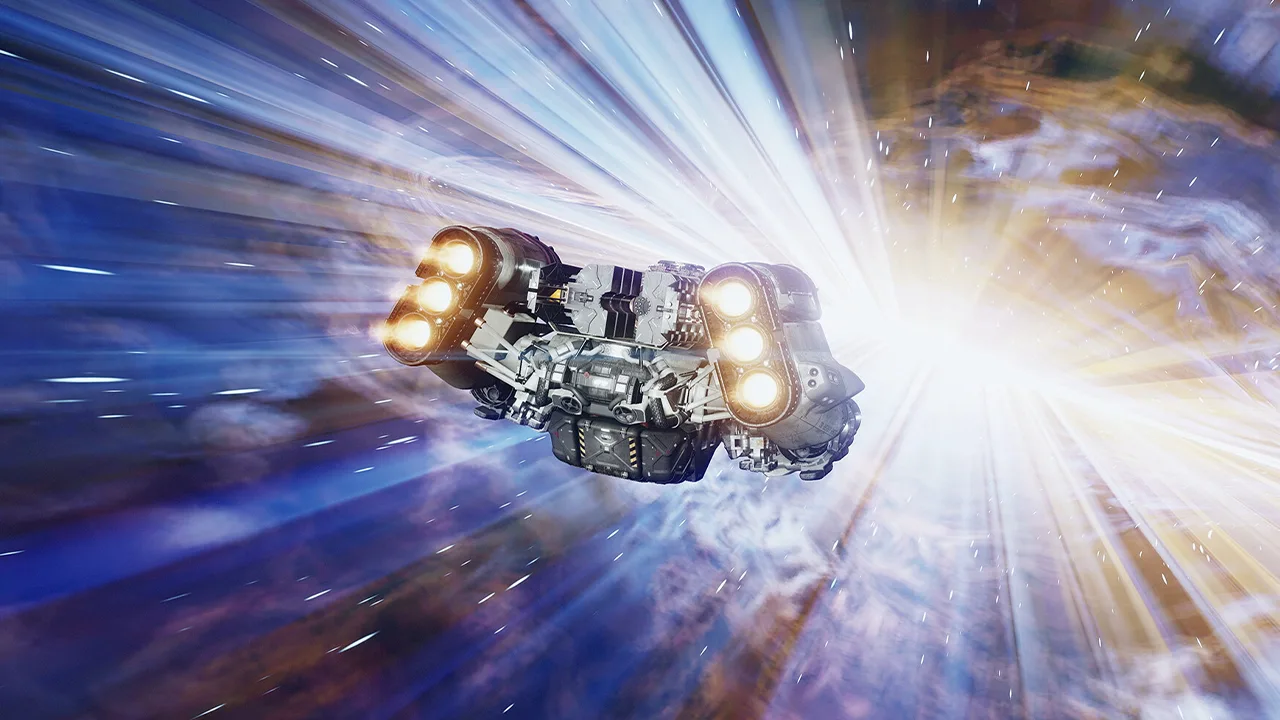
A Transfer container in Starfield takes the selected resources from your outpost extractors and transfers them to your ship, directly. But for building it on your outpost, you need some materials.
They are as follows:
- 5 Tungsten
- 8 Iron
- 4 Lubricant
- Extractor
You can head to the Storage tab and select the first option to build a Transfer container. After setting it up, connect it to your Extractor and select the Create Output Link option. As you do so, you will see a red line. You must connect that red line and link it to the Transfer container to turn it into green.
So, here’s how you can use the Transfer container:
- Firstly, land your ship on your preferred outpost with the Transfer container.
- Stand from your pilot seat but don’t exit the cockpit area.
- Interact and open your ship’s Cargo Hold inventory. You will find access to the inventory of the ship as well as the outpost.
- Lastly, select the specific items to transfer them to your ship.
- You can also choose to transfer all resources from the outpost to your ship.
Fix Starfield Transfer Container Not Working Issue
If you are facing the Transfer Container not working issue, it might either be an issue from your end or the dev’s end. This non-functional container can be due to a bug or other in-game factors.
To ensure it’s not an issue from your end, here are some workarounds to fix the Transfer container not working issue:
Ensure the Extractors are Powered up
You can encounter this issue if your container is not receiving enough power supply from the Extractors. To check if it is receiving enough power supply, check the power level indicator of your container.
Container’s Storage Capacity
As the Transfer container can store only a certain storage capacity, ensure that it is not full of resources. If the container is full, we recommend removing the unneeded resources to increase your storage capacity.
Missing Output Link
Since many players forget to create an output, the not working issue can also be due to a missing output link. So, ensure that you have created an output and it turns green.
Ship and Transfer Container’s Distance

You can also face this issue if your container and ship are too far from one another. If you are in a different star system or planet, you cannot use the Transfer container in Starfield. So, ensure that you are in the same system and close to the Transfer container while transferring items.
However, if the above workarounds didn’t work out for you, it might be a bug or technical hitch from the dev’s end. So, here are some workarounds to resolve this issue:
Restart the Game
Being a classic workaround, you can try restarting Starfield to resolve the Transfer container not working issue.
- For that, exit and launch the game, again.
- Load your save and try transferring the items with the Transfer Container.
Contact Bethesda Support
If the bug or issue persists, we recommend contacting Bethesda Support. Upon heading there, select the In-game support option and describe the issue you are facing. Submit the ticket and wait for some time until the devs reply to you with a suitable workaround.
That’s all about how to use Transfer Container in Starfield. If you liked this guide, check out our more guides to find out if can you join all factions, the best Armor Spacesuits, and explore more Starfield Guides right here on Gamer Tweak.