
In the vast universe of Starfield, exploring the Settled Systems is not just about charting new territories but also uncovering hidden treasures. Lockpicking is a crucial skill to master to gain access to the most valuable loot hidden in locked chests and containers. We will show you how to unlock expert locks in Starfield,
Best Ways to Unlock Expert Locks in Starfield
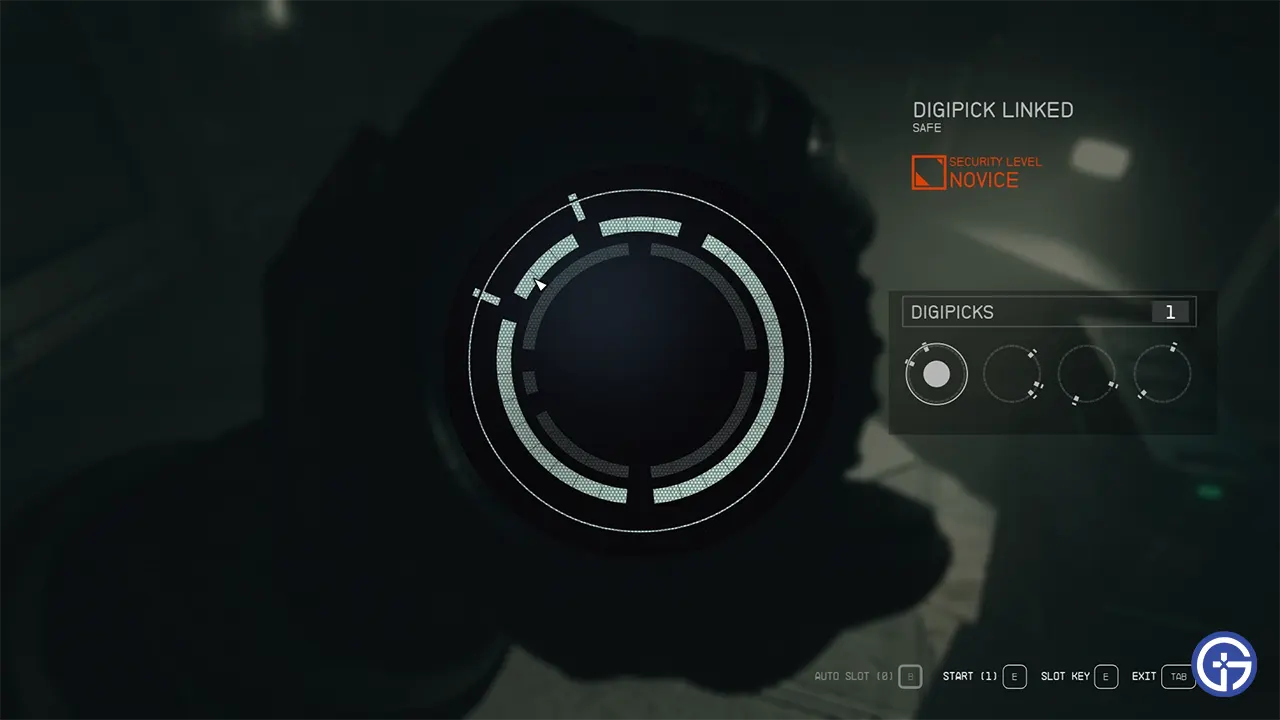
While hacking a door or safe, you will find a message revealing the lock’s difficulty. There are Novice, Advanced, Expert, and Master level locks. To unlock Expert locks, you will need to raise your Security Skill to rank 2. There are a few ways to do this:
- Pick Locks Manually – The most direct way is to pick Novice and Advanced locks as you explore manually. You need to choose 5 locks total to reach Security Skill rank 2. Look for locked containers, doors, and terminals and select the “Pick Lock” option. Each successful pick will slowly increase your skill.
- Choose a Background – Selecting one of the backgrounds that starts with Security Skill as a bonus (Bouncer, Cyberneticist, Cyber Runner, or Industrialist) will immediately put you at rank 1, halfway to rank 2. You’ll then just need to pick a few more locks.
On the other hand, at Security Skill rank 1, you can bank up to 2 automatic lock picks. Use these on Advanced locks to efficiently gain skill experience. Make sure to save them for tougher locks.
Once you reach Security Skill rank 2, you can attempt picking Expert level locks. These locks have more rings to rotate and potential key combinations, making them significantly more challenging. However, rings on Expert locks occasionally turn blue, indicating an auto-pick can be used. You can look for this visual cue to quickly increase your skill.
Also Read | How To Pick Locks With Digipicks
These are all some of the best ways to level up to Expert lockpicking in Starfield. You can check out our Best Skills Tier List to know about that. For more such informative guides, be sure to take a look at our Starfield Wiki right here at Gamer Tweak.











