
Diablo 4 features a plethora of weapons and skills to choose from for your respective classes. But unlike the previous entries, swapping your weapons works differently in Diablo IV. While you can equip multiple weapons for your character, switching them is tied up to their assigned skills. So, check out our guide on how to switch weapons in Diablo 4 and use two-handed weapons.
How to Switch Weapons in Diablo 4 (Explained)
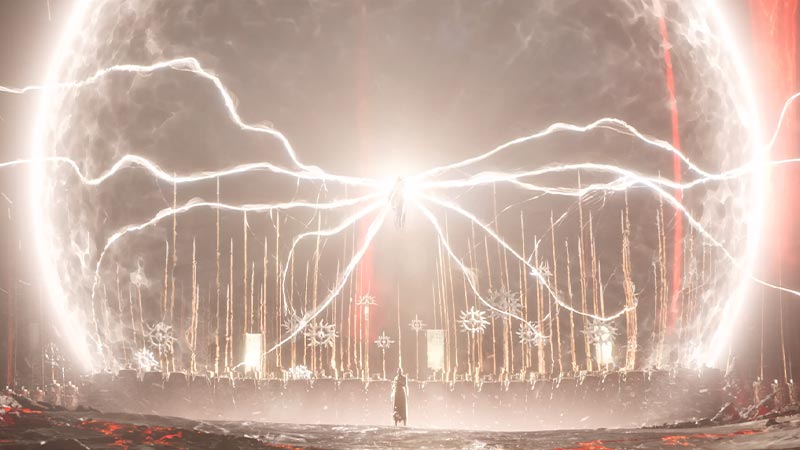
You can switch the weapons in Diablo 4 by using the skills that utilize the type of weapon you want to switch to. For example, if you want to use dual-wield weapons, you must use the skill that “requires dual handed-weapons“. But before you switch or swap weapons in Diablo IV, you must unlock the different skills for your classes. For that, you can level up and select a skill under the Skill Tree section.
Several other Barbarian skills for example require unlocking certain types of weapons. But some skills may prompt requiring only Physical damage. For such cases, you can leave it to the weapon system to select the best weapons for those skills. You can find the required weapon type by hovering over the skills on your hotbar. From there, you can select suitable skills by equipping them on your hotkey.
So, here’s how you can hotkey different weapons to your skills:
- Open your Abilities tab under the Character Menu.
- Press the Skill Assignment button (or the L3 button for consoles).
- This will prompt the skill section highlighting all the unlocked skills till now.
- Select the skill and drag it to the hotbar on the preferred hotkey you want to use.
Note that you can unlock more skill slots by increasing your level in Diablo 4. Once you hover over the skills on your hotbar, you can press the MMB to cycle and switch between the weapons. For consoles, you can use the X or Square button to cycle weapons. If you are unable to cycle through applicable weapon types, it is because the skill requires a certain weapon type.
How to Use Two-Handed Weapons
Similar to the above mechanism, you can use the two-handed weapons by using a skill that “requires two-handed weapons” in Diablo 4. For Barbarian classes, you can unlock the fury skill named Upvheal. This skill requires a two-handed weapon to be equipped. When equipped, this skill automatically switches to both weapons when used.
So, hover over the unlocked skills to see which one of them requires two-handed weapons. Then, simply unlock those skills for the weapon types you want to equip in Diablo IV.
That’s everything covered about how to switch weapons in Diablo 4 and use two-handed weapons. If you liked this guide, check out our guides on how to complete Raising Spirits, how to beat the Den Mother, how to get 2 Hydras, and more Diablo IV Guides in our dedicated section right here on Gamer Tweak.










