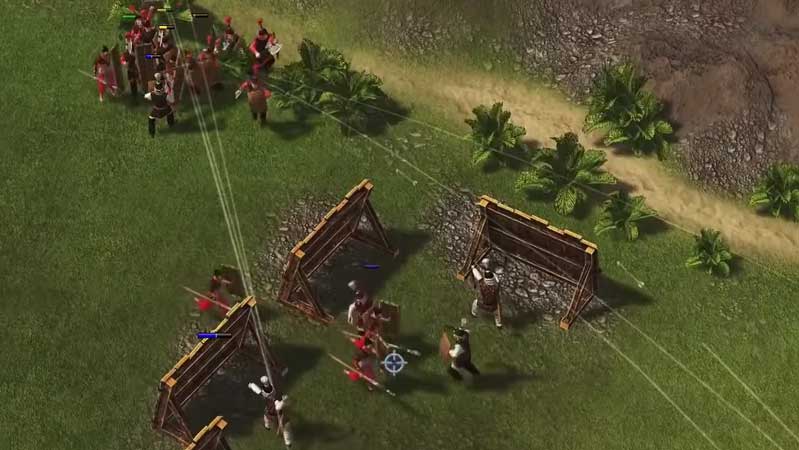
Stronghold: Warlords is a new strategy-based game that has been released. The game allows you to recruit Warlords who do your bidding. Each Warlord has their own perk and advantages. However, the game has unfortunately received some flak due to some teething issues. These unfortunately also include some performance-based issues which are a bit disheartening. However, in this guide, we have compiled a few ways that you can use to improve your gameplay experience and fix the Performance Issues in Stronghold: Warlords.
How to Fix Performance Issues in Stronghold: Warlords
- First, let’s look at the most basic thing you can do. You can have a look at the in-game settings. Most performance issues get resolved at this stage itself. You can have a look at this by visiting the Display settings in the game menu itself. As a default setting the game runs on a Medium setting. You can choose to increase the graphics level or lower it according to your preference.
- Secondly, the next usual suspect in this list is the GPU drivers. You can go to your drivers and see if they have been updated. Updated drivers usually fix the bugs of their previous versions. Check your notifications to see whether you have any updates pending.
- Third, GPU settings optimization. In the GPU settings of your device try checking whether the game has been properly optimized or not. Sometimes the game runs on lower settings which causes it to lag quite a bit. This can be easily fixed by changing the optimization settings to High Performance for the game.
- Fourth and last, Windows Graphics settings. You should use this as a last resort as most of the time the issues do get alleviated with the above steps. However, if you still face issues go ahead and open your device’s graphic settings. Search for the .exe file of Stronghold: Warlords. Right-click on the game and open up the sub-menu. Select the High-Performance option and save the changes. Right-click on the game icon and run it as an administrator.
This is everything you need to know about how to fix performance issues in Stronghold: Warlords. While you are here do not miss out on some Tips and Tricks for Stronghold: Warlords and also learn how to Rotate Buildings in the game.