If you’ve been staring at the Helldivers 2 progress bar for what feels like forever, you’re not alone. Many players face this issue, especially during large updates. Sometimes the patch downloads instantly, but it seems to freeze during installation. It can be fixed and here’s how you can do it.
Why is Helldivers 2 Update Taking Forever?
Most of the time, the problem isn’t your internet speed, it’s your storage drive. Steam downloads compressed data and then spends time unpacking, verifying, and rewriting a lot of files. If your game is installed on an HDD or a nearly full drive, this unpacking phase can take a long time. Sometimes antivirus software, Windows updates, or even server congestion make it worse.
How to Fix the Patching Issue
Check what’s really slow: Open Task Manager and see if your disk usage is maxed out. If it’s at 100%, the issue is with the storage, and not the network.
Free up space: Steam updates need temporary space, sometimes up to double the game’s size. So, make sure to clear it before trying to download the patch again.
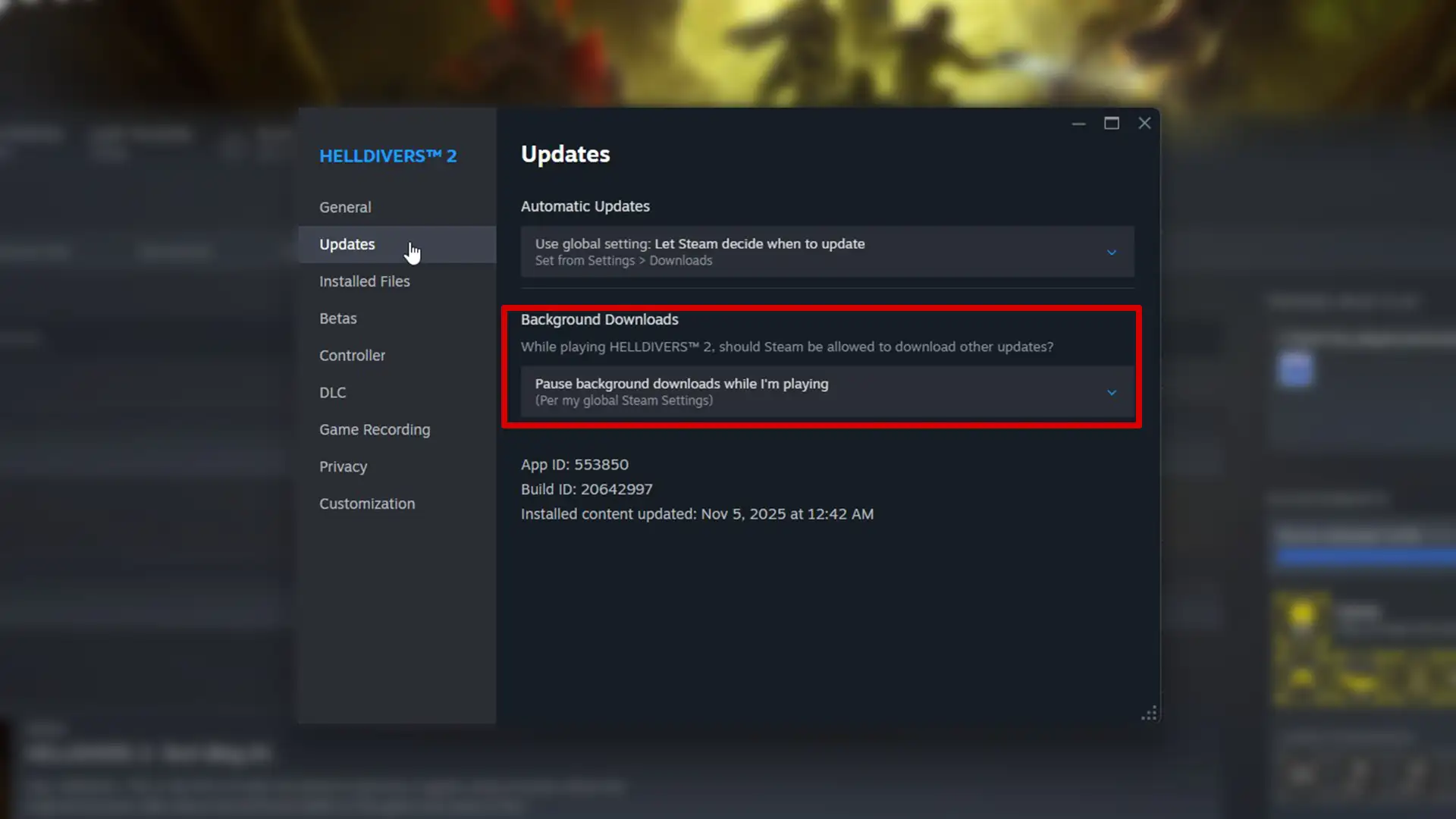
Pause background tasks: Stop backups, background programs, Chrome, or antivirus scans that could be slowing your disk.
Troubleshooting Tips
- Clear Steam’s download cache
- Go to Steam > Settings > Downloads > Clear Download Cache. Then restart Steam and try again.
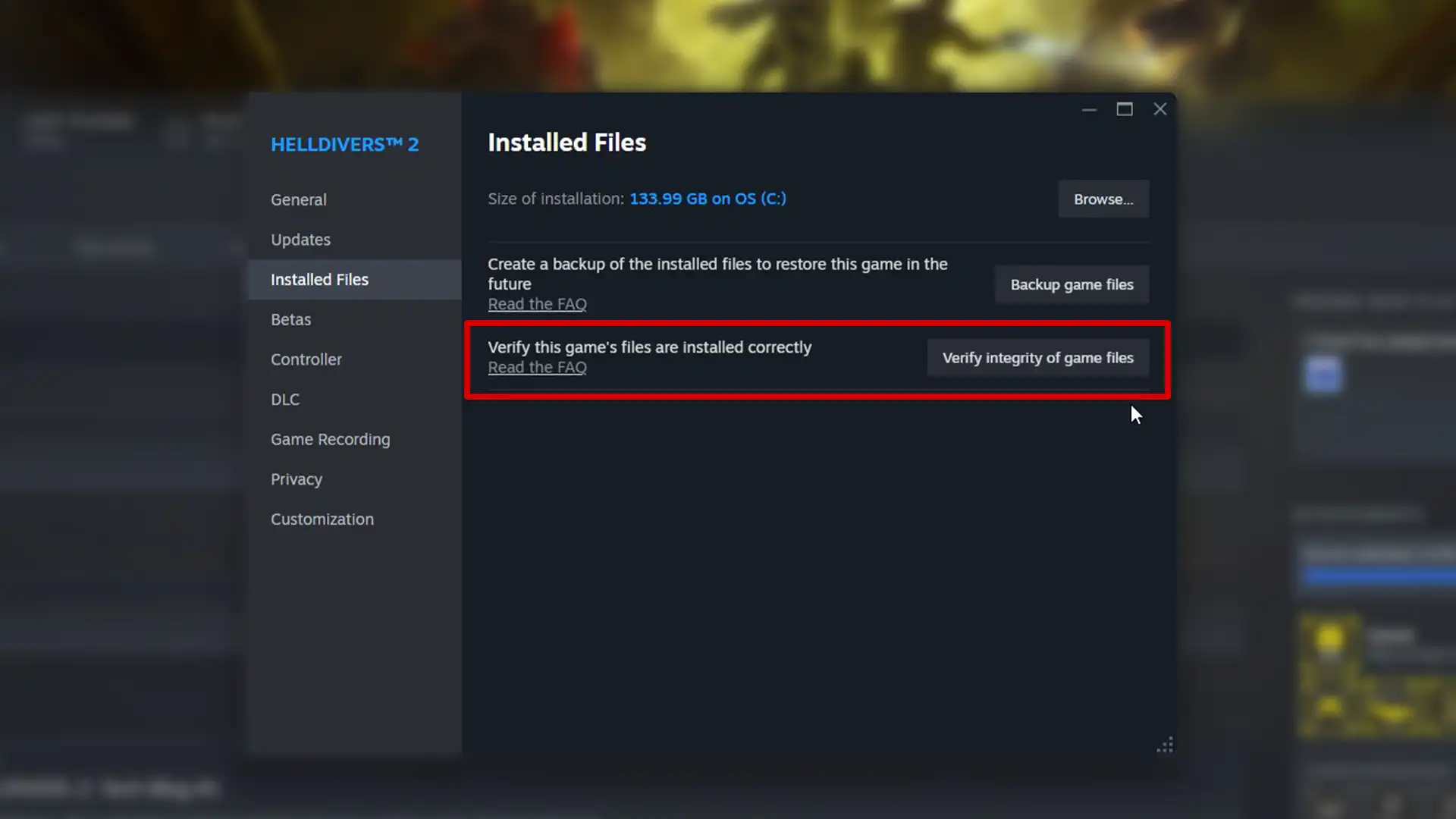
- Verify game files
- Right-click Helldivers 2 > Properties > Installed Files > Verify integrity of game files. This replaces corrupted files that might slow down patching.
- Move the game to an SSD
- SSDs can process game patches much faster than HDDs. If possible, relocate Helldivers 2 or your entire Steam library to your SSD.
- Exclude Steam from antivirus scans
- Add Steam’s folder to your antivirus exclusions so it doesn’t slow down file writes.
- System Fixes
- Update your drive drivers and ensure TRIM is enabled on your SSD.
- Run Disk Cleanup or Defragment (HDD only) to reduce fragmentation before large patches.
- Set Steam’s process priority to High while it’s updating. Task Manager > Details tab > right-click Steam.exe > Set Priority> High.
If the above steps don’t work, try the following steps:
Delete the temporary patch folders
Close Steam and delete the “downloading” and “temp” folders inside your Steam library. Reopen Steam and restart the update. This should help with fresh patch files.
Reinstall the game
It’s a last resort, but for massive updates that fail repeatedly, a clean reinstall is sometimes faster than waiting for a stuck patch.
For Console Players
If you’re on PlayStation, make sure you have enough free storage space, and try rebuilding your console’s database from Safe Mode. Also, deleting cache or restarting the console before retrying the update may help.