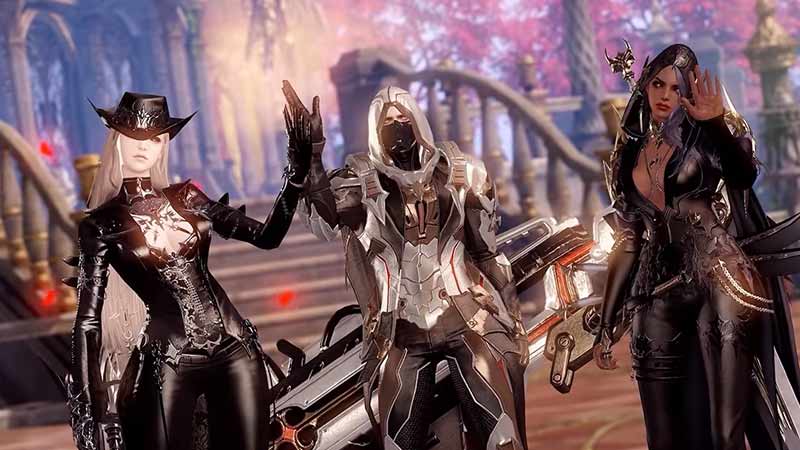
Lost Ark is a massively multiplayer online role-playing game with an extensive open world of Arkesia to explore. As it is multiplayer, you can invite other players or your friends to play altogether. But here comes a bummer! Players are unable to see their party members on the list. While Lost Ark has had its fair share of bugs, this is neither a bug nor an error. Not to worry, here’s our guide on how to fix the Can’t see party members issue in Lost Ark.
How to Fix Can’t See Party Members Issue In Lost Ark
This issue can occur because you and your party members are not on the same channel or server. So, we need to make sure that the party members are connected to the same channel and the server.
Mentioned below are the potential methods to fix this issue:
Checking Channels
Follow these steps:
- You can see the Channels selection on top of the mini-map on your top-right.
- As you expand the channels, you will see different channels with a yellow or a green dot.
- What we need to do is connect to a Channel with a green dot. As it offers the best communication.
- Also, make sure your friend or other party members are connected to the same channel.
- If you are not connected in the same channel as your party members, it can lead to problems.
- One of these issues includes not seeing the members in a party, at all.
Check out our guide on how to play with friends and create a party.
Checking Servers
One of the other reasons can be that your friends are on a different server than you. If your friend is connected to the Una server and you are connected to the Azena server, it can also lead to problems.
So, make sure to connect on the same server as your other party members. You can check out our guide on how to change servers for more insight.
That’s everything covered on the Can’t see party members issue fix in Lost Ark. If you liked this guide, check out more guides on how to leave a party, how to leave a guild, and lag and latency issues fix in Lost Ark right here on Gamer Tweak.