
Knowing the Arcane Odyssey controls like the back of your hand will make your adventure very smooth and that is why we’ve created this guide. Take a look at how to block, climb, run faster, open Menus, choose weapons, and more.
Arcane Odyssey Controls List for PC
| Button | Action |
| / | Open chat |
| ` or ~ (Tilde) | Open Hotbar or Backpack |
| 1, 2, 3, 4, 5, 6, 7 | Use the Hotbar |
| B | Open the Emote Menu |
| C, E, F, R, Q, V, X, Z | Use Magic |
| Control | Toggle sprint |
| Double tap Spacebar | Climb |
| Double tap W,A,S,D | Dash forward, left, right, backward |
| E | Talk or Interact |
| G | Block or Guard |
| I | Zoom in |
| J | Open Character Menu |
| K | Open Quest Menu |
| L | Open Messages from the Inbox |
| M | Open Map |
| Mouse Left Click | Use Light Attacks |
| Mouse Right Click | Adjust the Camera |
| N | Open Menu |
| O | Zoom out |
| P | Toggle Cinematic Camera |
| Shift | Charge energy |
| Spacebar | Jump |
| T | High jump to launch up in the air |
| WASD or Arrows | Movement |
Arcane Odyssey Mobile
If you are wondering whether Arcane Odyssey will be available to play on mobile via the Roblox app, there’s unfortunate news. This is a PC game and will remain so because of all the elements involved. This game needs a lot of buttons and using a keyboard is the best way to experience the journey.
About the Game (Official Description)
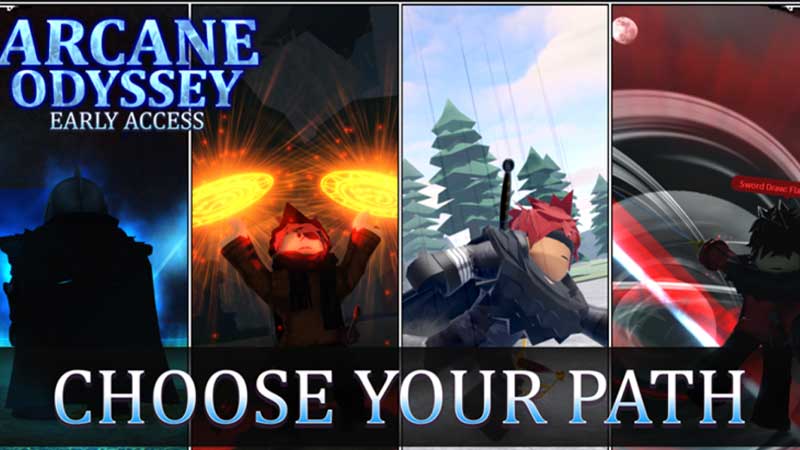
Embark on an epic journey through the War Seas, taking part in the conflicts of kingdoms and organizations striving for power. Many will die, but only the strong survive in this harsh, magic-polluted world. From outcast to living legend, will people grow to fear your name, or worship it?
Conflict is at an all-time high as the many kingdoms wage war over the possession of Sea Curses, powerful artifacts which grant the user immortality and great power. After defeating great rulers and evil psychopaths for what you believe is the greater good, you leave yourself questioning what your true purpose in this world is.
Fight against other players, or team up with them and rule the seas as a clan, capturing islands, building castles, and becoming more infamous. Since you were born a mage, you have the option of mastering your magic or dropping it entirely in favor of fighting styles, weapon mastery, and more.
That’s all about Arcane Odyssey controls for PC. If you are also wondering how to Shift Lock in Roblox games, we’ve got a separate guide for you.
Plus, to know more about Arcane Odyssey like their Trello and Discord server link, how to catch fish, use treasure charts, magic tier list, and more, check out our guides on Gamer Tweak.











