
Many Diablo 4 players need a fix for the Network error which disconnects them from the servers. And this can keep you from playing the game. But this is a common problem which should usually solve by itself after waiting for some time. But if waiting has been of no use then here are some things you can do to solve this error.
How to Fix Disconnected from Server in Diablo 4
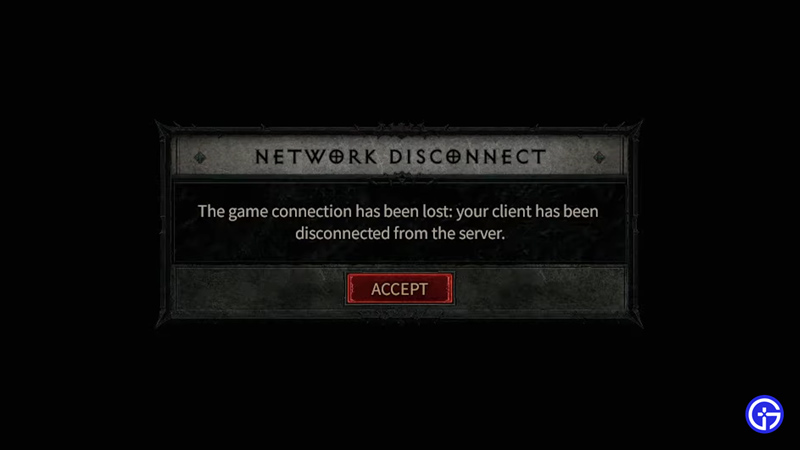
- Check your Internet: The two main reasons you might get this error are because either your internet is at fault or the game’s servers. So start by doing a speed test to check if your internet is working properly. If it isn’t, then try basic troubleshooting like refreshing your connection. You can do that by restarting your router or by plugging out and in the Ethernet cable.
- Check Server Status: If your internet is all fine then there is a chance that the game’s servers might be down. Go to Diablo’s official Twitter page and check if there is a problem or if they are in maintenance. Wait for them to fix the servers, once they are back try playing the game now.
If the above two scenarios are clear then you should try these solutions:
- Release & Renew your IP and Flush DNS: A fix that PC players can use is to type CMD on Windows and run it as admin. Next, paste these commands and press enter.
-
- ipconfig /release
- ipconfig /renew
- ipconfig /flushdns
- Wait for a few seconds in between running them. Next, run the game again and you shouldn’t get the network error in Diablo 4.
-
- Close Background Apps: Background apps can hog up your resources. This also applies to your internet if you are downloading other things which may make it slower. End any background processes that are not needed and try playing the game and you shouldn’t be disconnected from the server now.
- Update your system and Graphics drivers: Make sure you update your system and graphics card drivers. Also, check if there is any Windows update available for your system. Update them then restart your system.
- Check game file integrity: From your Battle.net Launcher scan and verify the game files of Diablo 4. The launcher will check and replace any corrupted files. Once done restart the launcher and the game and check if you still get the Network Disconnect error.
These were all the fixes for the Network error in Diablo 4. While you wait for your game to start check out our guides on Max level in D4, how to get Abstuse sigil, and get Primal Instinct Mount.











