The last baseball simulator by San Diego Studio has had a rocky start since its debut. MLB The Show 21 has been mentioned several times in Reddit for various problems including Custom Leagues not working properly. These problems seem to be numerous, despite the fact that the game has only been out for a few days. This issue is not allowing friends to play a complete series together against AI. So, today let’s look at this issue in detail.
Custom Leagues Not Working in MLB The Show 21
Custom Leagues is suffering from a glitch and is not working properly in MLB The Show 21. This glitch makes it extremely difficult for players to create a Custom League. The game refuses you to create or play a Custom League with your friends sometimes. Then it shows an error message saying that there is a problem with the internet or similar errors every time. As of now, there is no official response from the devs on this matter.
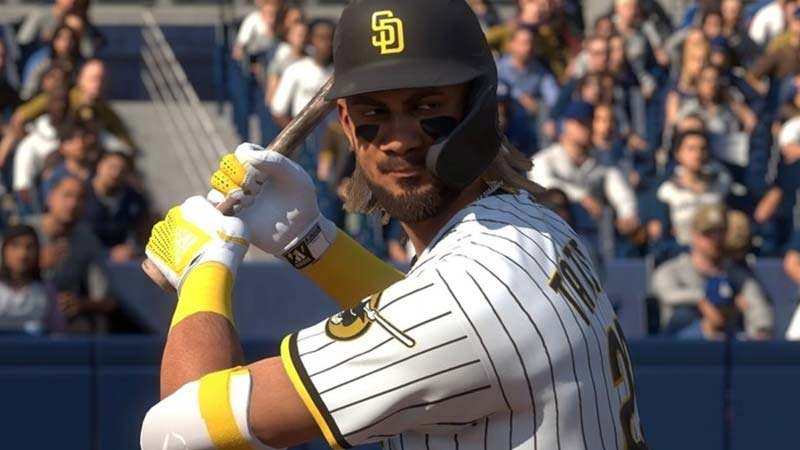
Players were meant to be able to make and participate in various online Leagues, as well as play for multiple seasons, in this mode. Many players are patiently awaiting a response to this problem. We truly hope that this mode will be available to play soon.
Even though Custom Leagues enables you to play an online league over several seasons, it’s important to remember that Custom Leagues do not have any of the functionality included in Franchise mode, but it’s a start. The major drawback is that only a few teams are available in Custom Leagues. You won’t be able to assign any team to AI, this means the total teams will be only equal to the number of gamers who is part of that Custom League.
That’s everything you need to know about Custom Leagues not working properly in MLB The Show 21. While waiting for a fix on this issue, check out some more MLB The Show 21 tips and tricks we’ve covered in our MLB The Show 21 guides. We’ve got everything from Pinpoint pitching to CFD drain and more about how to create your own player and add to the team.