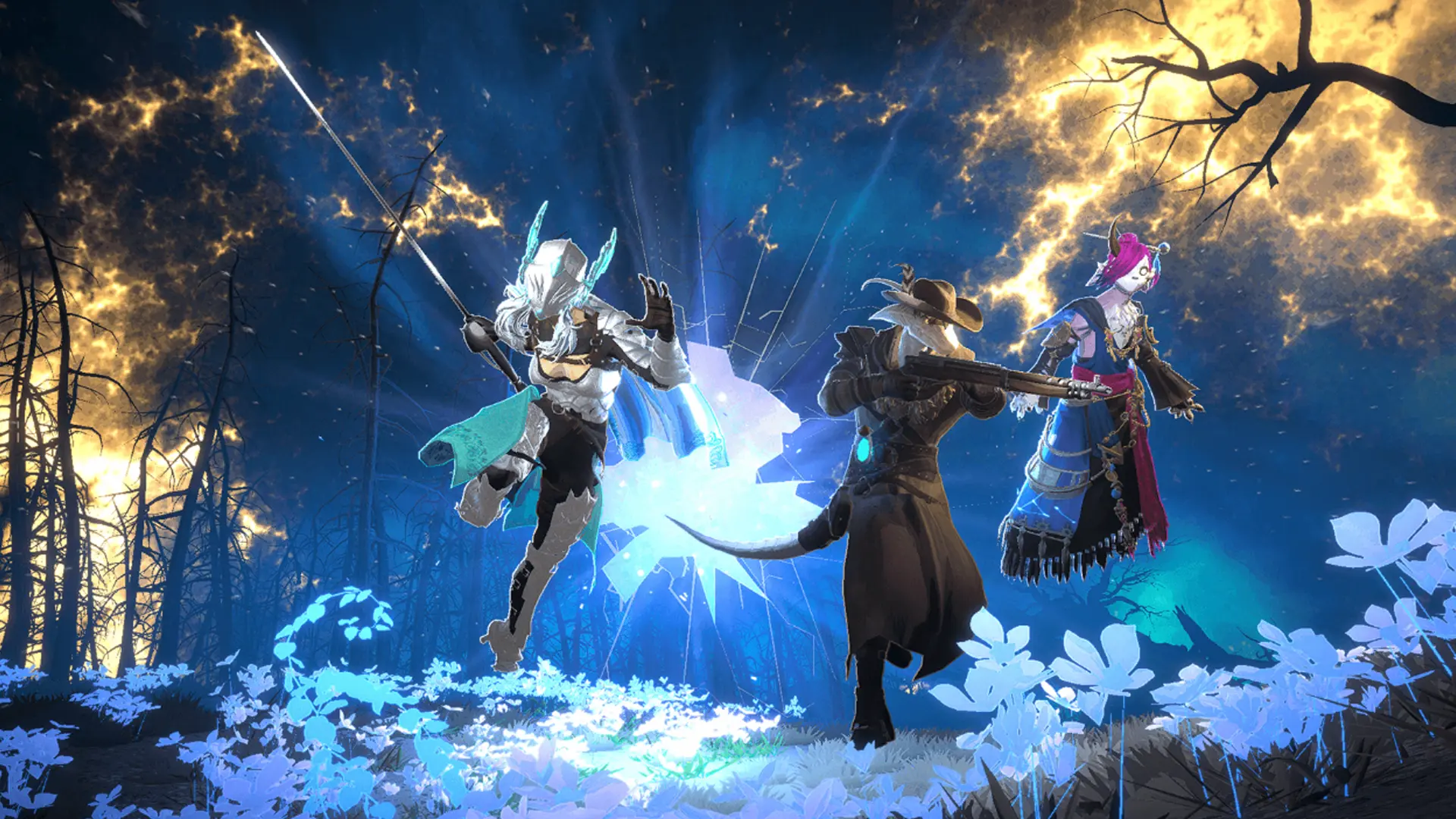
The Finals is an interesting shooter because of its unique ability to let you destroy the walls and ceilings. Since this is something new for multiplayer shooter games there is no doubt many players would want to try it. The problem however is many players are getting the matchmaking failed error in The Finals and need a fix for the same.
As the problem describes itself, you won’t be able to join the game. The worst part is many players aren’t even able to try the game’s tutorial. Below are some solutions that could help you fix this problem.
What to do to Fix Matchmaking Failed Error in The Finals

If matchmaking is getting canceled in The Finals, here’s everything you can try.
Set a Matchmaking region
By default, the matchmaking setting is set to automatic. But if you change it and manually set a region of your choice you shouldn’t be getting this error. Thanks to Vortex on Steam forums for sharing this fix. It isn’t a guaranteed fix as it worked for someone in the comments while not for another player. So you will have to try it out for yourself.
Check Server Status
You should check the game’s current server status on their Twitter @reachthefinals. If the servers are indeed down, then you can find here about what the issue is. They may update if it is down due to an outage or a scheduled maintenance, and when it can be back online. You can even join their Discord Server.
Repeatedly Search for a Game
Another trial and error method is to repeatedly search for a new game until you finally get one. Unfortunately, there is no guarantee that you will get a match after spamming it “n” number of times. It may work within 5-10 searches, but might not work even after 100+ searches.
Aside from the above methods you can also use these general fixes:
Restart the game
Close the game on your console or PC, you can even exit Steam. Now restart the game, for PC you can even launch it from Steam. Upon starting try matchmaking to see if it works.
Check your connection
Test your internet by doing a speed test to see if it is stable. If it isn’t then you can refresh your connection by either restarting your router for wireless connection. As for a wired connection, you can refresh it by plugging it out and in the Ethernet cable.
With that, you shouldn’t get the matchmaking error again in The Finals. If nothing else works, contact support and they will be able to resolve the issue you are facing.
Be sure to check out our The Finals section for more help on other topics of this game. For example, here’s how to make your crosshair small, how to equip APS turret and Shroud’s settings for crosshair, sens and graphics.