
Once you know how to reload in Armored Core 6, your mech can be an impeccable force to mess with. Throughout the fast-paced mecha-based combat, your weapons can only be as overpowered as your strongest build. As players try to grasp the mechanized combat system, many are confused about manually reloading weapons. But what is the reload button on the controller or keyboard? Quite a confusing mechanic, this varies on all the platforms including the PC, PlayStation, and Xbox consoles. Don’t worry, check out our guide to find out how to manually reload your weapon in AC6 Fires of Rubicon.
How to Reload in Armored Core 6
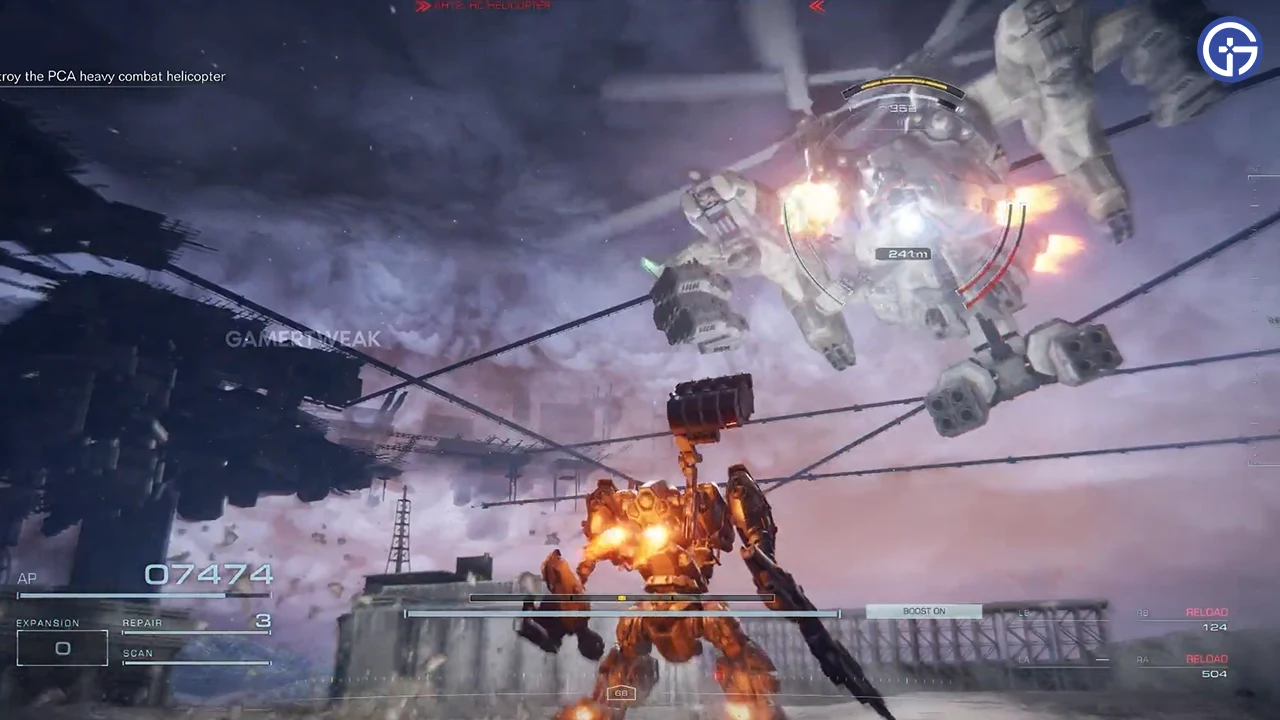
You can manually reload in AC6 by holding the Access button and the required shoot button for that weapon. When you do so, it will trigger the mechanic for that selected weapon.
So, here’s how you can manually reload on all the platforms:
- PC keyboard: Hold the F + attack button for the weapon
- Xbox Series X | S controller: Hold Y + Fire or attack button for the weapon
- PS5 & PS4 controller: Hold Triangle + Fire or attack button for the weapon
But note that you can only reload the weapons that use this mechanic or system in Armored Core 6. The weapons that Overheat or overload cannot use this mechanic. These weapons include the Grenade launchers, Missile launchers, Plasma, Laser, and Melee weapons. You can reload only the magazine-based weapons that require clippings or ammo. For example, the Assault Rifles, Machine Guns, and the Shotgun type of weapons.
Considering you don’t need to reload all the weapons, we recommend doing so wisely. Ensure to manually reload these weapons when you are not in combat. Speaking of which, your weapons also automatically reload as soon as you are out of ammo. But you can save some time by changing the magazine clippings or ammo earlier for victory.
That’s all about how to reload in Armored Core 6. If you liked this guide, check out our more guides to find out the best Core expansions, how to input Share ID codes, and explore more Armored Core 6 Guides right here on Gamer Tweak.











