The default brightness on the CS2 is a bit in a sketchy situation, many of the Counter-Strike 2 players have been complaining about the over-brightness of the game, making it an inconvenience to play. If you are also experiencing the same inconvenience, we got you covered with this guide. In this, we will discuss about all the possible options you can try to lower brightness in CS2.
How to Lower Excessive Brightness in CS2
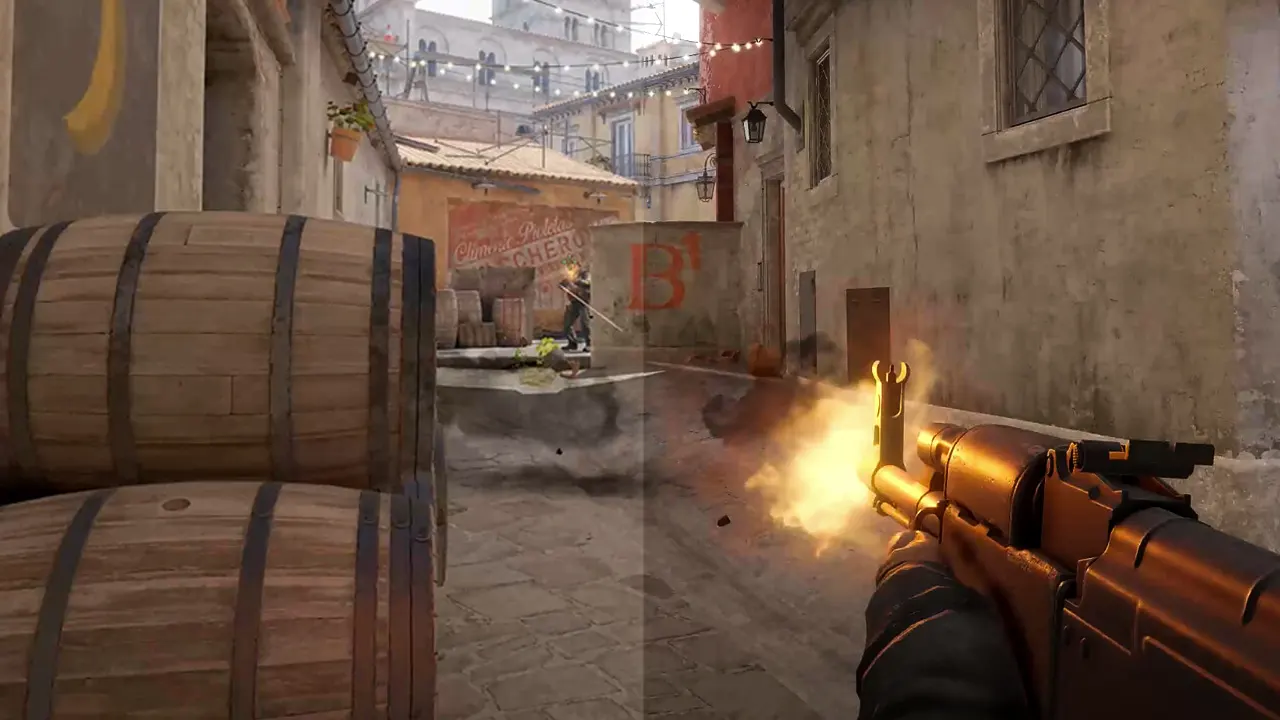
There are a few ways by which you can configure and lower brightness in CS2, the direct method would be by use of the in-game graphics settings, or you also configure your Monitor setting to get the desired output. However, the best and most effective way would be to use the command console on the CS2.
Lower Brightness using Graphics Settings
- Open the CS2 game on your PC.
- Now go to the settings menu and then click on video.
- Further, in order to adjust the brightness slider, you need to be on fullscreen mode.
- To set this, you change the Display Mode to Fullscreen
- Now, once the slider is accessible, you can adjust within a range of 40% (Darkest) to 140% (brightest) depending on your requirements.
Reduce Excessive Brightness in CS2 using Command Console
You can use the command console to enter a command to help you lower the brightness in CS2. Follow the below-given instructions step by step to do so.
- While in CS2, open the console using the “~” key.
- Now type the following command r_fullscreen_gamma 2.5
- Here you change the number which can be ranging from 0 (Full white) to a higher value, the higher the value, the darker the screen will get.
We recommend a value between 1.8 and 3.5 for perfect brightness.
Now to enter the commands you need to open the developer console which can be enabled from settings. To enable it, go into the game settings and follow the below-given instructions to do so:
- Launch CS2 on your PC.
- Now, on the main screen, click on the gear icon located in the top left corner to open the Settings menu.
- Next, go to the Game section in the setting.
- Under the Game submenu, look for the option Enable Developer Console (~).
- Further, change the No button to Yes to enable console access.
- Now you can click on the home icon to Exit the Settings.
Now, whenever you need to launch the command console, you can press the ~ key in CS2.
That’s everything you need to know about how to lower brightness in CS2. If you found this guide helpful, you can check out our guide on other best CS2 console commands or learn about CS2 Launch options & Config commands. Further, you can head over to our dedicated section for Counter Strike 2 right here on Gamer Tweak for more helpful guides and tips.