
Home > Gaming Guides > Lost Ark Ping

How To Ping In Lost Ark (Explained)

Updated Date :

Pinging in games is critical to pinpoint a location during action-packed fighting. This saves your time of typing or explaining the location, and notify everyone in your group to turn their attention or move towards an area. So like most games, Lost Ark also implements this feature. So here’s how to Ping in Lost Ark.

How to Ping in Lost Ark Map

To Ping in Lost Ark, you need to hold the “Ctrl” key and use the mouse left click on your surroundings. You can also open the mini-map using the “Tab” button and ping it directly. If your location is far away, use the “M” button to open the entire map, and use the Shift + Right mouse button to ping and send the location directly to the chat.

So to bring it into pointers, here are the three main ways to Ping in Lost Ark:

  • Ctrl+LMB
  • Tab for mini-map and ping in it
  • M to open-world map, then Shift+RMB

If you wondering how to check your server ping, then you can continue below.
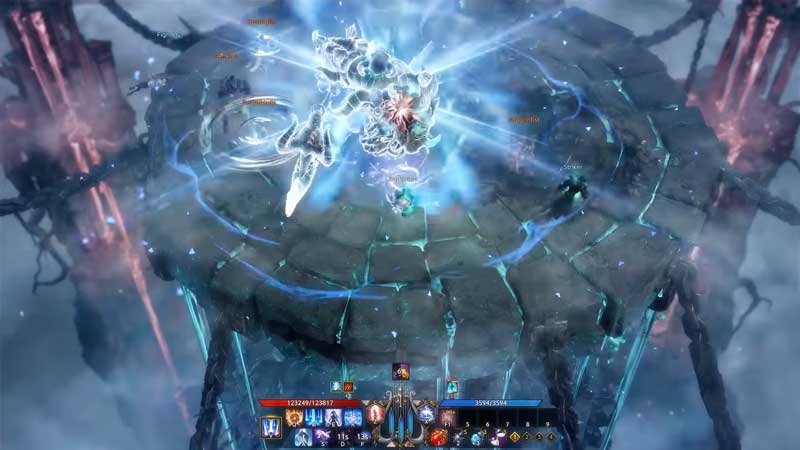
how to ping map and check your server ping in Lost Ark

How to Check Server Ping?

To check & show Lost Ark server ping:

  1. Press on “Esc” to open “Game Menu”
  2. Or from the main menu, click on “Services”
  3. It will have a “Gear” icon
  4. This will be on the lower right side of the main menu
  5. Now click on “Game Menu”
  6. Click on “Settings”
  7. Now click on the “Gameplay” tab
  8. Click on “Controls and Display”
  9. Scroll to “UI”
  10. Select “Always Show” in the “Show Network Latency” option
  11. Click on “Apply” then “OK”
  12. Now your ping will show on your screen always
  13. This will be on the lower left side of the screen

So that’s it for how to ping on the map & check your server ping. While you are here, check out more interesting topics in our Lost Ark Guides like Best Classes Tier ListMokoko Seeds LocationsWhich Server To Join (List), and more.

  • Mafia Codes Roblox (July 2026)

    Mafia Codes Roblox (July 2026)

    Published Date :

    Mafia is a social deduction game based on the classic concept; however, to make things more interesting, you might want to unlock new disguises or animations. You’ll need Credits for that, and thankfully, Mafia codes are one of the easiest ways to earn free Credits. Check out the list of all working rewards below. Last… Read More

  • Split or Steal Brainrot Codes (July 2026)

    Split or Steal Brainrot Codes (July 2026)

    Published Date :

    Winning a rare Brainrot (by stealing or splitting) is fun, but you’ll also need Grade Tokens to improve its rarity and make your collection even stronger over time. Thankfully, Split or Steal Brainrot codes give you free Grade Tokens, making it easier to upgrade your favorite Brainrots to make a lot of money. If you… Read More

  • Just Yeet Bro Codes (July 2026)

    Just Yeet Bro Codes (July 2026)

    Published Date :

    As the name of the game suggests, just yeet, bro! All you have to do is grab a player and throw them off the stage. However, you will need Bananas to unlock skins, abilities and more, which is where these Just Yeet Bro codes come in real handy! Here’s the complete list of all the… Read More

  • Roll to Defend Codes (July 2026)

    Roll to Defend Codes (July 2026)

    Published Date :

    Roll to Defend codes can reward you with free Units, cash, and luck boosts to summon better Units to fight against zombies. Since upgrading your Backpack and unlocking new zones can take time, codes provide much-needed boosts, which is why we have a list of all the currently available rewards. Redeem them before they expire!… Read More








