
Most Diablo 4 players recently encountered an error where their Friend’s List failed to load. This error may have popped up due to the latest patch update released by Blizzard Entertainment. This might not be a big deal for solo players, but for those who use the Diablo IV Co-Op feature, this error can get annoying. So if your Friends List is not working, then here’s how you can get it fixed.
How to Fix ‘Friends List Not Working Error’ in Diablo 4
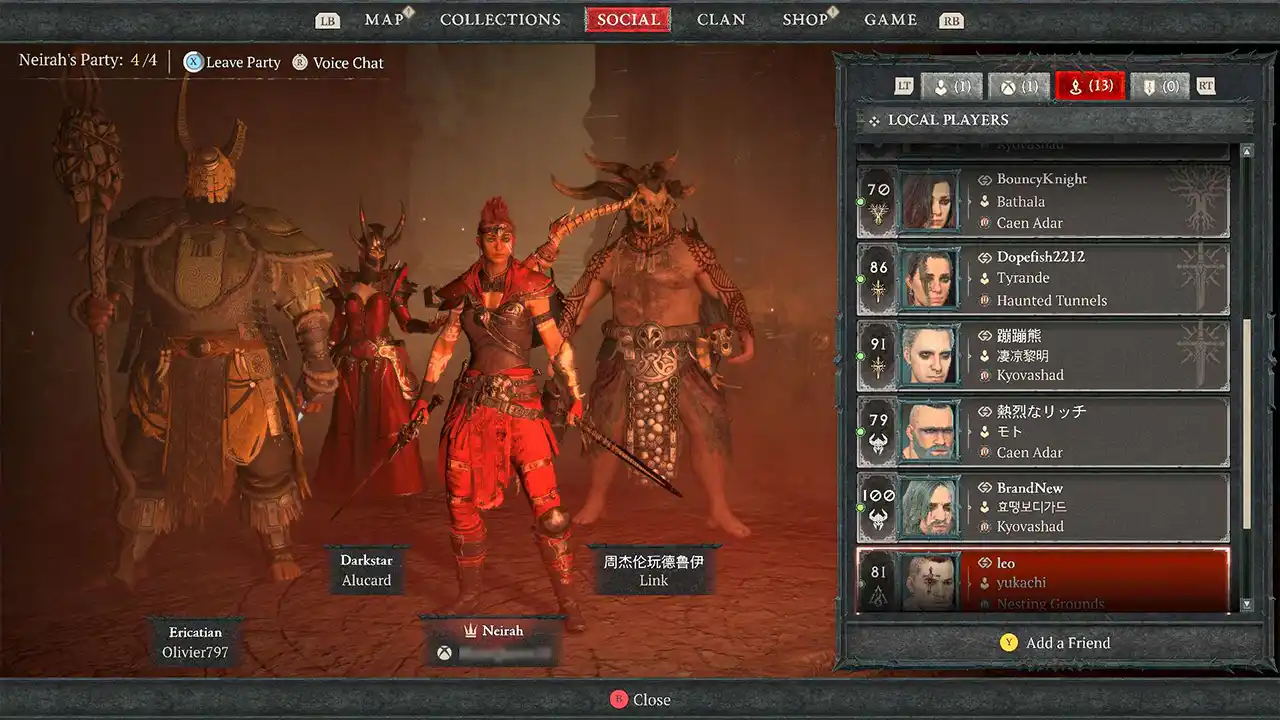
Unfortunately, there’s no official and surefire fix to get rid of this bug, but there are a few workarounds that you can try. Refer to the fixes below to fix your Diablo 4 Friends List.
Restart your Device
While this may sound absurd but restarting the respective console or PC has fixed this error for many players. All your game and system needs is a reboot to get things to work like normal again. Or else, you can also shut down your device, remove the plug and wait for a couple of minutes before restarting the device again. Now you can launch Diablo 4 again to check if your Friends List is working again.
Fix Internet Connection
It is obvious that you require an internet connection to invite your friends for a coop game. And that’s why, your Diablo 4 Friends List may fail to load if your internet isn’t stable. You can try and fix this error by simply switching to an ethernet cable. Otherwise, you can also switch on and off your Wi-Fi router to troubleshoot this error.
Contact Blizzard Support
As I mentioned earlier, there’s no official fix for this error. However, you can access the Blizzard Support Website to complain about this issue. Since many players have experienced it, they will fix it with another small patch update.
That’s all you can do to get the ‘Failed to Load Friends List’ error fixed in Diablo 4. Also, there are tons of other issues existing and the most infamous ones include the Strongholds Not Showing Up on Map bug and Voice Chat Not Working issue. To get them all fixed, you can check out our Diablo 4 section at Gamer Tweak.











