If you are facing the Starfield unable to launch on Nvidia GPUs issue, it’s alright as running Bethesda’s latest game on Linux and some graphics drivers is almost impossible. Out of all players, the most affected are the players using the old or new Nvidia graphics drivers. With the use of the proton version, many players were relieved they could play the game. But aside from the fact that Starfield doesn’t natively support or is available for Linux, many Windows players are facing this issue too. Even though players are using the latest graphics drivers, they are facing the GPU does not meet minimal requirements error. Don’t worry as we have compiled some workarounds or fixes to resolve the Unable to launch on Nvidia GPUs issue for this game.
Fix Starfield Unable to Launch on Nvidia GPUs Issue
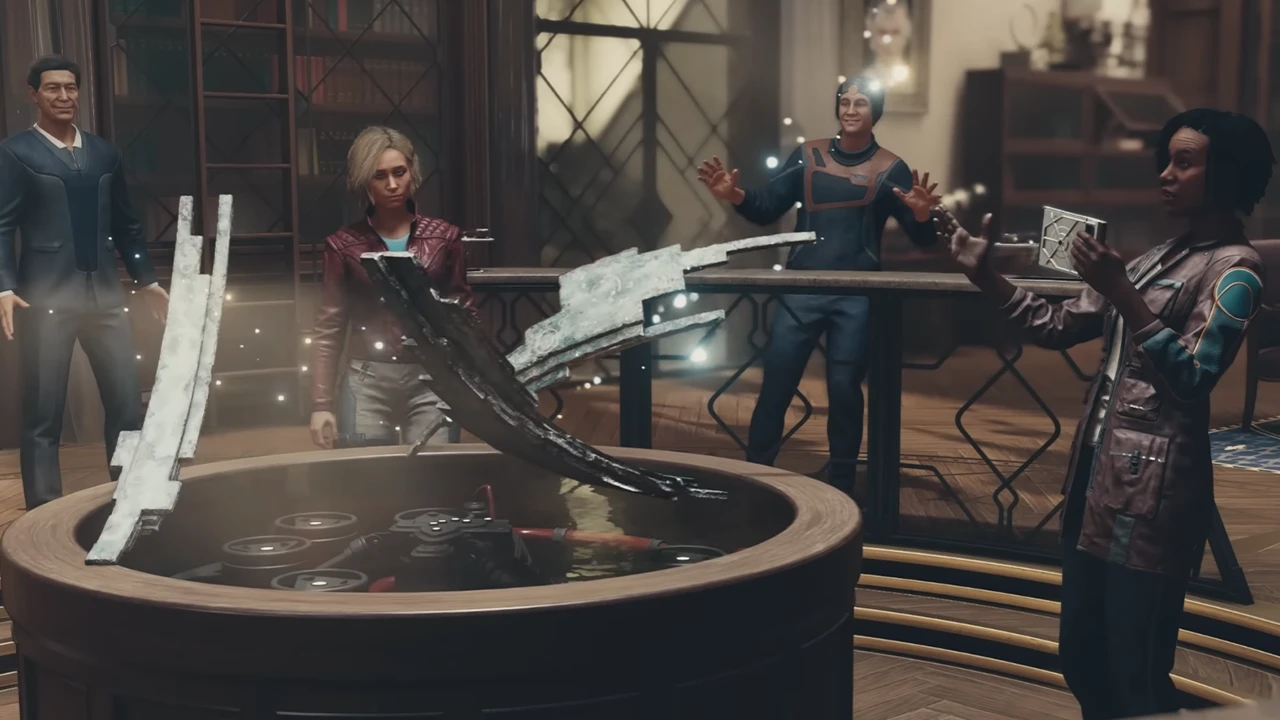
You can fix the unable to launch on Nvidia GPUs issue by downgrading your graphics drivers to 530. It’s because the latest rev535 driver doesn’t work with most hardware according to a Redditor, u/Unplanned Organism. So, it will require some tweaks to roll back on previous drivers to play with the latest Nvidia GPU.
So, follow the below steps to resolve the unable to launch on Nvidia GPUs in Starfield:
- Downgrade your Nvidia drivers to rev530.41.03 dkms using the Frogging Family patch from Github.
- Head to Steam launcher > Library > Right-click on Starfield > Properties > General
- Set the Proton to Experimental.
- Under launch options, paste the following launch command:
- VKD3D_SHADER_MODEL=6_6 %command%
- Launch Starfield’s executable file (.exe) directly.
This should hopefully resolve all the crashing, errors, or freezing issues. If it doesn’t, we recommend trying out other launch options on Steam alongside downgrading graphics drivers further. Some players on GitHub recommend rolling back to the rev525. But note that it might not resolve the issue as the system specs and Nvidia GPUs may differ.
That’s all about how to fix the Starfield unable to launch on Nvidia GPUs issue. If you found this guide helpful, check out our guides to find out how to fix the Power from Beyond bug, fix the Operation Starseed bug, and explore more Starfield Guides right here on Gamer Tweak.