The Finals is a very fast-paced game where a single wrong move can cost you the game. Be it your opponents stealing the cashout from you, or you being unable to revive your teammate. A simple mistake can decide whether you win or lose the match. However, what is worse and a problem that many players are facing in The Finals is input lag and are looking for a fix.
This is applicable for both mouse and keyboard inputs. So you might feel a delay of a few seconds when moving or shooting. So here is why you get it and some possible fixes.
How to Fix Input Lag in The Finals
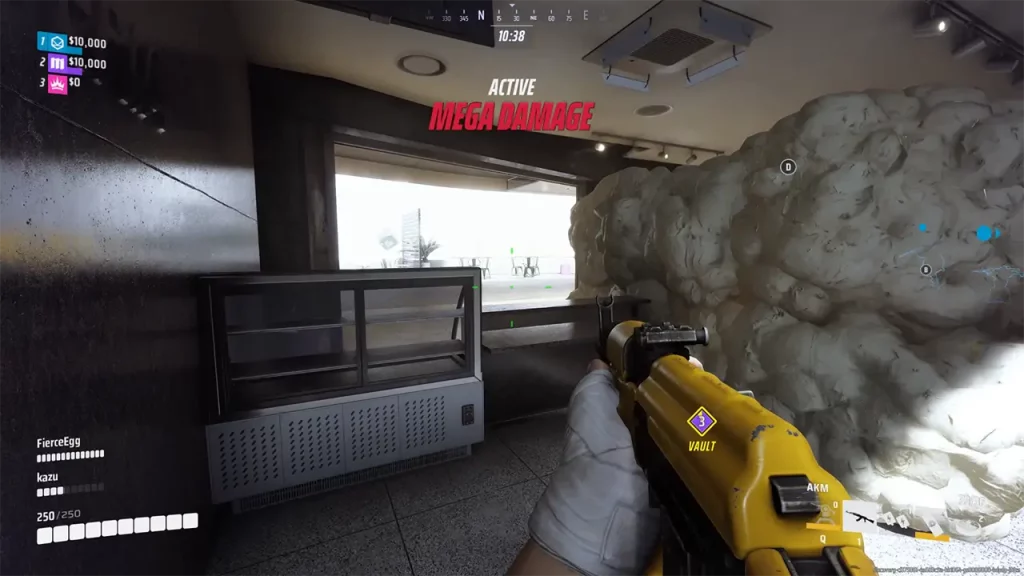
As of now, there is no official way to fix input lag, but these are a few generic workarounds that you can try:
- Lower In-game Graphics: This is a basic fix, you can change the game’s settings. Go and set everything to low, the game may not look very visually appealing but it might help fix it.
- Enable Low Latency: Nvidia users can open their Nvidia Control Panel and open the Manage 3D settings option. Here under the Global Settings, you can find the Low Latency feature. Set it to On and apply these changes.
- Change Windows Graphics Settings: Go to Settings and under Display you can find Graphics Settings. Here you can enable the “Hardware-accelerate GPU scheduling” if your Graphics Card supports it. Otherwise, you can just select The Finals, click on Options, choose High Performance, and Save it.
Why do you get Input Lag in The Finals?
A possible reason you face input lag is that the game has upscaling methods enabled by default and there seems to be no way to turn it off. This may or may not be true but is a speculation by many players.
That’s all for why you get input lag and how you can fix it. If some of the above methods worked and you are able to play then I suggest you check out our The Finals section. Here you can find topics like how to get better at the game, best controller settings, crosshair settings, and more.