
If you are facing the CS2 community servers not working issue, you might be getting an error when attempting to join a server. With the launch of Counter-Strike 2, Valve has introduced many significant changes, tweaks, and groundbreaking shake-ups. While most of these changes seem to be game-changing, some changes are game-breaking and have been annoying players. One of these issues includes the Community Servers and the browser to access it. As soon as players attempt to load a comm server, they get an error stating “cannot connect to the server” message. Don’t worry, check out our guide on how to fix the community servers not working issue in Counter-Strike 2.
How to Fix the CS2 Community Servers Not Working Issue
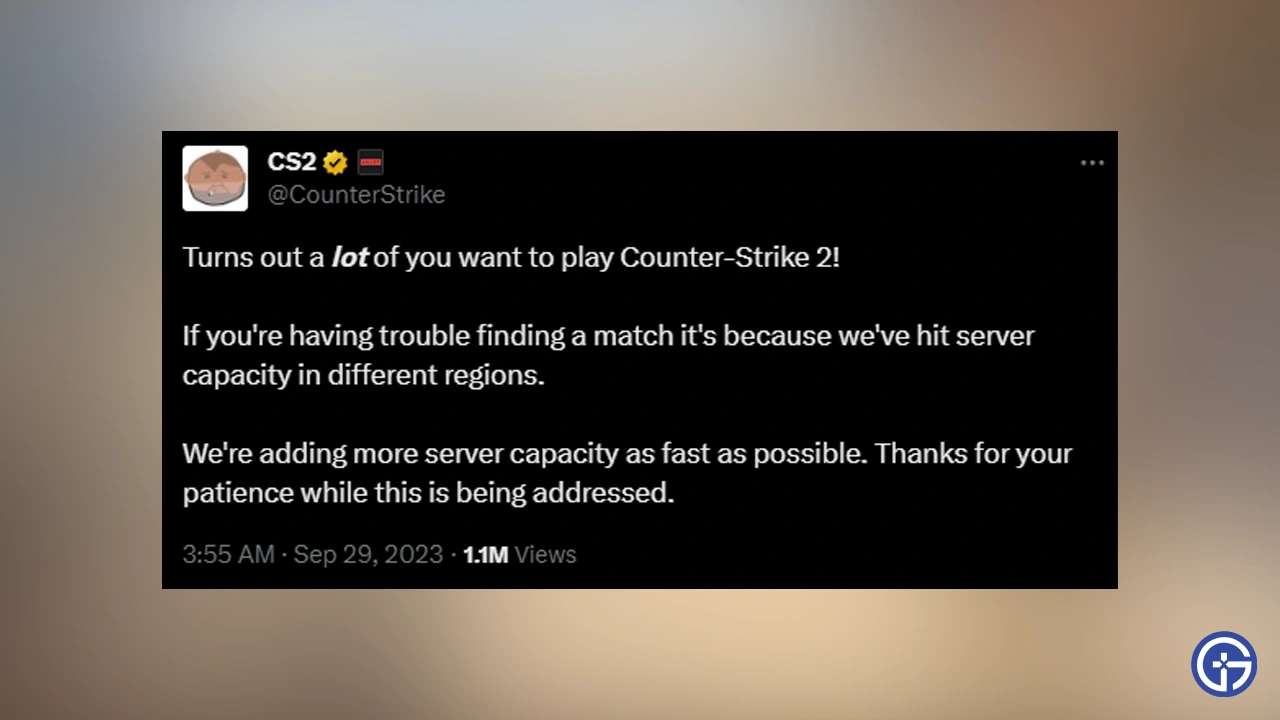
Fortunately, this issue has been acknowledged by the developers at Valve in their official tweet on X. The CS2 community servers not working alongside other server issues is due to the server capacity being hit in different regions. That’s mainly because of the servers being over-populated. Luckily, the devs have stated that they will be adding more server capacity as soon as possible. So, we recommend being patient while the devs resolve these issues.
Aside from the overpopulated servers, there can be more reasons for the community servers not working issue. So, you can try out the following workarounds to resolve this issue:
- Check your Internet Connection and Reset Router
- Restart your PC
- Verify Game Files Integrity:
- For that, launch the Steam client > Right-click on Counter Strike 2 > select Properties > Local Files > Verify Integrity of Game Files.
Since Counter-Strike 2 has been recently out, it may take a while until the community servers are functional. However, you can try out playing the custom workshop maps in the meantime. Hopefully, Valve will fix these server-related issues in the coming updates and patches. When that happens, we will make sure to update this guide.
That’s all about how to fix the CS2 Community Servers not working issue. If you liked this guide, check out our guides to find out if should you enable the Recoil option, what is the Weekly Care package, and explore more Counter Strike 2 Guides right here on Gamer Tweak.










