If you have already built your car with all the necessary parts like Engine, Radiator, Headlights, and others, all that is left is to clean the car and take it for a spin. Since the desert is huge, players will have to know how to keep the parts running while adding their respective fuel. If you are confused about how to drive the car in A Dusty Trip, this guide is all you will need.
Since you are likely a beginner to this Roblox game, you would also benefit from our tips to make your car faster. However, before we go into speed, there is the matter of properly firing up the engine and getting the feel of driving the car. There is also the matter of different kinds of fuels that your car, engine, and radiator need to function properly. If all of this sounds overwhelming, then don’t worry since this guide will simplify it for you.
How to Drive the Car in A Dusty Trip
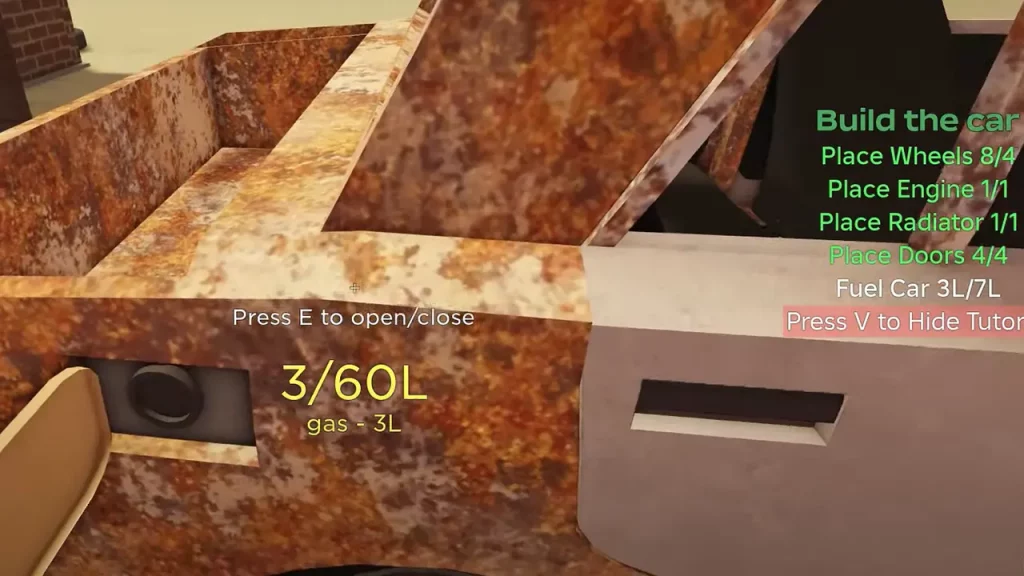
Once you are ready to drive the car in A Dusty Trip, head to the driver’s seat, press E to enter, and then press R to start the Engine. You can now press the left mouse button, accelerate forward, and start driving. While driving is quite simple, you will have to keep in mind that the engine, radiator, and the car itself run on certain types of fuel. The default engine runs on oil while the radiator needs at least 1.4L of water per minute.
Fortunately, filling them is not really a difficult task if you can find cans of fuel around the desert. On many occasions, players will also find fluids mixed in cans and they will have to learn to separate fluids to use them in the future. Additionally, if you decide to upgrade your engine, you might have to replace the fuel entirely and in order to do so, you will have to drain the Gas Tank first.
These are important factors that you need to remember as you drive the car in A Dusty Trip. If you are confused about the controls in A Dusty Trip, do check out our guide on it along with many others in our dedicated Roblox section right here at Gamer Tweak.