Home > Roblox Guides > How To Switch On The Headlights In A Dusty Trip Roblox

How To Switch On The Headlights In A Dusty Trip Roblox

Published Date :

After the recent update, players have found it challenging to turn on the headlights in A Dusty Trip. While there used to be a simple switch near the steering wheel earlier, it’s not working currently. As a result, players are wondering if there is a way to travel the desert in the dark without the headlights or if there is some other way to switch them on. Fortunately, the solution to this problem is quite easy and we have covered everything you will need on that.

As you build your car from scratch, you will come across two lights and you will have to attach them correctly to the front, right next to the Engine and Radiator. Once that is done, you will be able to travel through the desert even at night and look around for what you need. Since the game is not clear on how to turn on the Headlights after the update, this guide will show you what to do.

How to Turn On the Headlights in A Dusty Trip
How To Switch On The Headlights In A Dusty Trip Roblox

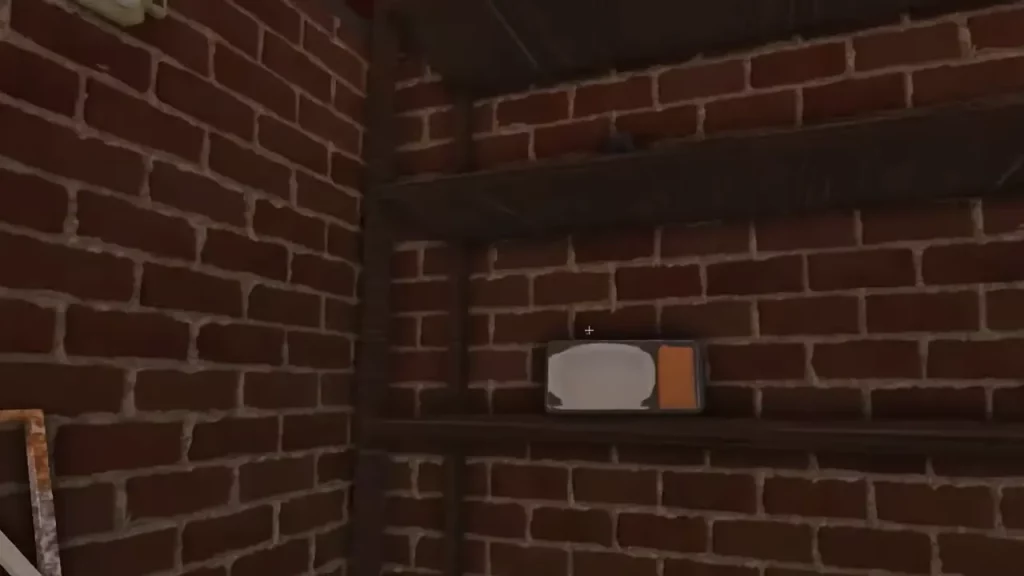
Since the button near the steering wheel no longer works at the time of writing, you will have to use the alternative method. Before attaching the headlights in a Dusty Trip, you will have to switch them on. Simply grab the headlights by pressing F and then click the Left Mouse button and that should do the trick. Once the lights are on, you can attach the part to the front of the car and drive around the deserts at night.

Although it is likely that the developers will revert to the button system in the car, this is a viable option for players to use if it’s not working right now. Additionally, you can also attach the Van lights on the car by placing it in a proper spot on the roof or somewhere else. If you are completely new to the game, you will find some of these tips to make your car go faster to be quite useful.

That’s all you will need to switch on the headlights in A Dusty Trip. For more related to Roblox A Dusty Trip, head over to our dedicated section.

  • Roll to Defend Codes (July 2026)

    Roll to Defend Codes (July 2026)

    Published Date :

    Roll to Defend codes can reward you with free Units, cash, and luck boosts to summon better Units to fight against zombies. Since upgrading your Backpack and unlocking new zones can take time, codes provide much-needed boosts, which is why we have a list of all the currently available rewards. Redeem them before they expire!… Read More

  • Anime Overseer Codes (July 2026)

    Anime Overseer Codes (July 2026)

    Published Date :

    Anime Overseer codes can give you free Gems, Gold, and Trait Rerolls to help you from the start. Since you’ll be summoning units, evolving them, and taking on challenging enemy waves, every free reward can make progression much easier. So, to help your journey, here’s the complete list of all the currently available codes. Last… Read More

  • Stay For Fortune Codes (July 2026)

    Stay For Fortune Codes (July 2026)

    Published Date :

    Stay For Fortune codes can give you free Cromerium, helping you unlock upgrades and progress without having to wait as long. Since the game revolves around staying in the server to earn rewards over time, every bit of free currency can help you get ahead faster. So, here’s the complete list of all the currently… Read More

  • +1 Speed Evolve Codes (July 2026)

    +1 Speed Evolve Codes (July 2026)

    Published Date :

    Speed-based games on Roblox will always stay popular, and this particular experience is quite addictive! Here, you play as an animal and your goal is to evolve into stronger animals, unlock new worlds, and be the fastest player on the server! +1 Speed Evolve codes offer free Speed and Win Boosts that can make your… Read More