Imagine this scenario, you are playing Rainbow Six Extraction. You are at a party with your friends and you are about to get into a game. All of a sudden your game bugs out and you get a message saying Disconnected from Host in Rainbow Six Extraction. It is very frustrating and annoying as players want to play the game and stare at a blank screen. This has been happening to many players along with a few other bugs. So in today’s guide, I will show you how to fix the Disconnected From Host Error in Rainbow Six Extraction.
How to Fix the Disconnected From Host Error in Rainbow Six Extraction
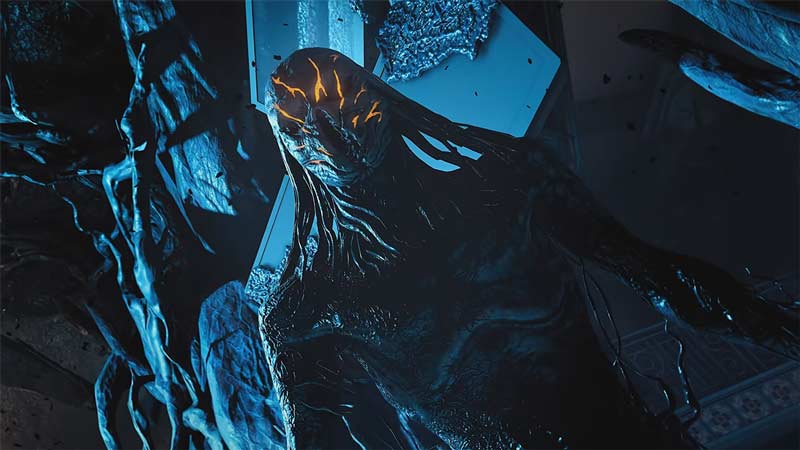
The Disconnected From Host Error in Rainbow Six Extraction is a disconnect from the team lobby during a game. This can affect your overall status and progress as you won’t be able to complete any game. There are fixes to the problem but they are only temporary. Until the Developers do not patch it out completely, the Disconnected From Host Error in Rainbow Six Extraction will keep happening. The fixes to the problem are as follows:
Reconnecting back to the Lobby
When the Disconnected From Host Error in Rainbow Six Extraction occurs, click on the Ok button and try to reconnect to the Lobby. this may take a few times but brute-forcing it may fix it. This may or may not fix it but it will for the time being.
Join another Host in Rainbow Six Extraction
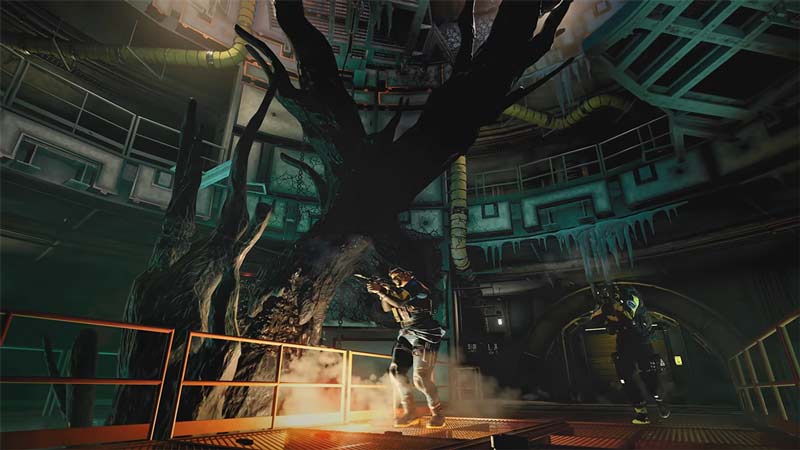
Try joining a lobby with your friends. this will drastically reduce the chances of the Disconnected From Host Error from occurring. if that doesn’t work then let another friend of yours host the lobby. This will fix the issue of Disconnected From Host Error in Rainbow Six Extraction.
Check Rainbow Six Extraction Server Status
If the servers of the game are down then you won’t be able to join the game let alone the lobby. Best to check the Server Status before opening the game. If the servers are running well then the problem lies within your system. You can check the Server Status of Rainbow Six Extraction through our Article on it.
Check the Internet Connection
You could be facing the Disconnected From Host Error due to poor Internet Network. Check if your Connection is stable by running a Speed Test. If you are still facing problems then try restarting your Router by switching it off for around 5 to 10 Minutes and then starting it back up. If that doesn’t work then contact your ISP. This should fix the Disconnected From Host Error in Rainbow Six Extraction. If possible, try and get a wired connection or an Ethernet connection from your Router to your Gaming Device. This will reduce the chances of facing Internet problems.
Restart your Game or Gaming System
If none of the above solutions worked for you then try restarting Rainbow Six Extraction. This should solve any issue as the Game Files will reload, removing any data that was not loaded properly. You can take a step further by restarting your Gaming System itself. The idea is the same just it will refresh the Gaming System. This will definitely fix the Disconnected From Host Error in Rainbow Six Extraction.
This was all about the Disconnected From Host Error Fix in Rainbow Six Extraction. DO keep in mind that these are temporary fixes and not permanent solutions. There are high chances for it to happen again. The only way to fix it permanently is if the Devs patch it. Hopefully, this guide has helped you. You can also check out our other guides on the game like How To Play In Solo Mode & Server Connection Error Fix in Rainbow Six Extraction.