If you are looking for the most annoying enemies to deal with while starting in Starfield, then Turrets are what you are thinking of, and disabling them is your way around. While clearing an enemy fleet might be difficult in the first place, dealing with these ballistic and laser defenses can turn out to be quite tricky. Once detected, these Turrets will blitz you with their firepower which can in turn deal extensive damage. So if you are looking to clear out these metallic defenses first, then check out this guide to know how to turn them off and stick around to know how you can use them against your enemies to have some fun in Starfield.
How to Deactivate Turrets in Starfield
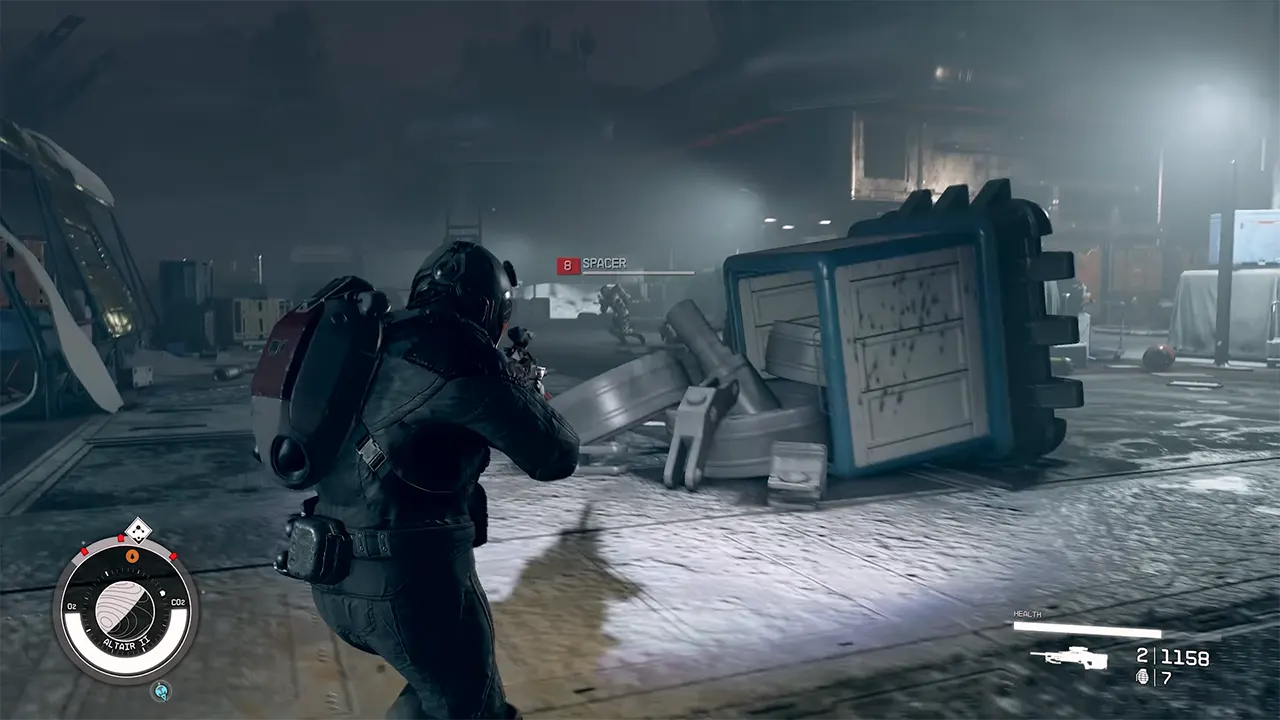
To disable the Turrets, players will first have to find a Computer Console nearby in Starfield. You can locate the computer not far from the turret itself in the game. However, beware of your surroundings as other enemies will attack you as well. You can use your stealth skill to sneak around and look for the computer. Once you come across it, you can interact with it by pressing the A button on the controller or press E on the keyboard. This will open up the Remote Robot Control where you will find two options. Players can then disable them by selecting the Deactivate Unit(s) option in Starfield.
However, if you are looking to turn the ballistic defenses against their own, then you can select the Update Friends/Foe Setting option. This will help you use the turrets against your enemies in the game. Another option to disable these turrets would be to outright destroy them in Starfield. You can bombard them with all the ammunition you have and destroy them in the game. Although the turrets would be turned off once you destroy them, they too will deal extensive damage to you and your companions. If you want to increase the damage you deal to turrets, then we would recommend unlocking the Robotics skill from the Tech Skills Tree in Starfield.
That’s everything covered on how to disable Turrets in Starfield. If you find this guide useful, then check out our how to increase carrying capacity and how to cook guide on Starfield, right here on Gamer Tweak.