For some reason, CK3 players constantly get stuck on the Initializing Game screen. Despite putting effort into fixing this issue, they were not able to get past this screen. Even generic solutions like restarting and reinstalling the game didn’t fix it. But don’t worry—there are a few other fixes that you can try. In this guide, we will explain those solutions so you can quickly fix the Crusader Kings 3 stuck on Initializing Game.
How to Fix Crusader Kings 3 Stuck On Initializing Game
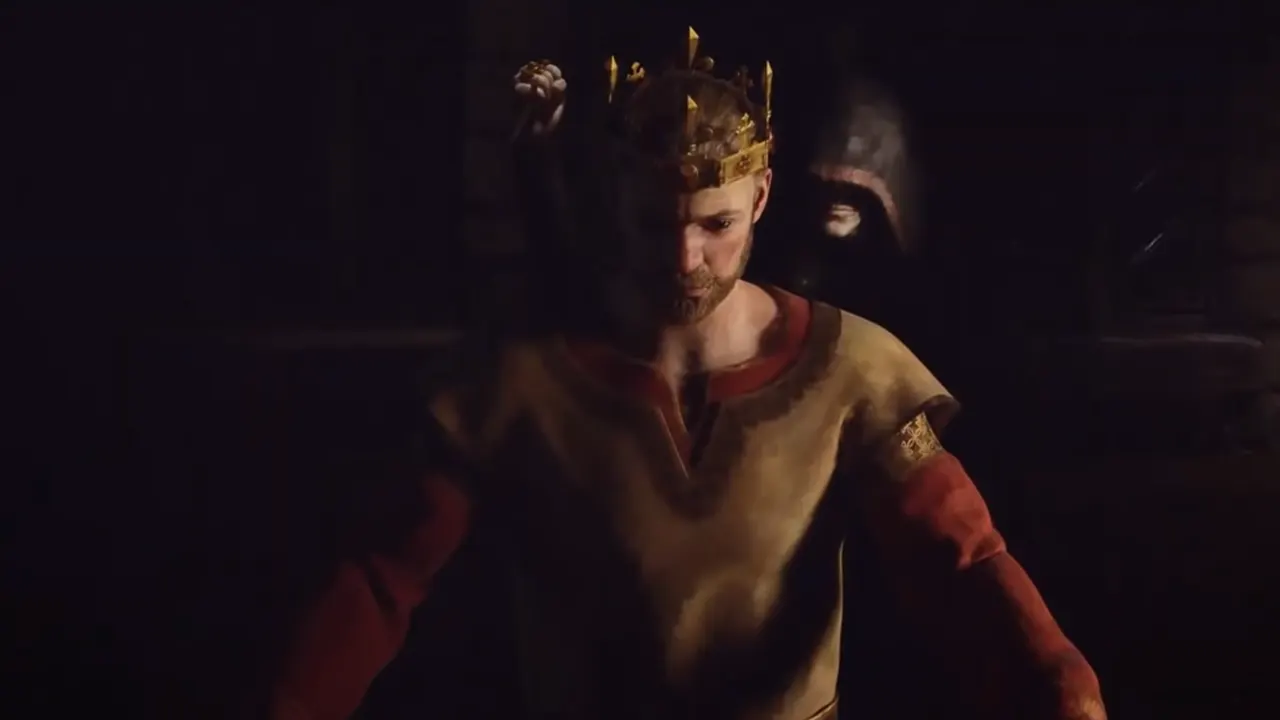
Before proceeding, make sure that your game is up-to-date. There is a chance that this issue has been fixed with an update, but you haven’t downloaded it yet.
If your game is updated and still facing this problem, then use these steps to fix Crusader Kings 3 stuck on Initializing Game error:
Verify Game Files
There’s a possibility that you are facing this issue due to a missing or corrupt game file. To fix it, you can verify game files on Steam by following the steps below:
- Go to your Steam Library and right-click on Crusader Kings 3.
- After that, click on Properties and go to the Installed Files section.
- Select the “Verify Integrity of Game Files” button to get the job done.
Wait for the process to end and launch the game after that. The Crusader Kings stuck on Initializing Game error will be fixed.
Delete Paradox Launcher Files
According to a user on Steam Community, deleting the launcher files and then launching Crusader Kings 3 from Steam will fix the issue. To delete the launcher files, go to Documents > Paradox Interactive and delete the Crusader Kings 3 folder.
Contact Support
If nothing works, I suggest you contact Crusader Kings 3’s Support Website. The developer’s team is pretty active and should contact you soon.
For now, that’s everything you can do to fix the Crusader Kings 3 stuck on Initializing Game error. Once you get past this bugged screen, you will return to your adventures in the Middle Ages. To make it a perfect experience this time, I suggest you check out our guide on the Best Country and Starting Characters.