Home > Starfield > Picking Moving And Throwing Items in Starfield

Starfield: How To Pick Up, Place, Rotate & Throw Items

Updated Date :

You can pick up, place items, and even move them around without adding them to your inventory in Starfield. You can use this feature to take a souvenir that caught your eye or some pieces that you can use to decorate your ship. Although there are a lot of items in the game that you can interact with, this feature has not been explained properly with an in-game tutorial, so the concept is a little complicated. In this guide, we will go over how you can pick up, drop, and rotate objects in the game.

How to Pick up, Move and Throw Items in Starfield
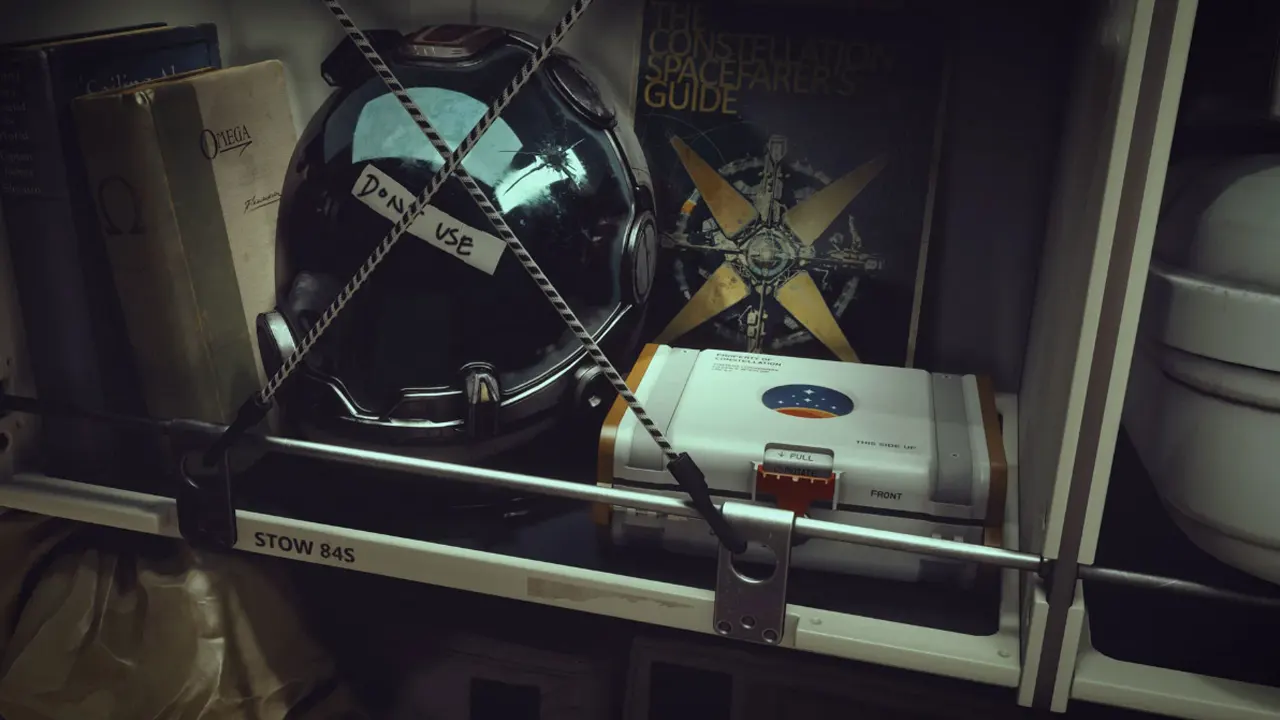
Moving, Rotating and Throwing Items In Starfield

  • Press and hold the ‘E’ key on PC and the ‘A’ button on Xbox to pick up an object.
  • You can let go of the key to freely Move it around.
  • To Release the item, you can click either of those keys/ buttons, once again, and it will drop down.
  • To Rotate the item simply click on ‘LMB’ for left and ‘RMB‘ for right on the PC, for Xbox, click on ‘LT’ and ‘RT’ on the controller. You can change the axis of rotation by pressing ‘Shift’ on PC or by using the left Joystick on the controller. You can rotate them along three axes.
  • Lastly, you can also Throw objects, and it will go even further if you toss the item while running. To do this, press ‘R’ on PC and ‘RT’ on the Xbox controller.

How does Interacting with items help in Starfield

  • You can use all the objects you have collected as a decor piece for your ship or house
  • The items you have collected can be stored and then later sold, which will help you earn some extra credits.
  • Object permanence in this game will allow you to place an item in a spot that is known to you, and later find that item in the same spot that you had left it in.

This how to pick up, place, and rotate items in Starfield. If you are successful in looting objects, without getting caught, you can also check out vendors with the most credits to sell the items you have accumulated.

  • Snipers VS Runners Codes (August 2026)

    Snipers VS Runners Codes (August 2026)

    Published Date :

    Snipers VS Runners turns a simple race into a high-stakes battle where one side is trying to reach the finish while the other is waiting for the perfect shot. Runners have to ensure they reach the finish line, while snipers need to predict their opponents’ movements and pick them off before they escape. Cash from… Read More

  • Rock Fruit Codes (August 2026)

    Rock Fruit Codes (August 2026)

    Published Date :

    Rock Fruit drops you into a pirate adventure where you’ll explore islands, fight enemies, collect powerful abilities, and work your way toward becoming the strongest player. Battles can get much tougher as you progress, so having extra potions, Diamonds, and Beli can make quite a difference when you’re trying to level up. The latest Rock… Read More

  • Chicken Farm Codes (August 2026)

    Chicken Farm Codes (August 2026)

    Published Date :

    Chicken Farm is one of the most addictive games I have played on Roblox! The gameplay is simple but hooks you right away – you buy chickens, convert eggs to cash, and help you get richer as you play! If you want to start investing time into your very own farm, you will need all… Read More

  • Anime RNG Defense Codes (August 2026)

    Anime RNG Defense Codes (August 2026)

    Published Date :

    Anime RNG Defense combines random rolls with tower defense, so building a strong lineup comes down to getting powerful units and making the most of every roll. As you start getting tougher enemies, you’ll need plenty of Crystals and rolls to improve your collection and find stronger characters. Some rewards also require you to reach… Read More