Once Human has a bunch of character creation options, however, if you like someone else’s customization, you might want to know how to import the character preset via codes or any other method. This can be done if another player’s face design looks like a popular gaming character, has some interesting details or simply looks cooler.
Thankfully, there is a way to copy the preset without adjusting every single setting—here’s how to make it happen and how to share your creations with others too.
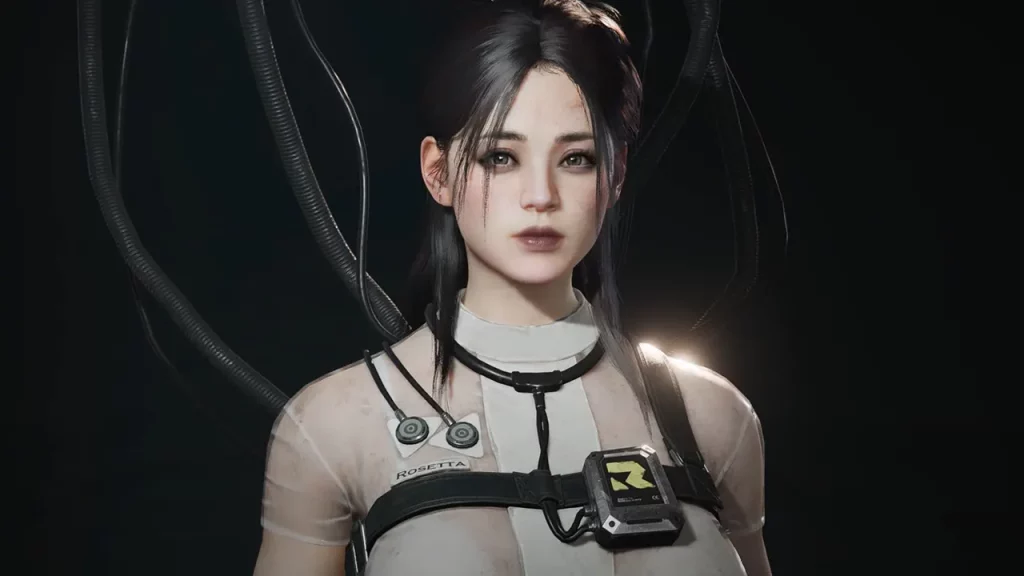
There are some things you need to know before you start though. Once Human doesn’t allow character deletion, so you’ll need to create a new character on a different server. You can’t import a preset directly onto the same server where you already have a character.
How to Share and Export Character Preset in Once Human
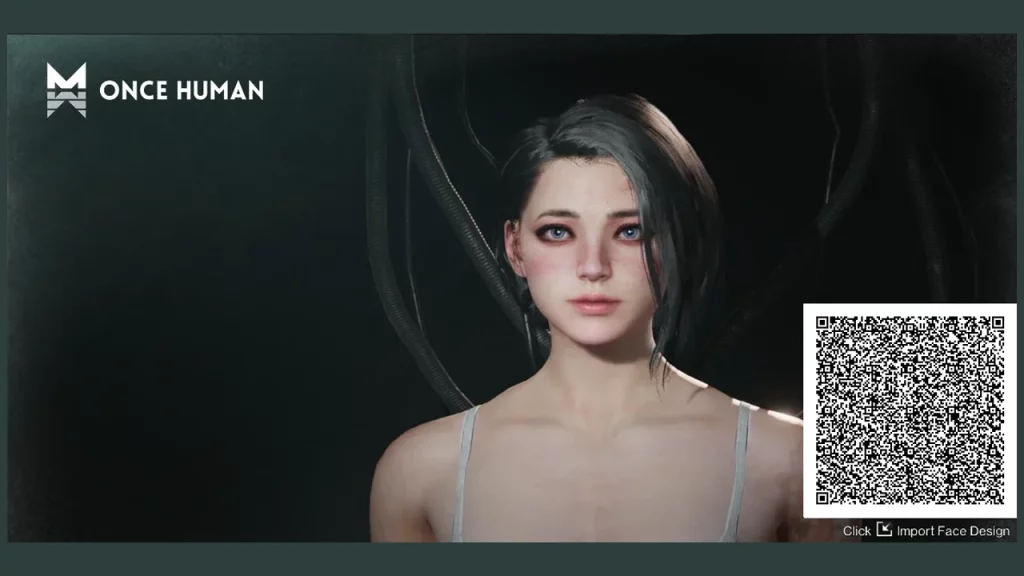
- To share your custom character creations of other players, you need a QR code. You can create your own QR code at the presets tab where you have customized your character and saved its appearance.
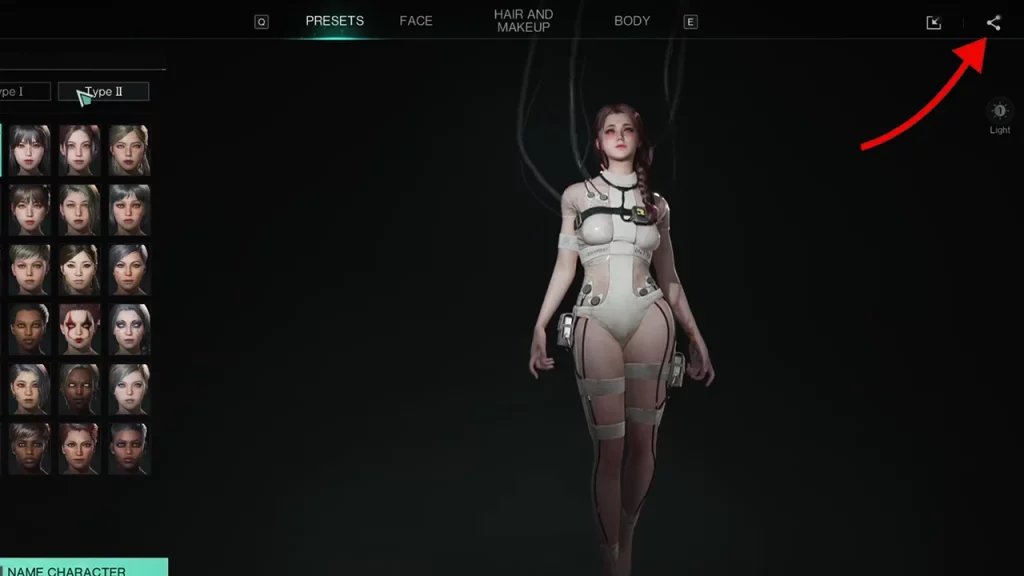
- Click on the Share Data icon at the upper right corner of the screen.
- A QR code will appear where you can click on the download icon. This will save the image of the QR code that someone else can use to import your character into their game.
- Make sure to save it with an appropriate name on your desktop.
How to Import a Character Preset in Once Human via QR Code
- Open up the Presets tab.
- Click on the Import button at the top right corner of the screen, to the left of the share button.
- A new window will appear which confirms that you want to import data. Click on the + icon and upload a picture with a QR code. Note that the imported face will overwrite the current face.
- Once you’ve done that, press F to import data.
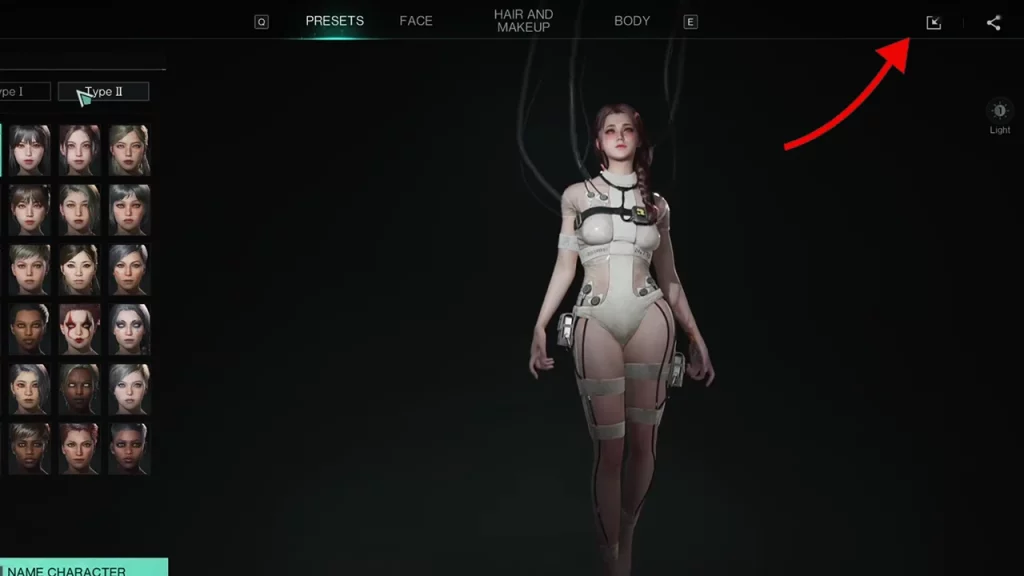
- This should import character in Once Human. Of course, only the custom features of the appearance will get imported, and not the gameplay stats.
If the import fails, try saving the face design image again and repeating the import process.
You can head over to r/oncehumanofficial to see the character import codes shared by fellow players and if you like any of them, feel free to download the preset from there. You can also join the Discord server to get more codes from the community.
Here are some Once Human QR codes shared by the community that you can import if you like: