Home > Roblox Guides > Welcome To Bloxburg: Inventory Guide

How To Put Items Back In Inventory In Welcome To Bloxburg

Updated Date :

Welcome to Bloxburg allows players to build their own houses and take part in various activities around town. As a player, you can customize and upgrade your surroundings as well as your furniture. But, what if you don’t like the look of an object in your house or don’t like a particular decoration. At such a moment you can use your Inventory to store and keep items. So let’s find out how to use the Inventory in Welcome To Bloxburg.

How to use Inventory in Welcome To Bloxburg
Roblox Welcome To Bloxburg: How To Put Items Back In Inventory
Remove items from your inventory and place them around the house.

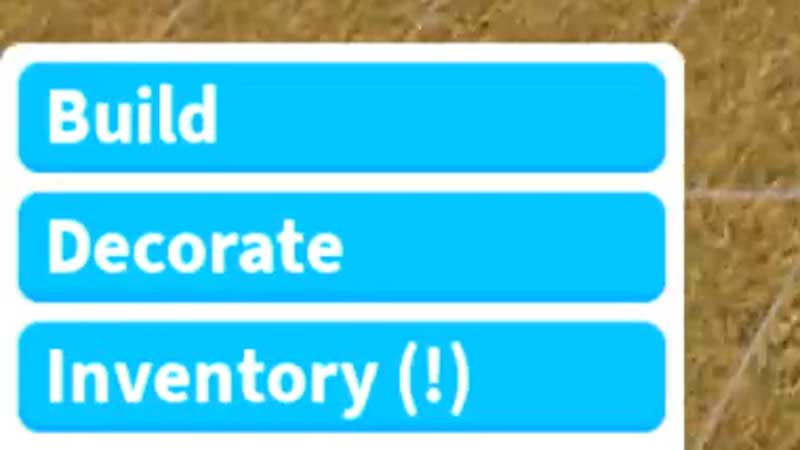
The Inventory option can be seen in the bottom left corner of the screen. You can use it to place items back on your plot. However, to put items back in the inventory there are just a few methods available. They are as follows:

  • Any Christmas or Halloween items will directly be shifted to your inventory once the festival is over.
  • For some Festival items, you will get the option to place them in the inventory rather than deleting them directly.
  • Now, for normal items, place three sandboxes on top of each other in a step-like manner. Place whatever items you want to place in your inventory on top of these sandboxes. Drag the base sandbox to the edge of your property such that the upper 2 sandboxes are facing outward and are outside your area. Try placing them and you will see a message saying all things are added to your inventory.
  • Another trick for the same is to take a stone wall and place a sandbox on top of the wall. Place whatever items you want to place in your inventory on top of this sandbox. Drag the base wall to the edge of your property such that the sandbox is facing outward and is outside your area. Try placing the wall and you will see a message saying all things are added to your inventory.
  • Also, apparently, you can only put things purchased with Blockbux back in the Inventory.

This is everything you need to know about how to use the Inventory in Welcome To Bloxburg. Check out some of our other Roblox Game Codes articles that can get you more free rewards.
  • Giant Simulator Reborn Codes (July 2026)

    Giant Simulator Reborn Codes (July 2026)

    Published Date :

    If you want some free Gold, you definitely need to redeem these Giant Simulator Reborn codes! These rewards will help you upgrade your giant much faster as you defeat enemies and grow stronger. Since this game revolves around training your character, collecting pets, and increasing your size to take on tougher challenges, every extra bit… Read More

  • Gakuran Codes (July 2026)

    Gakuran Codes (July 2026)

    Published Date :

    Gakuran codes are something many players look for after jumping into the game’s action-packed school battles. Inspired by classic delinquent manga and anime, Gakuran lets you fight rival students and explore an open-world campus filled with challenges. Find out if there’s a way to unlock free in-game rewards and speed up your progression. Last checked… Read More

  • Spin a Car Codes (July 2026)

    Spin a Car Codes (July 2026)

    Published Date :

    Spinning games are pretty popular on Roblox and rightly so, because they’re very addictive! Spin a Car is where you roll dice to unlock various cars and upgrades – the rarer your vehicle, the more money it makes! Since free rewards are always welcome, the developers share codes that provide Gasoline, Coin Potion, cash and… Read More

  • Build Your Butterfly Garden Codes (July 2026)

    Build Your Butterfly Garden Codes (July 2026)

    Published Date :

    Build Your Butterfly Garden codes let you grow your butterfly sanctuary even faster by rewarding you with useful items like Eggs, Flowerbeds, and Luck Boosts. As you hatch new butterflies, expand your collection, and decorate your peaceful garden, these freebies can give your progress quite a boost! Here are the latest rewards you don’t want… Read More