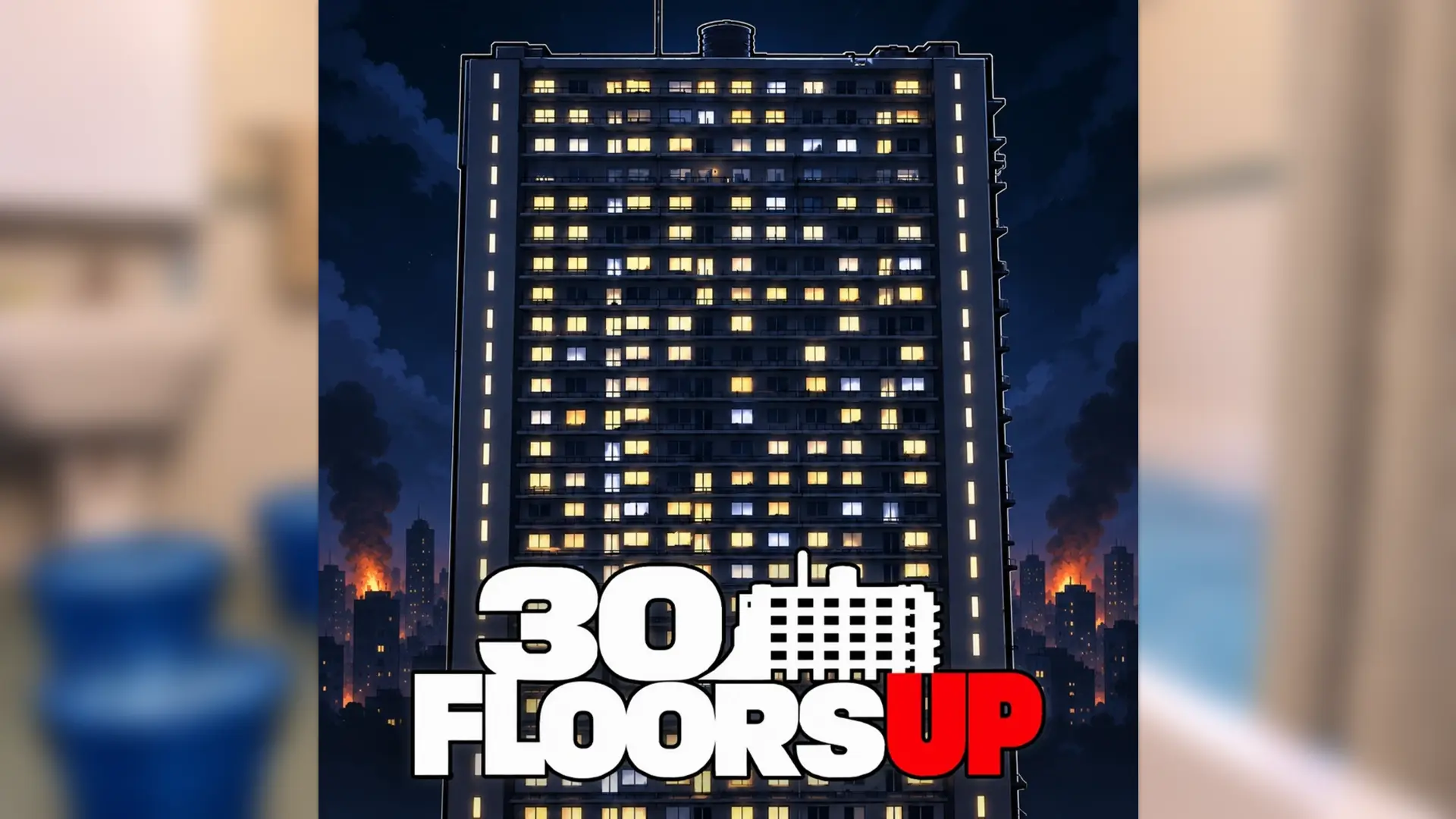
Nothing makes your stomach drop quite like hearing footsteps shuffling outside your apartment door when you are down to your last bottle of water. Making it through 100 days in 30 Floors Up is tough, and every time I make a supply run down those dark hallways, one loud noise is usually all it takes to ruin everything. You need every single advantage you can get just to keep your barricades intact and build a safe spot on the roof. That is why I always redeem 30 Floors Up codes as soon as they drop, since having free Cash and Gems in your pocket lets you grab emergency supplies before you step out into the hallway. Below is the full list of codes ready to claim right now.
Last checked for new codes on: November 10, 2026
All 30 Floors Up Codes List
Here’s a list of all the working 30 Floors Up codes:
- Update2 – Redeem this code to get 900 Cash and 30 Gems.
Expired Codes
There are currently no expired codes.
How to Redeem Codes in 30 Floors Up

Before redeeming codes, you need to join the Dateline NBC Roblox group. Here’s how to claim your rewards:
- Join the Dateline NBC Roblox group.
- Launch 30 Floors Up on Roblox.
- Click on the Settings button on the left side of the screen.
- Click on the Codes button at the bottom of the pop-up window.
- Enter a working code in the text box.
- Click on Redeem to collect your rewards.
How to Get More New 30 Floors Up Codes
The developers share code updates through the 30 Floors Up Discord server. You can join the server and check its announcements for new rewards. However, finding codes there may take some time, so you can also bookmark this page. We’ll check for new codes and update the list when more rewards become available.
Why Is My 30 Floors Up Code Not Working?
If a code isn’t working, first check that you’ve entered it correctly. Even a small spelling mistake can stop the game from accepting it. Copying and pasting the code can help you avoid this problem.
Also, make sure you’ve joined the required Dateline NBC Roblox group before trying to redeem it. If the code still doesn’t work, it may have expired or the game server may need to refresh.