
In Valheim, your character will do a lot of amazing things like building, hunting, taking down bosses and more. The developers have given the option to create your own character based on your likes but the character customization process isn’t in-depth like Cyberpunk 2077. Nevertheless, you can add elements that you like and create your own identity in the game. In this Character Creation Guide, we will take a look at how to customize character in Valheim.
Valheim Character Creation & Customization
When you are ready to create a new Character, you have to press on NEW. This option will be present at the bottom of the screen in the right side.
- Choose whether you want your Character to have a Male or Female body
- Select the Skin tone that you want your Viking to have. Use the slider to pick the tone you want.
- The Hair selection gives you various Hairstyles to choose from.
- Pick a Beard style that you think is appropriate for your Viking.
- There’s also the Hair Tone slider and Blondness that you can adjust as per your liking.
- Lastly, you can pick your character’s name before they head out on this adventure.
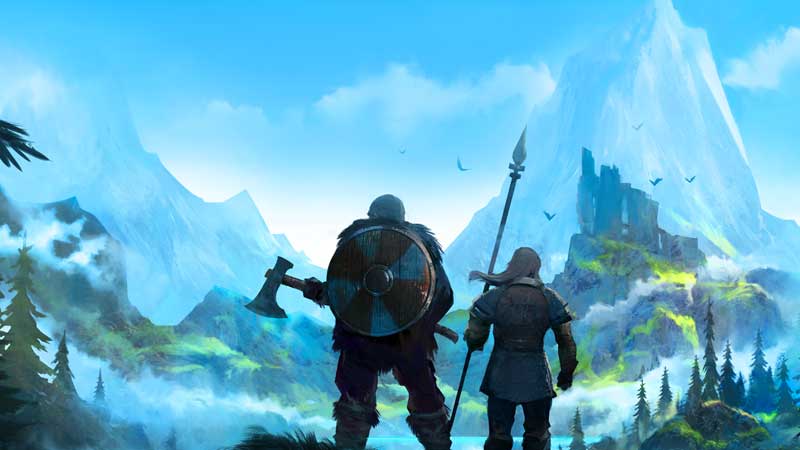
Rotate your character to see if you are happy with what you have chosen. Whichever changes you make in terms of skin, hair, beard or anything else, will be reflected in the character on the right side. Remember to be sure about what you are choosing because as of now, you cannot change your character’s appearance. You can make a whole new character though, but it will reset its progress.
After you are satisfied with how your Viking looks, the next step is to give the character an awesome name fit for a Viking. After all, you are going to fight a lot of crazy enemies in this game so check out the list of Good Character names in Valheim that you can pick from.
That’s what you need to know about the character creation and how to customize character in Valheim. With the first step all done, you need to know what you should be doing next. For that, head over to our Biome progression guide, crafting progression guide and more tips and tricks in our Valheim wiki. The game doesn’t really explain clearly what you need to do so our tips will definitely help you out if you end up scratching your head in confusion.











