
There are tons of scrap items that you will find while scavenging the facilities on different moons in Lethal Company. And while not all of them can be interacted with, some items like the Remote have inherent usage that players can utilize to have more fun in the game. Since the horror experience can be pretty chaotic, it can be easy to miss out on such features.
We recommend you go through the list of all the strange entities that you will come across in Lethal Company. This will make things easy for you as you will be able to deal with all of the monsters accordingly. With that out of the way, if you are wondering what’s the exact use of the Remote in the game, then here is a guide with everything you need to know about the scrap item.
How to Use Remote in Lethal Company
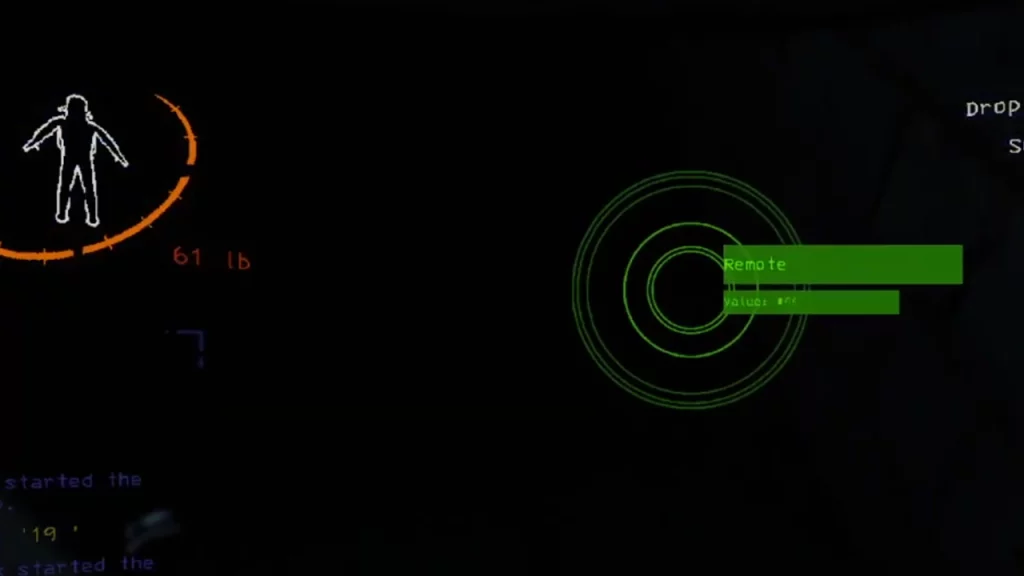
Players can use the Remote to toggle on/off the ship’s light in Lethal Company. There is no other special usage that you will come across for the item in the game. To use the item, you will have to first equip it and press the left mouse button to turn on/off the lights on the ship. Since the captain of your crew would be alone on the ship, you can have some fun while turning off the lights and keep things dark for him to operate.
The Remote cannot be bought from the ship’s terminal in Lethal Company. As it is a scrap item, you will have to find it inside the facilities in the game. You can go out looking for Hoarding Bugs as they might sometimes stockpile items like the Remote in their nest.
The item costs around 20 to 45 credits and can be worth getting back to the ship to reach the Company’s quota in Lethal Company. Since it’s not a large item and weighs almost nothing you can carry it around easily with other items in your inventory.
That’s everything covered in this guide. If you find this guide helpful, we recommend you go through our dedicated Lethal Company section for even more interesting guides, right here on Gamer Tweak. If you are confused on the different team roles in the game, here are some tips and tricks.











