
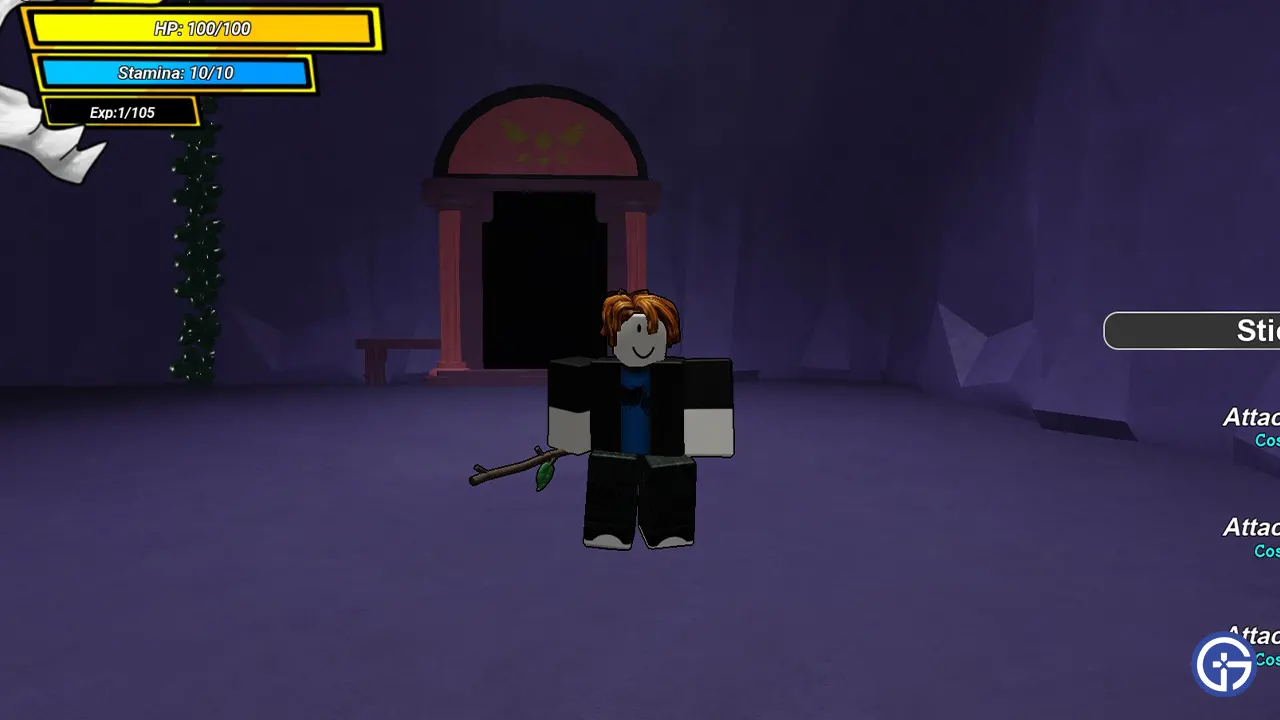
Consider your search for the links of Underworld Realm Trello Board and Discord Server over. In this Wiki, you can find everything important about the game. Underworld Realm is a Roblox game made by RaphaelMxz. It is based on Undertale and features a dungeon-like battle system. The best part is it lets you and up to 3 other friends fight monsters together. For these fights, you can use weapons like a Stick or a Toy Knife to spells like Vines or Magic Fire & more. So if you are looking to find out more about them in one place then head over to their Trello board or join the community using their Discord server.
Underworld Realm Trello Link
Below is the link to the Trello board of this game:
Underworld Realm Discord Server
You can use the below link to join the official Discord server of the game:
Underworld Realm Controls
- Z – Attack 1
- X – Attack 2
- C – Attack 3
- E – Use Spell
- Q – Dash
- M – Open Menu
What do the GUI Buttons on its Trello Board mean?
- Info: This tab has all information about what the game is about, its controls, and what souls and gold are used for.
- Areas: Here you find every area in the game and the level needed to reach there.
- Monsters: All the monsters in the game and their stats.
- Souls: Each soul and what buff & abilities they give you in combat.
- Weapons: The different weapons you can use in-game.
- Soul Combos: The soul and weapon combos in the game.
- Items: All items in-game and what they are used for.
- Spells: All spells in-game, how to get them & their stats.
- Armor: Every armor in the game.
- Shops: Locations of all shops in the game and what you get there.
- Arenas: All Arenas and where you get them from.
- Gamepasses: Every gamepass in Underworld Realm and what you get after buying them.
That’s all for this Wiki and links for the Trello board & Discord server for Roblox Underworld Realm. Head over to our Roblox section to find more such Trello links & Codes for your other favorite games!










