Want to know if there is a way to transfer your HoloCure save files to Steam? The gameplay is heavily inspired by Vampire Survivors and Magical Survival which makes it all the more interesting. And while the game was available for direct download on itch.io for free, it is now been made available on Steam. As many players will prefer the Steam download of HoloCure, they might wonder about their saves from the previous version and if there is a way to transfer them to the Steam version. In this guide, we will provide you with the saved file location of HoloCure to transfer it manually if things don’t go as planned.
How to Transfer HoloCure Save to Steam
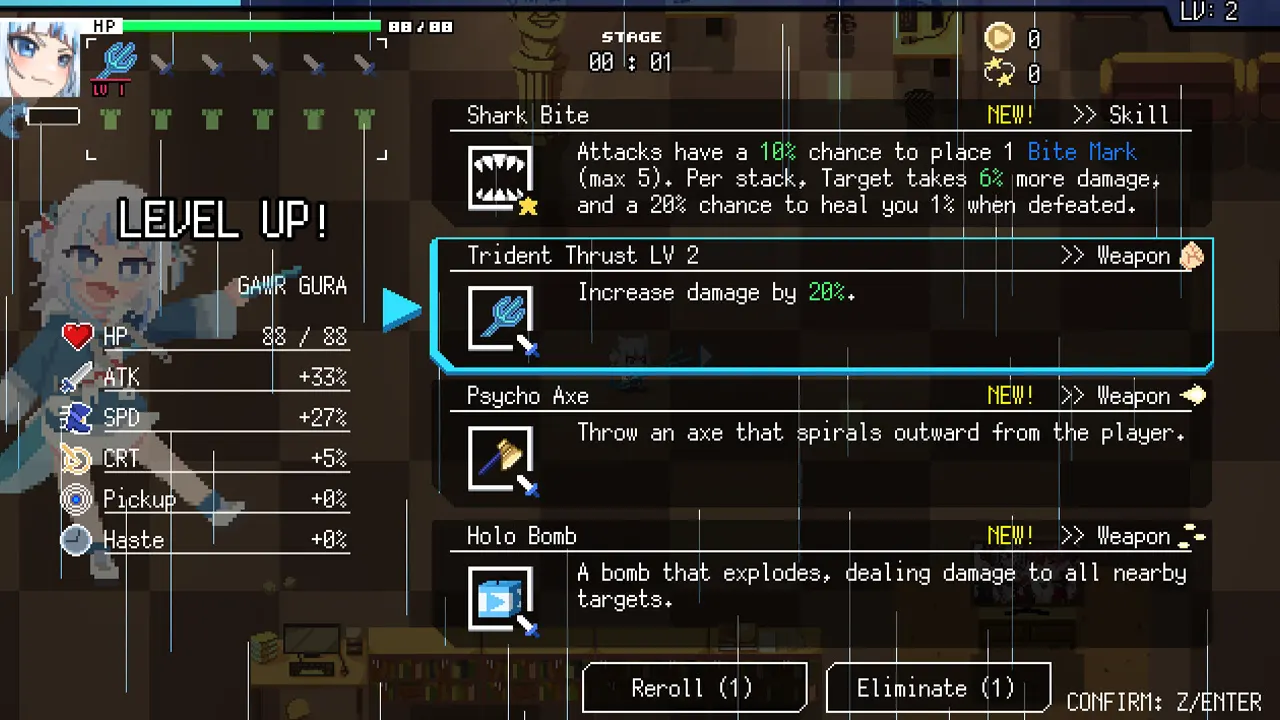
The HoloCure save files will be automatically transferred to the Steam version once players download the game on the client. Although players will have to make sure that they don’t delete the previous version of the game from their system. Once you have downloaded HoloCure on Steam it will load up the save file from your previous version while playing. This was confirmed by the devs of the game via this tweet and have guaranteed that it works. This makes it easy to load up your last progression and start right where you left off the game. However, if the above method doesn’t work, you can try manually transferring files from the directory to the Steam version.
HoloCure Saved File Location
Since you are looking to transfer save manually, you will need the HoloCure saved file location. Here are the steps you can follow to copy and paste the save file:
- Players need to follow this path – Users\AppData\Local
- Here, click on the HoloCure directory.
- After which look for a file named save.dat.
- Copy the file from the directory and head toward your Steam folder.
- Look for HoloCure in the folder and b.
- This will help you transfer save files from your previous version to Steam.
Although the first method is most likely to work given that you haven’t already deleted the game from your system, you can use the HoloCure saved file location to transfer it manually if it does not.
That’s everything covered on how to transfer HoloCure save to Steam. If you find this guide useful, check out our best character tier list and what are collab weapons in HoloCure, right here on Gamer Tweak.