Apart from lagging and stuttering, players have also been reporting issues where they are stuck on the loading screen in Starfield. There may be several reasons that are causing it and in this guide, we will help you with a few possible solutions you can use to resolve this infinite loading screen problem.
Starfield Stuck on Loading Screen Fix
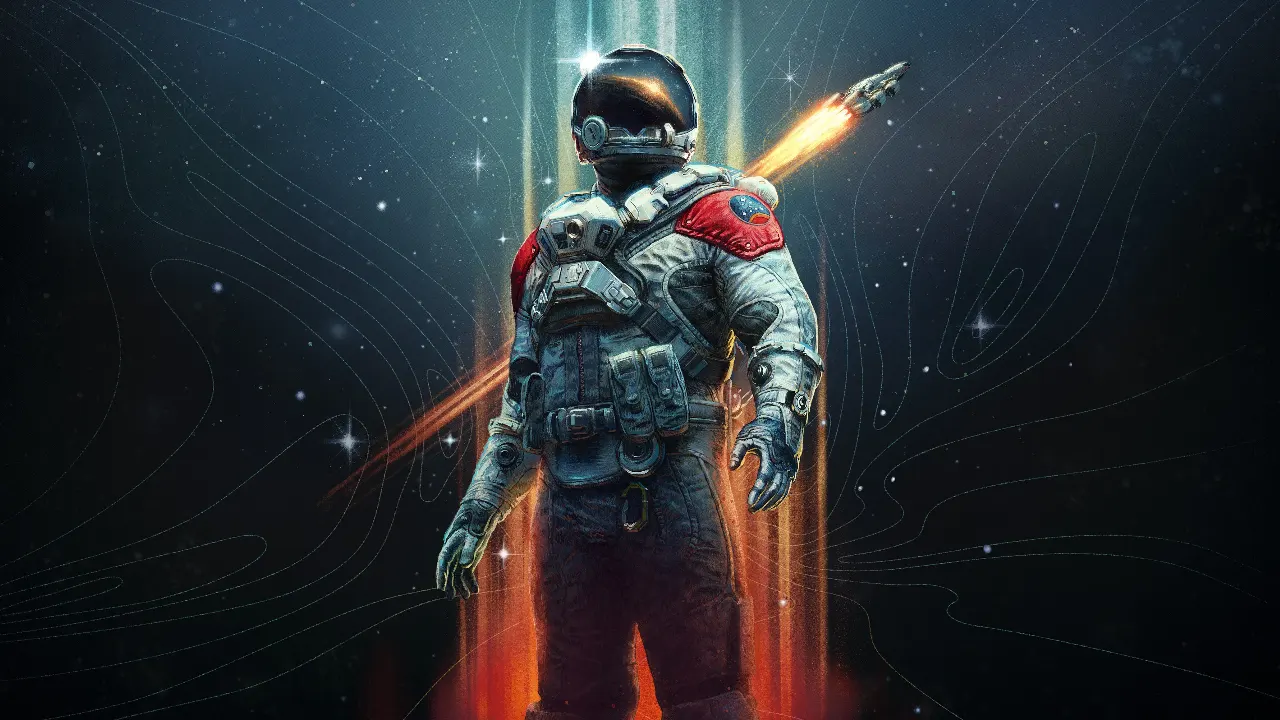
Try these possible fixes for the infinite loading screen issue in Starfield.
Restart your Game
The most basic way to fix any type of issue with your game is restarting it. Doing this can prove helpful not just for this problem, but for other errors as well.
Restart your PC
If the game is still stuck even after you have restarted it, you can try and restart your PC. If that doesn’t work either, you can hard boot your PC and check the game again.
Update Graphic Drivers
- Right-click the Start icon and select Device Manager.
- Click on Display Adapters and expand it.
- Now Right-click on GPU and click on Update Driver.
- Follow the instructions on the screen and restart your PC.
Disable any In-Game Overlays
- Go to the Steam app and click on settings.
- From the In-game menu, uncheck the Enable Steam Overlay option.
- Exit and restart Steam again.
Close Unnecessary Background Tasks and Applications
- You can do this to make sure that your background and programs are not draining out your system resources.
- Close all background tasks by pressing Shift + Ctrl + Esc to open Task Manager. Then click on the Processes tab and select the tasks you want to close.
- Use the same keys to open Task Manager again and to organize the apps from highest to lowest consumption, click on the Memory tab. Right-click the top one and select End Task. Do this for all the unwanted apps you don’t need.
Check Disc for Errors
- Open File Explorer on your PC
- Right-click the drive where Starfield is installed and click on Properties.
- Now go to the Tools tab and select Check below Error Checking.
- Select the Scan Drive option. Once completed, restart your PC.
This is everything you need to know about how to fix Starfield stuck on the loading screen, you can also check out crashing and freezing fix and more, here on Gamer Tweak.