
Subnautica is an open-world exploration game existing in the oceans of alien planet 4546B. Seabases are the underwater shelter that helps the character to breath-in oxygen whenever he runs out of it. However, a Lifepod doesn’t have all the necessary features that are required to survive in the huge ocean. Seabases are alternative habitats that can be built by unlocking blueprints. A Scanner Room is one such Seabase that is used to scan for resources in a range of 300 meters. However, to unlock the blueprint of a Scanner Room in Subnautica, you need to find three pieces of Scanner Room Fragments. Here’s our guide that features steps to find those fragments.
Where to Find Scanner Room Fragments in Subnautica?
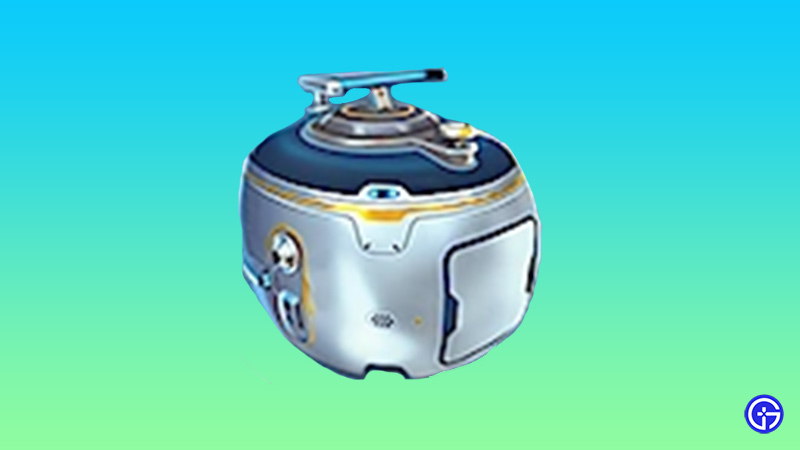
There are a lot of fragments scattered in the ocean but you need only three of them to unlock the blueprint. Check out these points to know how to get to the fragments:
- In order to find the Scanner Room fragments, head over to the Aurora (Wrecked Ship in Subnautica) and find a Coral Tube sticking out of the water.
- Further, stand on it and start moving towards the direction between south and south-east.
- Continue swimming until you found scattered wreckage on the sea bed. Also, it may be 100 meters under the sea.
- Take out the Scanner and start searching for the fragments around the wreckage. You may find your first Scanner Room fragment there.
- Further, head over to the direction between west and southwest until you discover another pile of wreckage.
- Use the Scanner to find the second Subnautica Scanner Room fragment there.
- After this, get back to the Coral Tube and head over towards the northeast direction.
- Around 460 meters from there, there’s another scatter wreckage where you may find the third Scanner Room Fragment.
- After collecting three fragments, you’ll be notified that the blueprint for Scanner Room is now unlocked and ready to build in Subnautica.
- After this, you can use the Habitat Builder to build the Scanner Room and Scan for the resources nearby.
That’s how to get the Scanner Room fragments in Subnautica. If you found this article helpful, then make sure to check out our other Subnautica guide on Repairing a Base.











