If you want to have the best chance of surviving in Rust Console Edition, you should play with companions. The world of Rust is harsh and cruel, but banding together to protect yourself from raiders and other threats is a brilliant way to assure your safety. The new console version supports Crossplay for your friends to come together and play as a team now. However, there is no easy method to get together with your friends or even give them invitations, so you’ll have to put in some effort to locate them and make a group. Those hoping to play on a private server with their friends may be dissatisfied with the game’s handling of private worlds. Here’s how to play Rust Console Edition with your friends.
How to Play Rust Console Edition With Friends?
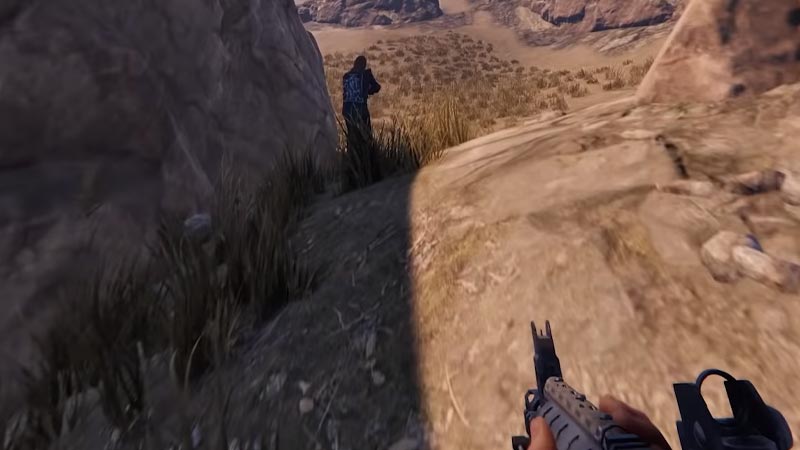
Everyone in your team must be on the same server if you’d like to connect with them. One member should choose a server with enough space for your group and then inform the entire team about it. Click on your menu and choose Create Team once you’ve entered the game. Then engage your mates and invite them to join your group. They’ll be allowed to join your team after that. The names of teammates will appear in green on your display, with green dots over their heads to indicate that they are not your enemies.
There are two methods to locate your buddies. The simplest and most basic technique is to launch your map and join people in the normal approach. This is simple if you spawn next to one another in the same area. But if your mates join in on a separate area of the map then a second strategy is used in this situation. One player may collect enough cloth to make a sleeping bag. Then set it on the ground, open the menu, and then choose the Give to a Friend option. This will give your companion access to the respawn spot. Now they can kill their character to respawn in the sleeping bag you set down.
Thats’ everything you need to know about how to play Rust Console Edition with your friends. While you are here, check out more of our Rust Guides to know more tips and tricks like, How to Host a Private Server in Rust Console Edition.