Developed and published by Kinetic Games’ Phasmophobia is receiving a lot of traction. This has caused a huge influx of players and a burden on the servers of the game. The increased pressure on the server has further led to players facing Game Does Not Exist or Server Version Mismatch error. If you too are facing the error and out looking for a solution, you are in the right place. In this Phasmophobia server fix guide, we will enlist a few solutions that can help you fix Game Does Not Exist or Server Version Mismatch error in Phasmophobia.
How to Fix Game Does Not Exist or Server Version Mismatch Error in Phasmophobia
Find below a list of solutions to easily fix Server Version Mismatch error in Phasmophobia.
Play in Common Servers
Phasmophobia features multiple servers, and these servers can be one of the biggest reasons that are causing the error. The server is auto-selected based on the location of a player. Hence, if you are residing in the States, your server region will be the US, and on the other hand, if your friend is from London, then the server will be the UK. This can cause an error while joining a private lobby.
To join a multiplayer co-op mode, you need to make sure that you and all your friends are using the same server, regardless of region. If the servers are different, you can opt to switch them. Head to the server screen and use the server region drop down from the top right to change servers as required.
Check for the Latest Updates
Check whether you and all your friends are using the latest update of the game or not. To do this, head to Steam’s Phasmophobia page and right-click on the game. Now, select the “Properties” tab and then choose to see the “Local Files” tab. Now, simply press on “Verify Integrity of Game Files” to look for any missing or corrupted file.
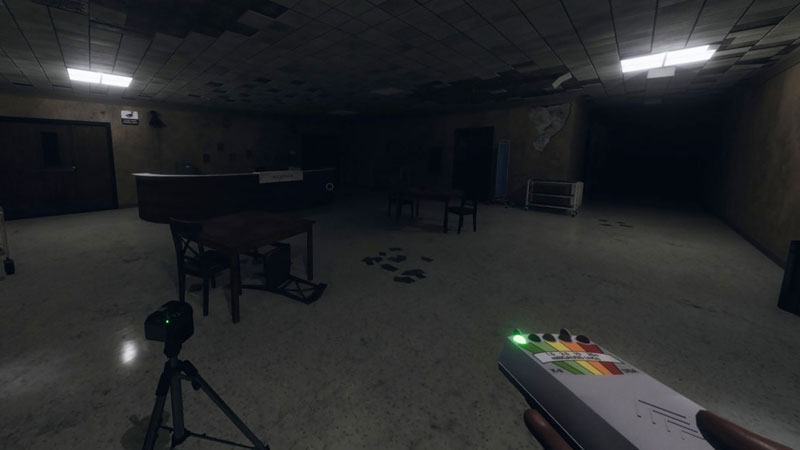
Other than missing files, also look for any available updates for the game. After installing the latest update and all the missing files, reboot the game and this will fix the Server Version Mismatch error for you.
Play on the Beta Servers
If some of your friends are playing on the Beta server, while others are playing on some other server, you will certainly see a “Game Does Not Exist” server error. To ensure that you are all using the Beta servers, head to Steam’s Phasmophobia page and right-click on the game to see options. Next, select the “Properties” tab and then head to the “Betas” tab. Look for the “Beta Build” option. If the option is selected, deselect it to make it inactive.
After changing to Beta servers, it is also advised to close and restart the game. Doing this will fix the “Game Does Not Exist” error.
Check Phasmophobia’s Official Accounts
Checking Phasmophobia’s official social media handles will let you know about any current technical issues or bugs about the game that can cause server errors. For instance, Kinetic Game’s Twitter handle has tweeted about the Server Version Mismatch error. Since the developers are aware of the issue, it is highly possible that we will get a permanent fix for the server problems.
Those are the few solutions that can help you fix Game Does Not Exist or Server Version Mismatch error in Phasmophobia. While here you can read our guides on how to witness a ghost event. It is an optional objective that completing which can get you useful rewards. You can also read how to get all photo rewards in Phasmophobia to get some extra in-game cash.