Minecraft is a fun game – you can build your Palaces and Castles, go on a quest by defeating bosses, etc. It gets better when you have friends join you in your adventures. In this guide, I will show you how you can add your friends to Minecraft.
How to Add Friends and Play Multiplayer on Minecraft Java Edition
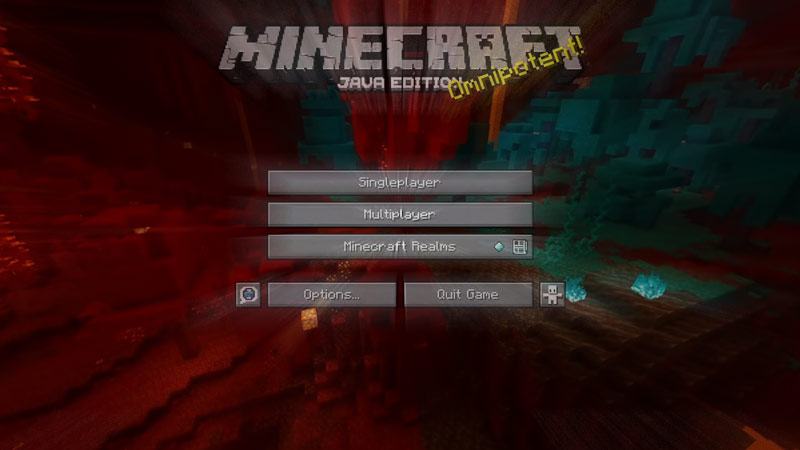
There are multiple ways you can play Multiplayer in Minecraft Java Edition. The way you can do it is by having a Public Server, Private Server, and LAN Server. Whatever option you choose you must be able to find out what your IP address is. To do so you can open the command prompt by typing “cmd” in your PC’s Start Menu. Once you do just type “ipconfig”. This will give you your IPv4 Address, Subnet Mask, and your Default Gateway details. Here is how you can join them:
Public Server in Minecraft
Public Servers are hosted by server owners to run 24/7. So basically all of your progress in the game won’t be lost as long as the server is running. The Benefit of Public Servers is you can call your friends or make new friends from the many Minecraft Communities from Reddit, Discord Servers, and other such sources. If you lose your connection to the game, nothing is lost. You can just join back. You can join a Public Server by following Content Creators on Youtube or going on Discord Servers. To join one, you will need the Server Name and the Server Address which will be provided by the Server Owner. The drawback is that if the server hits its limit then it will be difficult to join in. Also, if the server is not moderated properly then player griefing may become an issue. This is also a good way to friend people in Minecraft as you get to meet more people.
Private Server in Minecraft
Private Servers are hosted by either you or a friend of yours where only your friends will be on the server. Here the server is hosted on one of your client systems. So you will require a good system to run the server. The server will only run if you, the host, are playing the game. This can be fine if you coordinate time slots to play otherwise it can be difficult for your friends to play. To join a Private Server is the same as to join a Public Server. Many advance users prefer a Minecraft VPS for greater control over server configurations and performance optimization. Cybernews explores the top VPS hosting options that offer dedicated resources for an uninterrupted gaming experience. The added benefit here is you can make your Private Server into a Public Server if you choose so. For such a decision you will require premium services like Apex Minecraft Hosting.
LAN Server
LAN Servers are hosted on a local network. So if your WI-FI goes down or your ISP crashes your game won’t be affected. Consequently, you will need your friends to be on the same network. This works best if your group of friends live nearby like in the next apartment or use the same ethernet connection. To access the LAN feature all you need to do is start a Singleplayer game and in the pause menu click on the “Open to LAN” option. Once you do It will give you a Port Number, save this for later. Now, for your friends, the game should appear as a LAN Server when they click on Multiplayer. If this does not appear then click on “Direct Connection” and enter the IP Address and the Server Port Number in “IP_Address:Port_Number” format. This will let them join your single-player game.
To sum up, these were the ways to join a Server with your friends in Minecraft. Hopefully, this has helped you. Now go on and have the best adventures with your friends. You can also check out our guides on Minecraft Boats and also on Crafting Arrows.