You should upgrade your players in MLB The Show 22 if you want to have better matches. When starting, your Ballplayer will have very average stats, but that can be changed. While the method may not be easy but definitely a thing that you can do. So in this guide let us check how to upgrade your Ballplayers in MLB The Show 22.
How to Upgrade Players in MLB The Show 22
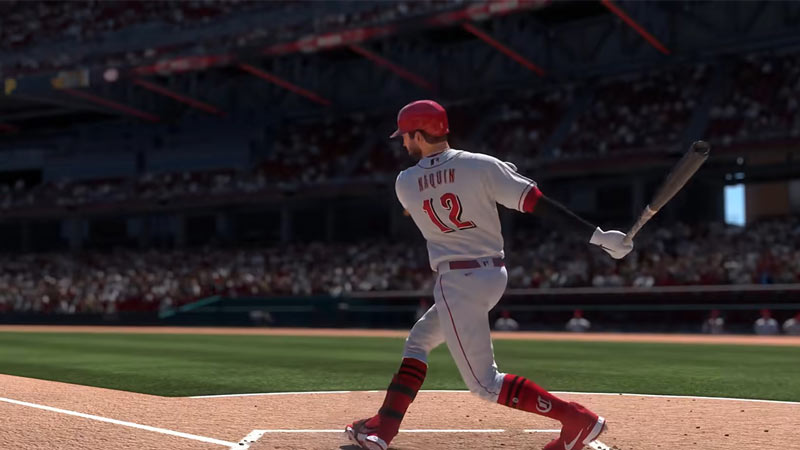
You can upgrade players by completing Road to the Show Challenges in this game. These challenges include both one-time and repeatable challenges. Let us check what I mean exactly by that.
- Click on your character icon on the top left corner of the screen.
- Next, click on Loadout Default.
- Here you will see three Archetypes.
- Click on it to expand and change other archetypes.
- Once you have selected the Archetype press the Square button on your PlayStation controller to check the Item Program. Xbox players can do that by pressing the X button on their controller and Nintendo players can press the Y Button to do the same.
- When you get 100 points for an Archetype you unlock the next Archetype. Based on your Archetype’s rarity you unlock the next one.
- There are 4 archetypes bronze, silver, gold, and diamond.
- You can go down to check the missions that you need to do to get the points.
- Check these missions and complete them while playing Road to the Show.
- As you keep progressing you will see get more points thus your Archetype improves.
This will eventually improve your Ballplayer’s overall stats.
Do remember the Playstyle you pick affects the missions you get. It also changes the Archetypes you get. These are the playstyles you can play as.
- Pitcher
- Two-way Players
- Position Player
When creating your character you have to pick three things.
- Playstyle
- Position Archetype
- Position
That is all you need to know about how to upgrade your players or Ballplayers in MLB The Show 22. If you like playing this game be sure to check our other guides on how to edit uniforms, and how to edit logos in the game. And if you face connection issues then check our guides on how to fix the network error and how to check the server status of MLB The Show 22.