Home > MLB The Show 21 > Custom Leagues not working in MLB the Show 21

MLB The Show 21: Custom Leagues Not Working Fix Available?

Published Date :

The last baseball simulator by San Diego Studio has had a rocky start since its debut. MLB The Show 21 has been mentioned several times in Reddit for various problems including Custom Leagues not working properly. These problems seem to be numerous, despite the fact that the game has only been out for a few days. This issue is not allowing friends to play a complete series together against AI. So, today let’s look at this issue in detail.

Custom Leagues Not Working in MLB The Show 21

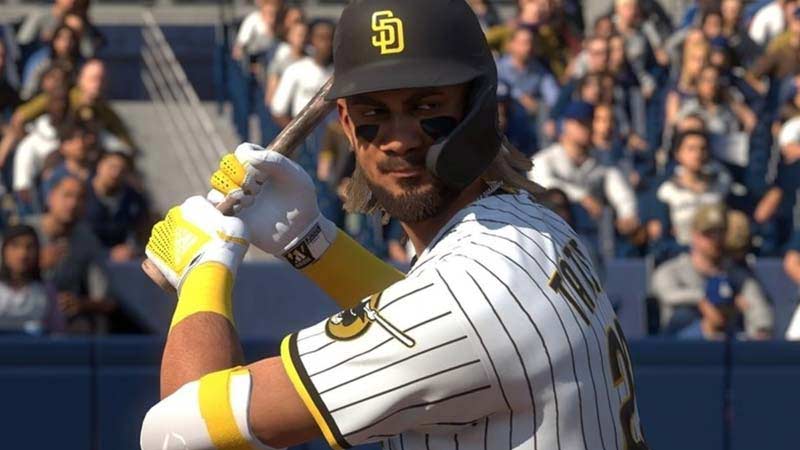
Custom Leagues is suffering from a glitch and is not working properly in MLB The Show 21. This glitch makes it extremely difficult for players to create a Custom League. The game refuses you to create or play a Custom League with your friends sometimes. Then it shows an error message saying that there is a problem with the internet or similar errors every time. As of now, there is no official response from the devs on this matter.
MLB The Show 21 Custom Leagues Not Working Fix Available

Players were meant to be able to make and participate in various online Leagues, as well as play for multiple seasons, in this mode. Many players are patiently awaiting a response to this problem. We truly hope that this mode will be available to play soon.

Even though Custom Leagues enables you to play an online league over several seasons, it’s important to remember that Custom Leagues do not have any of the functionality included in Franchise mode, but it’s a start. The major drawback is that only a few teams are available in Custom Leagues. You won’t be able to assign any team to AI, this means the total teams will be only equal to the number of gamers who is part of that Custom League.

That’s everything you need to know about Custom Leagues not working properly in MLB The Show 21. While waiting for a fix on this issue, check out some more MLB The Show 21 tips and tricks we’ve covered in our MLB The Show 21 guides. We’ve got everything from Pinpoint pitching to CFD drain and more about how to create your own player and add to the team.
  • Stream a Mukbang Codes (August 2026)

    Stream a Mukbang Codes (August 2026)

    Published Date :

    Mukbang games are gaining more popularity on Roblox these days, and Stream a Mukbang is where you eat food live, gain views, likes, followers, and earn cash for upgrades. As your live videos become more popular, you’ll need more resources to keep attracting new viewers, and that’s where free rewards can make a difference. Redeeming… Read More

  • Become an Anime Billionaire Codes (August 2026)

    Become an Anime Billionaire Codes (August 2026)

    Published Date :

    In Become an Anime Billionaire, you roll for anime characters, earn money, rebirth, climb the leaderboard and this journey becomes much easier when you have plenty of rewards. Thankfully, the developers release new Become an Anime Billionaire codes pretty regularly, such as free Units, Lucky Blocks, Cash, and more. Here’s the complete list of all… Read More

  • BikeLife Society Codes (August 2026)

    BikeLife Society Codes (August 2026)

    Published Date :

    Pulling off wheelies, upgrading your ride, and traveling across the city is what BikeLife Society is all about. As you unlock better bikes and customize them to match your style, you’ll need plenty of in-game resources to keep progressing. Free rewards can make that journey much easier, so it’s always worth redeeming the latest BikeLife… Read More

  • Coach a Fighter Codes (August 2026)

    Coach a Fighter Codes (August 2026)

    Published Date :

    In this boxing game, you don’t throw the punches yourself – you’re the coach who watches matches and helps train fighters. You’re tasked with upgrading your gym, improving your roster, and climbing through stronger leagues, which is why you’ll need every boost you can get. So, make sure to redeem these Coach a Fighter codes… Read More