Looking to add the Clyde AI to your Discord Server? For those who don’t know, Clyde AI is an integration for Discord Servers that uses Open AI Technology. Anyone on the Server can use this AI and chat with it. According to developers, it can be used to Discover Jokes & Tips, Play some Interactive Games, and other communicative activities. Sounds intriguing right? To get started with it, here’s how you can add and use the Clyde AI on Discord.
How to Install Clyde AI on Discord
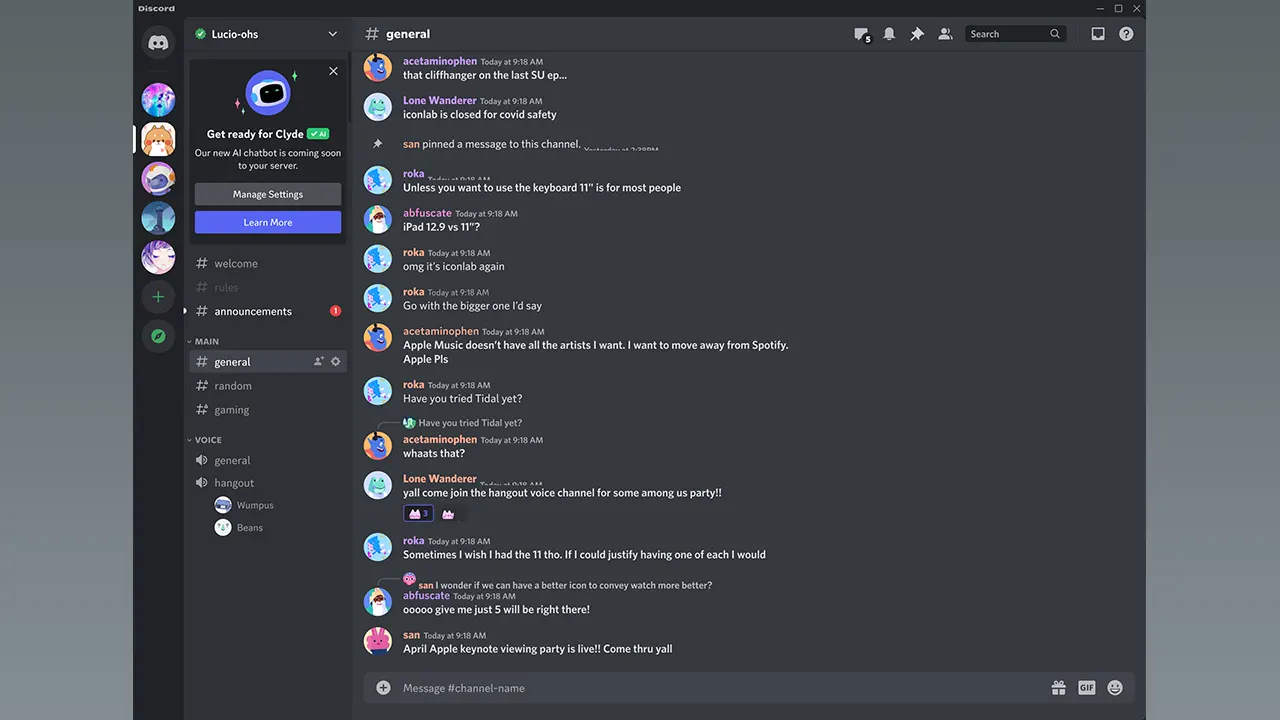
Firstly, know that Clyde is automatically installed on a Discord Server. Those who are Server Admins will receive a notification about Clyde coming to their Server. Actually, Clyde is an experimental feature and there are still some developments to be made. However, once Clyde AI is released officially, here’s how Discord Server Admins will be able to add it:
- Head over to your Server Settings.
- Now, click on Integrations in the Apps section.
- After that, enable Clyde AI from that tab.
Now that you know how to add Clyde, here’s how to use it.
How to Use Clyde AI on Discord
To chat with Clyde AI, simply mention it using ‘@‘ in the chatbox of your server. Each time you want to talk with Clyde, you’ll have to mention it on the server with the message you want to send. The AI will reply back to your message quickly as if it’s your friend.
Not only this, but you (as an Admin) will also be able to provide a Custom Backstory for the Clyde AI on Discord. Admins can add a backstory by heading over to Server Settings > Clyde. Once Clyde Ai is given a backstory, other Server members will see a Pencil icon next to Clyde. So, non-admins can ask Clyde AI about its Backstory and listen to it in a unique way.
That’s all you can do to Install and Use Clyde on Discord. Also, did you know that it is possible to Stream PlayStation 5 on Discord? Know more about this through our guide right here at Gamer Tweak.