
While going through the abandoned moons players have to dawn their spacesuits to survive the extreme weather conditions and collect scrap items accordingly in Lethal Company. While the game has a decent collection of different suits that you can purchase and wear, they can sometimes be monotonous. The More Suits mod developed by modder x753 lets you add new suits to choose from and also gives you the option to customize them in the game.
This significantly improves the gameplay experience by letting you slot in new spacesuits instead of the same colored ones in Lethal Company. With that being said, if you are wondering how to install the mod and have new suits to equip in the game, then here is a guide you should check out further.
Disclaimer – Make sure you have some technical knowledge before you try to alter things on your device to install the mod. Also, mods are third-party applications so hopefully, you have acknowledged the use of that for your game.
How to Install More Suits Mod in Lethal Company
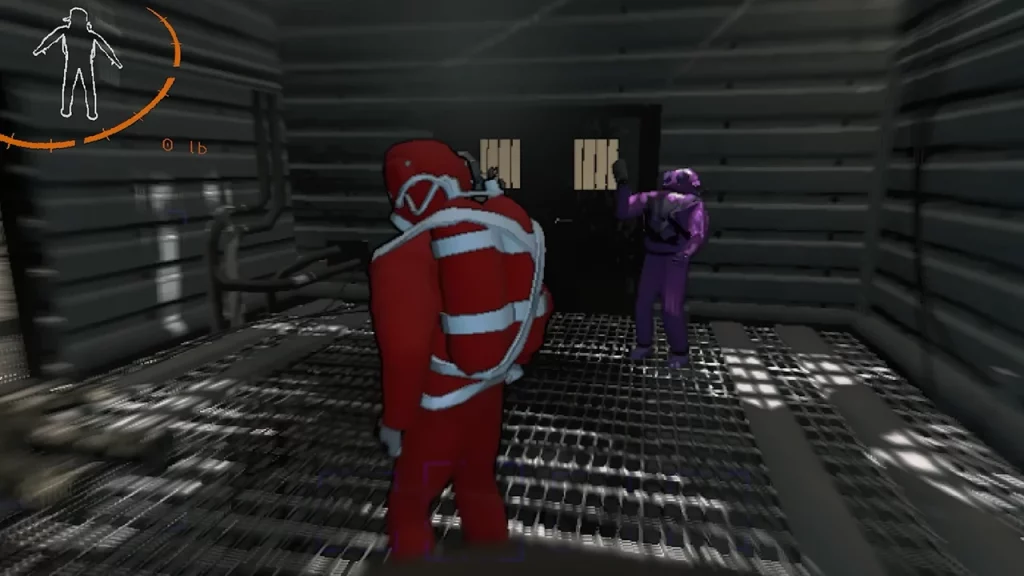
To add in new spacesuits, players will need to first download the More Suits mod from the Thunderstore database. Once you have downloaded the file, follow the below steps:
- Launch the Steam Client and right-click on Lethal Company.
- Head over to the Manage option and select the Browse Files option.
- Once you come across the directory, simply copy the More Suits mod files and paste them there.
- If you are faced with the prompt of replacing any files, then select yes to all.
- Players will find the BepInEx file inside the mod folder itself.
Players can also install the mod in Lethal Company with the help of the Thunderstore Mod Manager. This is one of the easiest ways to install the mod on your device and here are the steps you can follow:
- First, download the mod manager and install it on your device.
- Once done, search for Lethal Company and select it.
- After which search for the More Suits mod in the manager.
- You can then simply download the mod and install it from the mod manager itself.
It is worth mentioning that the whole lobby must have the mod installed to equip the new suits during the run in Lethal Company.
That’s everything covered in this guide. If you looking for even more interesting mods, we recommend you go through our list of best Lethal Company mods. And for more interesting guides like these, check out our dedicated Lethal Company section, right here on Gamer Tweak.











